

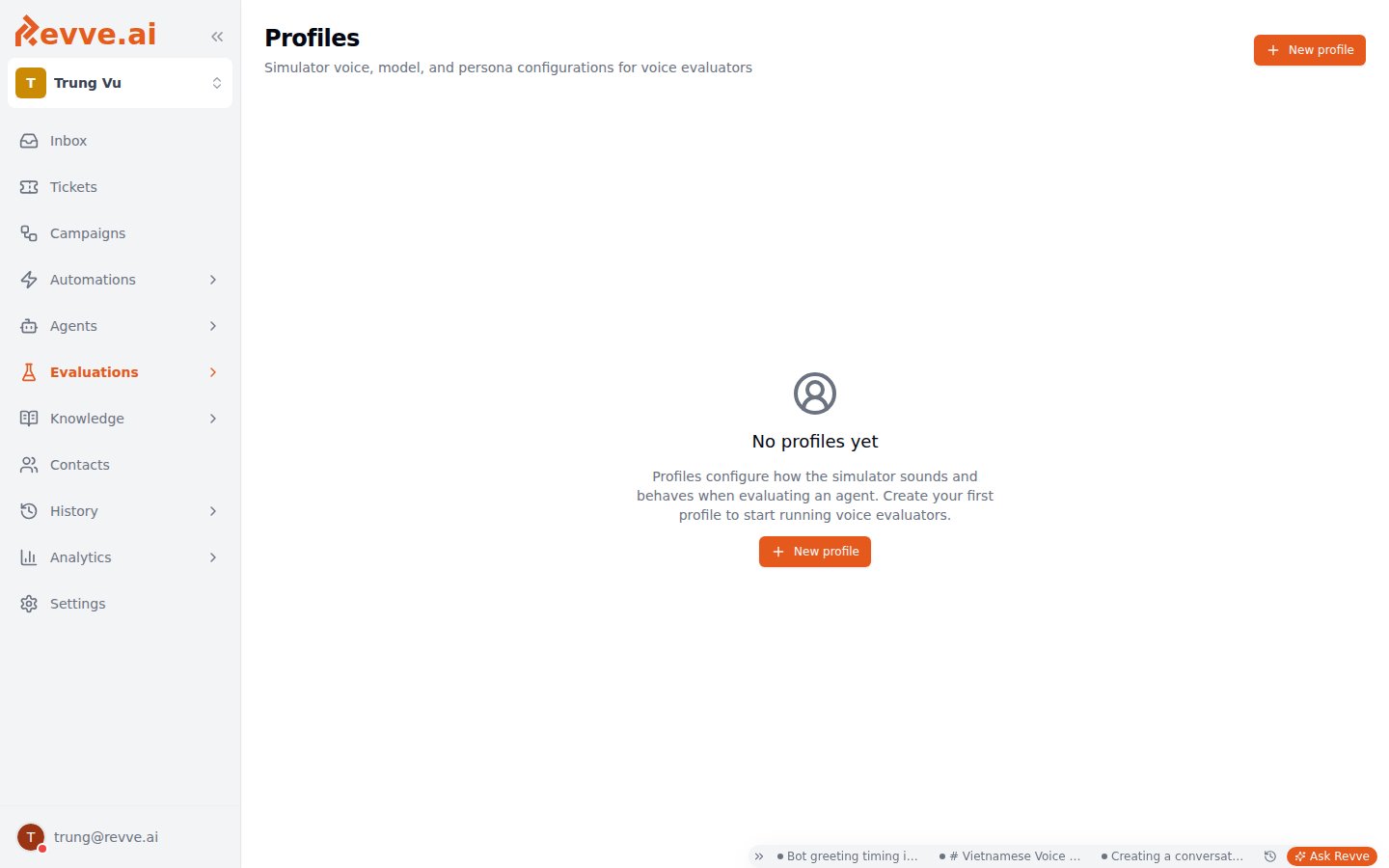
The New Profile dialog
Clicking New profile (or Edit on an existing row) opens a dialog with five sections. Required fields are Name, Instruction, and Voice Name; everything else has sensible picks in the dropdowns. Finish with Create (or Save Changes when editing).The Provider and Model dropdowns across the LLM, Voice / TTS, and Speech-to-Text sections draw from the same admin-maintained catalog as the model pickers in agent settings — if a model you expect is missing here, it’s missing from the catalog, not from Profiles.
Identity
Persona
This is the highest-leverage field in the dialog. A vague instruction (“a customer calling about their account”) produces a bland, endlessly cooperative caller that tells you nothing about how your agent handles real people. Write it like a character brief — see Building useful personas below.
LLM
The model that improvises the caller’s side of the conversation.Voice / TTS
What the simulated caller sounds like on the call. The selects cascade: Model depends on Provider, Language on Model, and Voice Name on Language — so pick them top to bottom.Speech-to-Text
How the simulated caller transcribes what your agent says back to it.Building useful personas
One profile per team is a missed opportunity. Build a small library of contrasting personas and reuse them across every voice Evaluator — the same “frustrated caller” can drive your cancellation test, your billing-dispute test, and your escalation test. A useful starter set:- Cooperative caller — answers directly, follows instructions. Your baseline: if the agent fails here, nothing else matters.
- Frustrated caller — impatient, interrupts, escalates when stalled. Tests de-escalation and whether the agent stays on task under pressure.
- Rambling caller — buries the actual request in tangents. Tests whether the agent can extract intent and steer.
- Soft-spoken elderly caller — quiet, slow, occasionally mishears. Tests patience, repetition handling, and the agent-side speech settings you tuned in Voice Agent Settings.
- Who they are — age, situation, relationship to your business.
- What they want — their actual goal, and how willing they are to give up information.
- How they talk — pacing, whether they interrupt, dialect or filler habits, how their mood shifts when things go well or badly.
Editing and deleting
Edit on a profile’s row reopens the same dialog; Save Changes applies to every Evaluator using that profile from its next run onward — there’s no per-evaluator copy, which is exactly what makes the shared library cheap to maintain. Delete asks for confirmation, and the warning is worth taking seriously: evaluators using the profile will no longer have a simulator persona, and the action cannot be undone. Reassign those evaluators to another profile in their Basics section (see Creating an Evaluator) before deleting, not after.What’s Next
- Creating an Evaluator — attach a profile in Step 2 and run your first voice evaluation end to end.
- Voice Agent Settings — the agent-side voice and turn-taking settings your profiles are stress-testing.