

The TikTok channel handles Direct Messages only. Inbound text and image DMs reach your agent — image content is read via text extraction, so the AI can answer a photo of a receipt or a screenshot. Other message types (such as video) are logged in the conversation but not answered. Comments, mentions, and video interactions on your content are not processed, and the agent’s replies are always text.
Prerequisites
- A TikTok Business account. The connection uses TikTok’s Business API, so a personal TikTok account won’t work — convert it to a Business account in the TikTok app first.
- Permission to manage channels in your Revve workspace.
Step 1: Connect your TikTok account
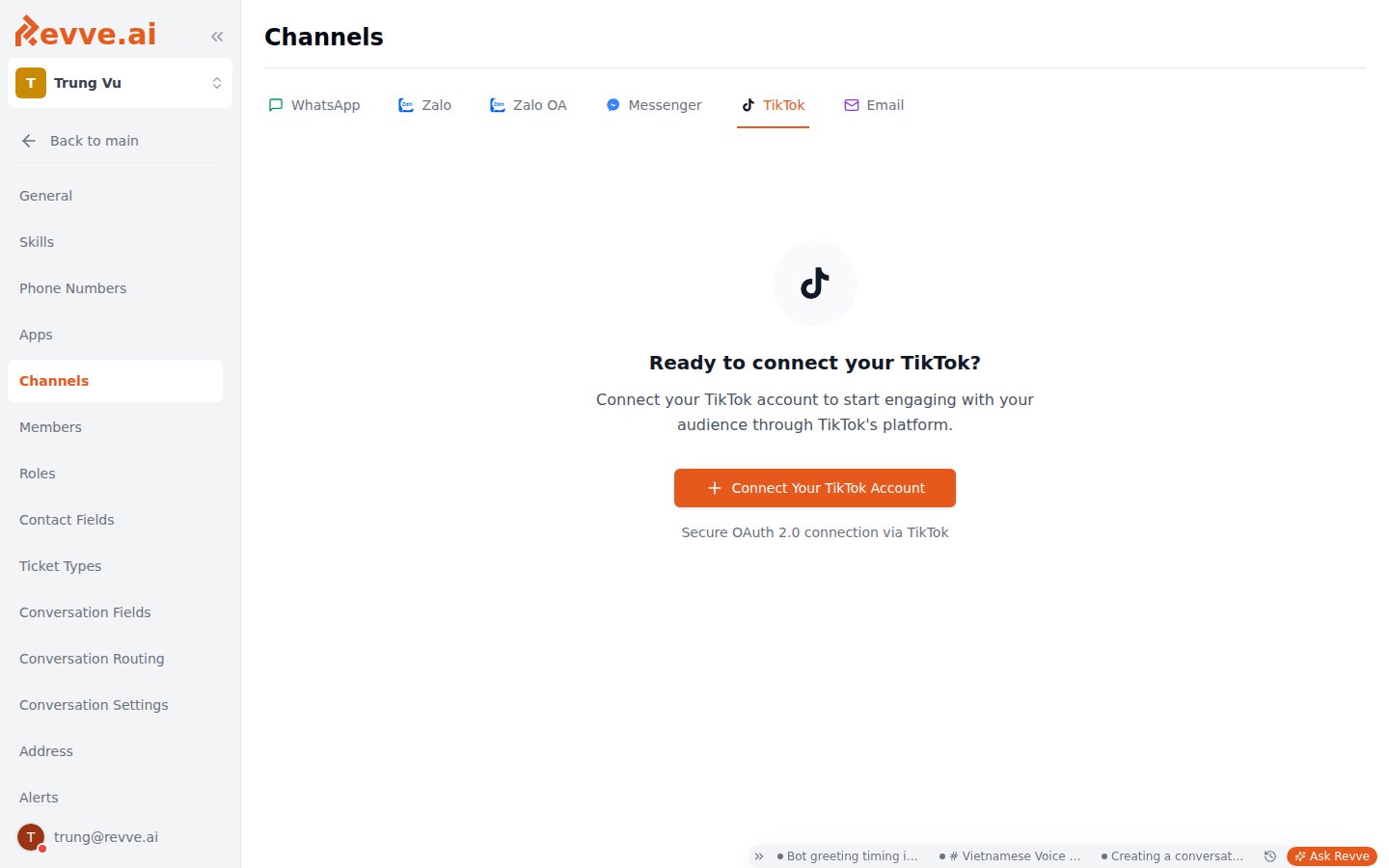
- Go to Settings → Channels and open the TikTok tab.
- If nothing is connected yet, you’ll see the empty state — “Ready to connect your TikTok?” Click Connect Your TikTok Account (a secure OAuth 2.0 connection via TikTok).
What a connected account shows
Each connected account appears as a card on the TikTok tab:Step 2: Put a chat agent on the account
A connected TikTok account does nothing until an agent is assigned to it.- Create a chat agent with Channel Type TikTok, or open an existing TikTok agent’s Channel settings. New to chat agents? Start with Creating your first chat agent.
- In the TikTok Account dropdown, pick the connected account the agent should answer for. If the account you need isn’t listed, the Connect new account shortcut takes you back to Settings → Channels.
- Configure the agent’s prompt, knowledge base, and languages as usual, then publish.
Optional: collect ratings after conversations
Social Feedback, in the agent’s Advanced Settings, asks users for a rating when a conversation ends on TikTok (and other social channels), and sends a follow-up when the rating is at or below the threshold you set. See Chat agent advanced settings.Staying connected
Access tokens refresh automatically — day to day you don’t need to do anything. The longer-lived authorization TikTok grants does expire, though:- Before expiry: if Channel Alerts are enabled, Revve emails a reconnect warning (“expires in N days — reconnect to avoid service interruption”). Enable alerts in Workspace settings so this doesn’t catch you off guard.
- After expiry: the account card shows Disconnected, and the agent stops receiving DMs. Click Reconnect on the card to re-run the OAuth flow and restore service.
Troubleshooting
What’s Next
- Creating your first chat agent — build the agent that will answer your TikTok DMs.
- Chat agent advanced settings — enable Social Feedback and other behavior tuning.