

How it works
A campaign has five building blocks, all configured on one Setup page:- Campaign Agents — the Voice Agents and Chat Agents that do the talking. A voice agent gives the campaign phone calls; chat agents give it their channels (SMS, WhatsApp, website, and more). Each agent gets a role describing its job within the campaign.
- Instructions — plain-language rules for the AI making decisions: “Call inbound leads up to 5 times. If the lead does not pick up, try again tomorrow. Calls must only be scheduled between 8:00 and 20:00 in the customer’s timezone.”
- Engagement Flow — the states a contact moves through (e.g.
not_responded_yet→qualified→booked_meeting). The AI tracks each contact’s state and tailors actions to it. - Exit Conditions — when a contact is done, also in plain language: “A lead exits the campaign when we qualified them and booked an appointment with the sales team. They also exit after we fail to reach them after 5 attempts.”
- Next Campaign — optionally, where contacts go after exiting (e.g. a nurture campaign for unreached leads).
What happens to an enrolled contact
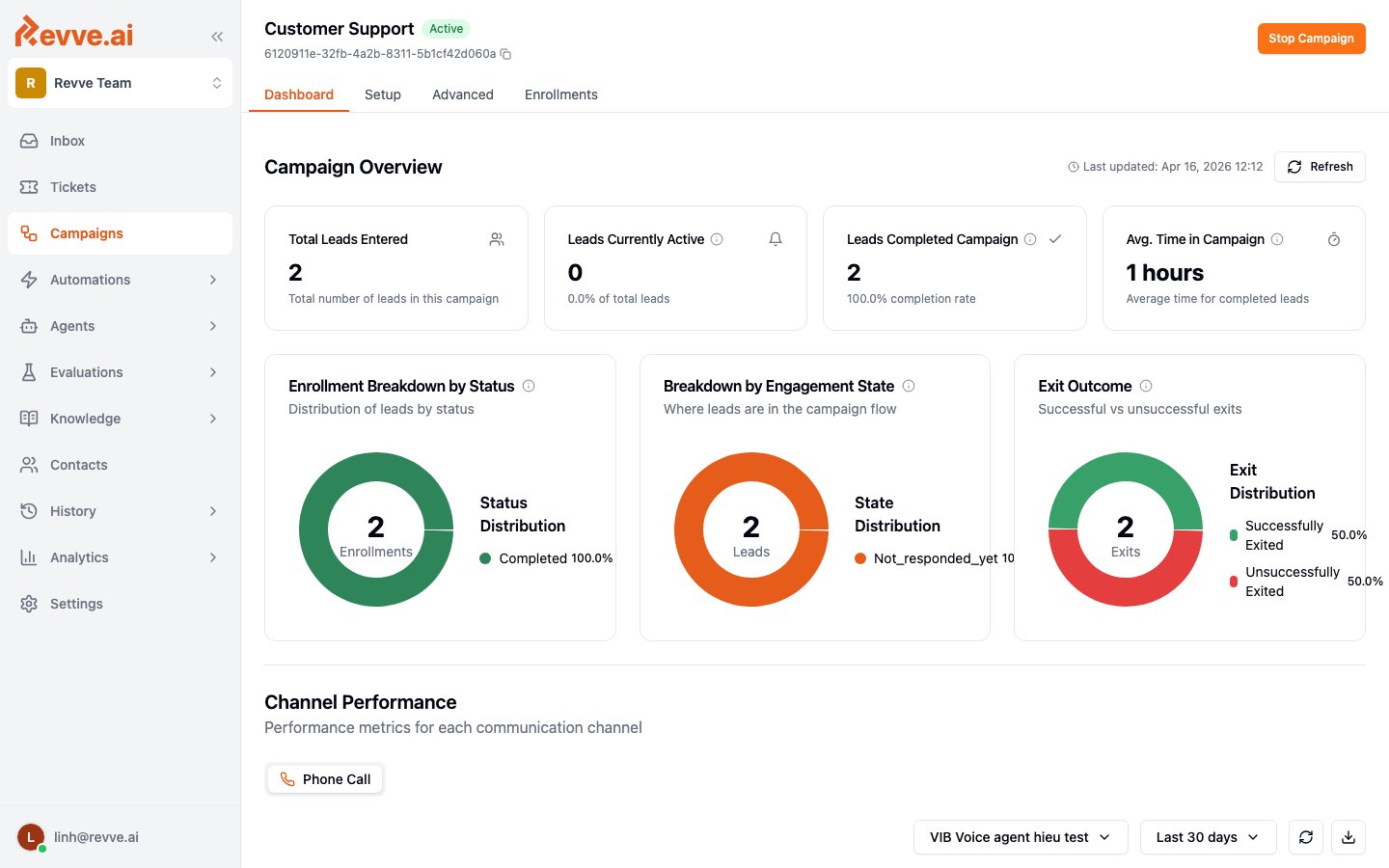
Each enrolled contact is tracked with two dimensions you’ll see throughout the dashboard: Status — where the enrollment is in its lifecycle:
Engagement State — where the contact is in your flow (
not_responded_yet, qualified, …), as defined in the Engagement Flow.
Click any enrollment to open its engagement timeline: every call made, message sent, response received, and decision the AI took, in order. When a contact replies, the attached agent handles the response with full context — and the conversation appears in your Inbox like any other.
Versioning: edit safely while the campaign runs
Campaigns use the same draft/publish model as agents, which matters because campaigns run for days or weeks:- Edits go into a working draft — the live campaign keeps running on the published version while you edit.
- Publishing creates an immutable version. Contacts already in flight stay on the version they enrolled with unless you explicitly choose upgrade in-flight enrollments at publish time.
- Team members without publish permission submit drafts for review; a reviewer approves or declines.
When to use a campaign
The common thread: a defined list, a measurable goal per contact, and outreach that benefits from judgment (when to retry, which channel, when to give up) rather than a fixed schedule.
What’s Next
- Creating a Campaign — the full walkthrough: setup, publishing, enrolling, and monitoring.
- Creating Your First Voice Agent — build the agent your campaign will call with.
- Build a Payment Reminder Campaign — a complete recipe for a voice-then-SMS campaign, with copy-paste Instructions and Exit Conditions.