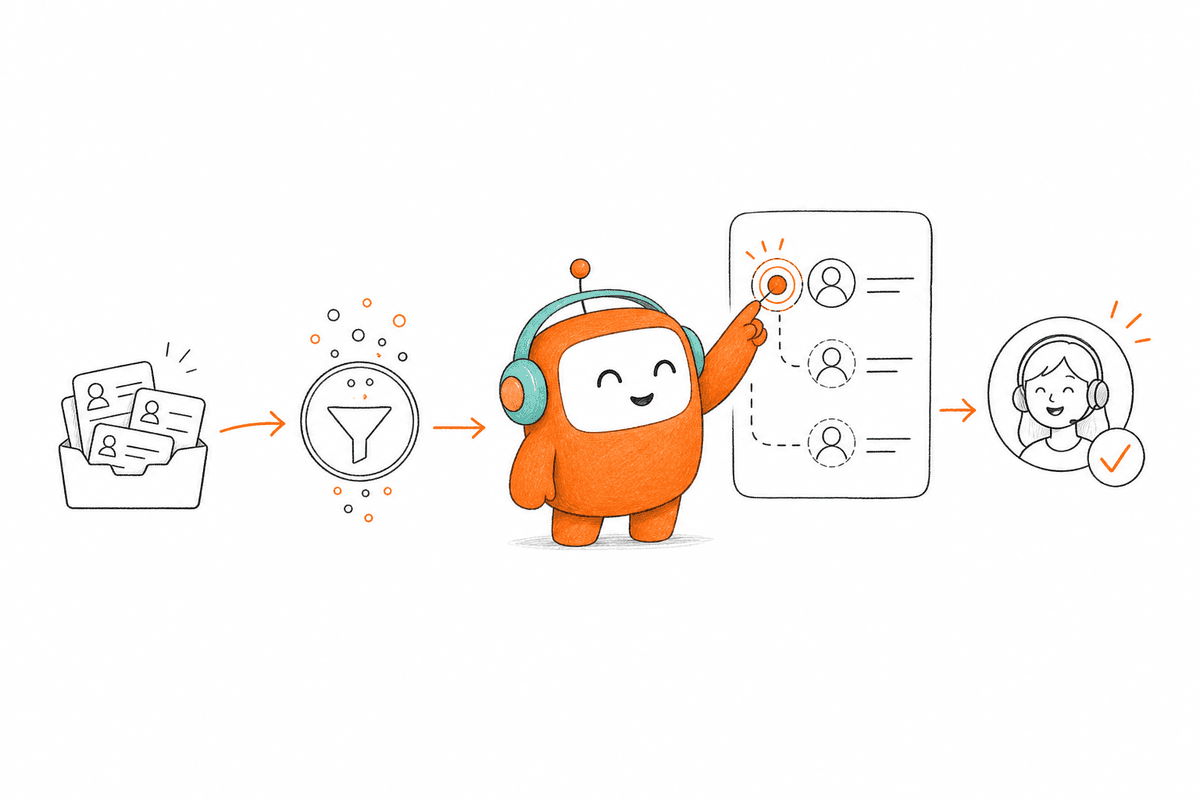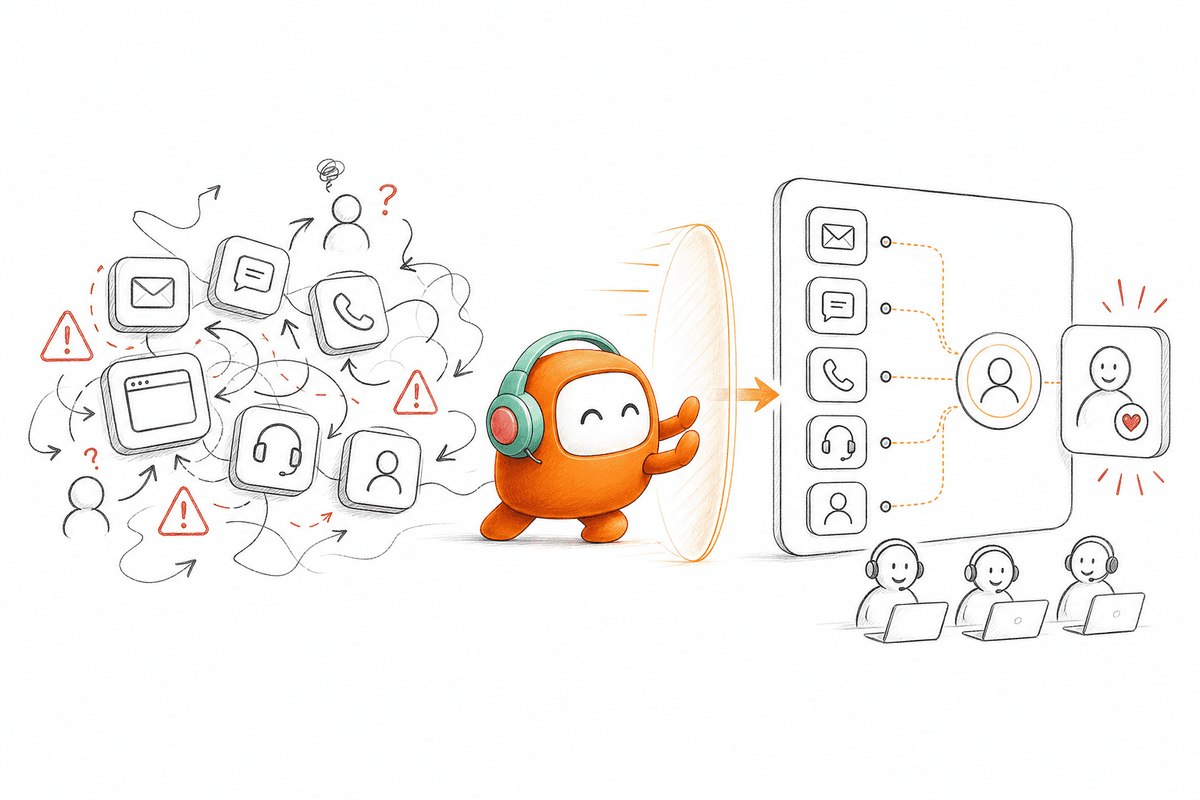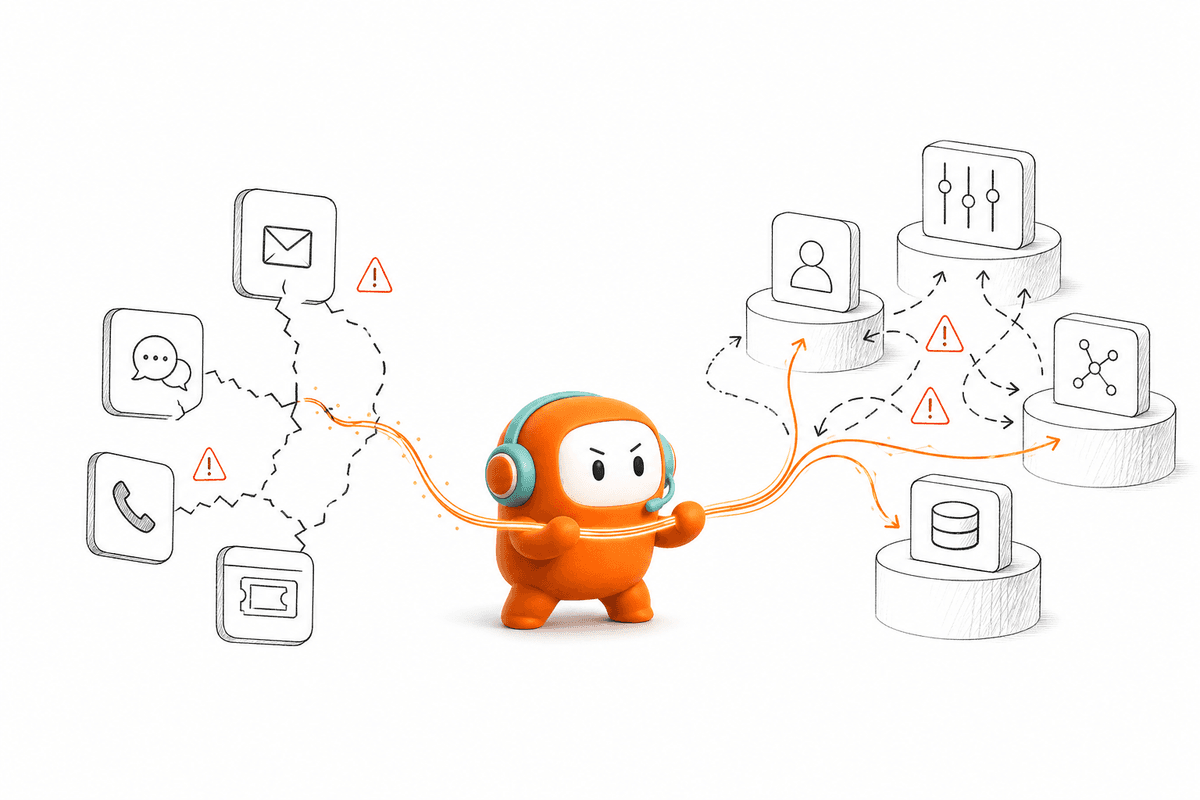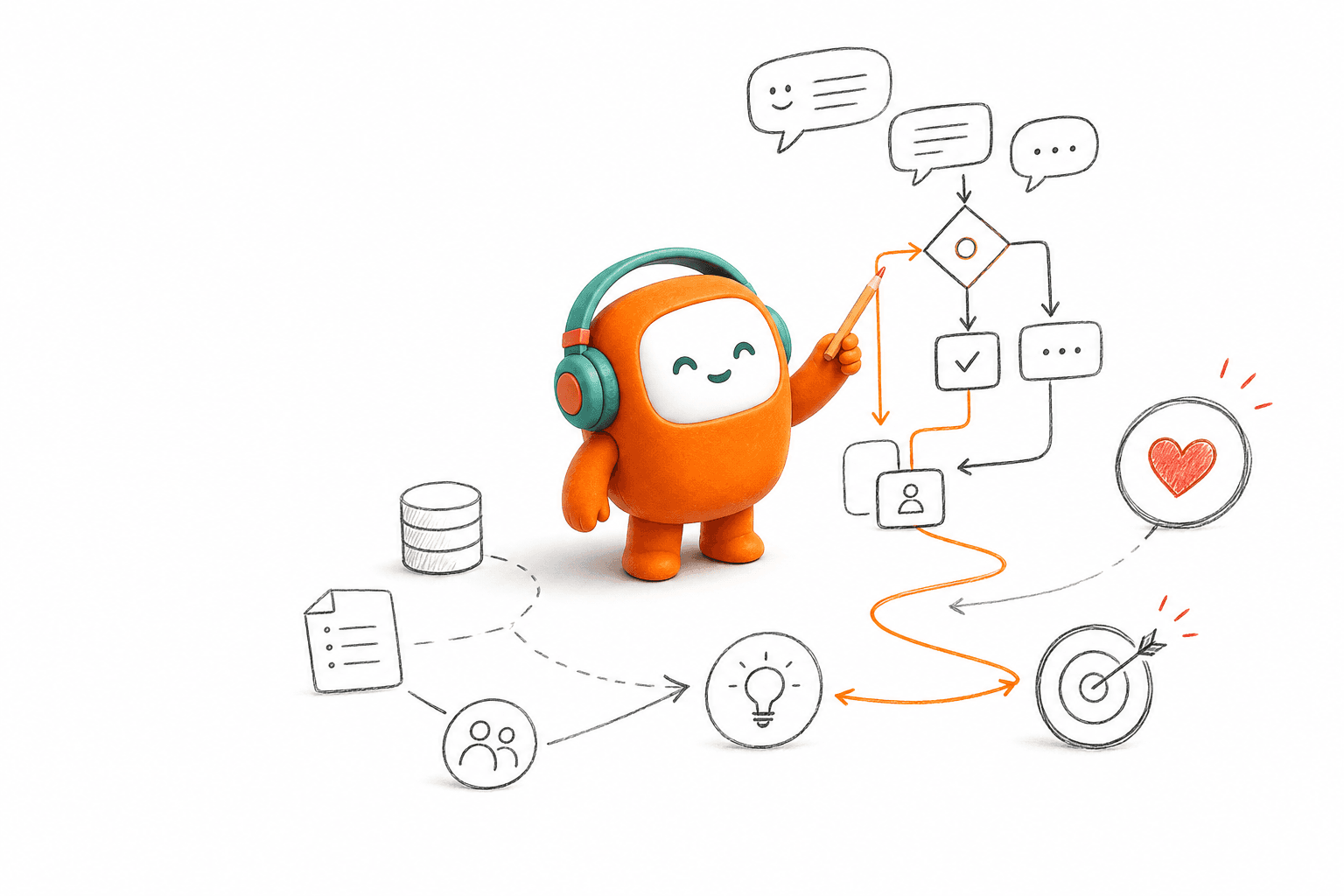
At 9:07 a.m., a customer asks an AI agent to update a delivery address, then adds that the order should be cancelled instead. The agent confirms the new address and closes the conversation because it processed each request as a separate turn. That failure is why dialog management matters. The system has to preserve context, change the next action, and know when a human should take over. A natural voice can't rescue a conversation once the workflow has gone wrong.
A useful conversation system must remember what has happened, decide what should happen next, and preserve that context across AI and human work. Answering one question correctly isn't enough. If the system can't route, follow up, escalate, or carry state into the next interaction, it isn't running customer operations. It's producing replies.
Key Takeaways:
- Treat dialog management as workflow control, not script writing.
- Track customer state separately from the words used in each channel.
- Design every conversation around actions, handoffs, and clear exit conditions.
- Test inbound and outbound flows against the same customer record.
- Give human agents the full thread, current state, and next expected action.
- Measure completed work, not only response accuracy or containment.
Why Scripted Conversations Break Across Customer Operations

Scripted conversations break because customer intent doesn't stay inside a fixed tree. Real requests change direction, arrive with missing information, and often continue across another channel. Once the script loses the current state, the customer repeats information and the team starts reconstructing context by hand. Dialog management must control the whole interaction, not only the next sentence.
Intent Matching Covers Only the First Turn
Intent detection can identify that a customer wants an order update, payment arrangement, or product demo. Useful? Absolutely. It gives the system a starting point and works well for narrow FAQ flows where every request follows the same path. Scripted automation also has real merits: it is predictable, easy to review, and often cheap to deploy for a small set of simple questions.
The limitation appears on turn two. A customer asking about an overdue balance may dispute the amount, request a person, change the promised payment date, or move from voice to SMS. Each branch changes what the system is allowed to say and what action should follow. If your automation only reclassifies intent after every message, it keeps starting the conversation again instead of moving the case forward.
A Normal Escalation Exposes the Broken Handoff
At 10:14 on a normal Tuesday, a support lead opens an escalated chat. The AI transcript sits in one tool, the customer record sits in another, and the latest phone interaction isn't visible. The agent asks for the account details again because there is no reliable shared state. Five minutes later, the customer is explaining a problem they already explained.
That scene isn't mainly a response-quality failure. The AI may have answered every early question correctly. The failure happened because dialog state, customer history, routing, and human handoff were split across separate systems. It feels awful for the customer, and frankly, it is exhausting for the agent who has to repair the experience.
Inbound-Only Automation Misses Half the Work
Inbound dialog management waits for the customer to act, while customer operations also depends on reminders, lead follow-up, collections, and re-engagement. A system that can answer an incoming question but can't continue the workflow later is too narrow. It leaves outbound work in another dialer, campaign tool, or manual queue, where context starts fragmenting again.
A US property-data company faced that exact operational gap in its revenue motion. Automated outbound lead engagement gave the team a way to handle follow-up while sales focused on qualified opportunities. The useful part wasn't simply placing more calls. Conversation logic remained tied to qualification and the next sales action, which is where dialog management starts producing business value.
The better model begins with one question: what must the system remember and do after every turn?
How to Design Dialog Management That Runs Real Work
Effective dialog management tracks customer state, applies business rules, chooses the next action, and knows when human judgment is required. The conversation can move across voice, chat, SMS, or messaging without losing its place. Good design starts with the workflow outcome, then works backward into prompts, knowledge, routing, and channel behavior.
Diagnose Where Context Actually Breaks
Can a human agent understand an escalated conversation without opening another system? Run that test before rewriting a single prompt. Give an agent 30 seconds with the transferred record and ask them to state the customer’s request, what the AI already did, and what should happen next. If any answer requires a second tab or another customer question, the handoff is incomplete.
Diagnosis should also cover channel changes and delayed follow-up. A conversation may start in web chat, continue by phone, and finish through SMS the next day. The customer still sees one issue. Your systems often see three unrelated contacts, which is why dialog management fails even when each channel looks fine on its own.
Check for these observable failures:
- The customer repeats an identifier after switching channels.
- An agent can't see which knowledge answer the AI used.
- A follow-up message ignores an earlier opt-out or resolution.
- Two channels trigger conflicting next steps.
- Reporting counts one customer issue as several unrelated conversations.
Separate Conversation State From Channel Wording
Voice and chat need different language, but they shouldn't run different versions of the customer journey. A voice response may be shorter because listening takes more effort. An SMS may need a clear link or compact instruction. The underlying state, such as identity verified, payment disputed, or handoff requested, must remain the same.
A conversation is less like a transcript and more like a case file in motion. The words show what was said, while the state shows what has been confirmed, what remains open, and which action is permitted next. Lose the transcript and you lose detail. Lose the state and the workflow loses direction.
Build the state model in this order:
- Define the desired outcome: Name the completed action, not a vague goal such as “assist the customer.”
- List required facts: Identify what must be known before the system can act.
- Record completed actions: Store verification, messages sent, promises made, and handoffs requested.
- Set exit conditions: Mark when the workflow is resolved, paused, opted out, or transferred.
- Map channel phrasing last: Adapt how the system speaks without changing the underlying decision.
Make Every Turn Advance or Protect the Workflow
A strong dialog manager doesn't need every message to trigger an external action. Some turns clarify a request, confirm consent, or explain why the system can't proceed. Still, every turn should either advance the workflow or protect it from a bad action. Filler responses and repeated questions usually indicate that the system has lost state.
Ask one practical question during review: what changed after this turn? Perhaps a qualification field was completed, the case moved to a human queue, or the customer selected a follow-up time. If nothing changed, check whether the response added necessary information. When it did neither, the turn was probably unnecessary.
Action design also needs boundaries. If the required account fact isn't available, the AI shouldn't guess. If policy requires human approval, the system should pause rather than continue with a polished but unauthorized answer. Good dialog management is partly about knowing what not to do, and that restraint matters more in production than it does in a demo.
Design Handoffs Before You Design Automation
Human handoff is part of dialog management, not an exception added after launch. Complex cases, negative sentiment, negotiation, and policy exceptions will continue to need people. Trying to eliminate every handoff usually creates longer conversations and worse customer experiences. A better target is a handoff that preserves the work already completed.
The receiving agent needs more than a transcript. They need the current customer state, the reason for escalation, any verified facts, and the next expected action. Honestly, transcripts alone are overrated. They force the agent to read the entire history and infer what the system should already know.
Test the handoff in sequence:
- Trigger an escalation using a real exception from production.
- Confirm that the full conversation appears in the human queue.
- Ask the agent to identify the unresolved issue without rereading every turn.
- Verify that prior actions and customer preferences remain active.
- Continue the conversation without requesting information already provided.
If step three or five fails, fix the shared record before tuning the AI response.
Connect Inbound and Outbound Dialog State
Inbound and outbound should use the same customer context because the customer doesn't separate your departments the way your software does. A support interaction may create a reminder. A dropped sales conversation may need a follow-up. A payment discussion may continue after the customer asks to be contacted later.
The strongest dialog management carries approved context into that next touch while applying timing, consent, and exit rules again. Outbound isn't simply “the next message.” It is the next permitted action in an existing customer workflow. That distinction prevents duplicate outreach, stale reminders, and follow-up after the issue has already been resolved.
Before activating an outbound step, verify:
- The earlier conversation has a recorded outcome.
- The customer is still eligible for contact.
- The next message reflects the latest state.
- A reply can return to the same operating record.
- Resolution or opt-out stops the remaining sequence.
Some pure support teams don't need complex outbound orchestration, and a narrow inbound tool may fit them well. That is a fair exception. Once collections, lead response, reminders, or re-engagement enter the picture, separate inbound and outbound logic becomes expensive to govern.
Measure Completed Work and Failed Transitions
Response accuracy tells you whether an answer was correct. It doesn't tell you whether the customer’s work was completed. Track the transition from request to action: verification finished, case routed, follow-up scheduled, issue resolved, or human review started. dialog management and why becomes much clearer when measurement follows the workflow instead of the message.
Failed transitions deserve their own review. Look for conversations that loop, restart after a channel switch, escalate without context, or send outreach after an exit condition. Those failures reveal broken state logic faster than a broad satisfaction score. In my view, ten carefully reviewed transition failures teach you more than hundreds of isolated “good response” ratings.
Run the review every time knowledge, policy, or routing logic changes. Operations teams should compare the expected next action with what actually happened, then update the rule, knowledge source, or escalation threshold. AI doesn't improve merely because more conversations pass through it. Improvement comes from human review that changes the system after production evidence shows where it failed.
The method is clear. The remaining question is whether your operating stack can carry that state across AI, humans, inbound, and outbound without adding another disconnected tool.
How Revve Keeps Humans and AI in One Workspace
Revve keeps AI and human agents inside a shared customer operations workspace instead of splitting automation and manual work across separate systems. AI and human agents work from the same conversations, knowledge, and workflow context across supported channels. The platform connects automated handling, escalation, and outbound follow-up without forcing each stage into a separate queue.
Shared Context Makes Handoffs Usable
The Unified AI and Human Workspace keeps automated and human activity in the same operational record. When a conversation escalates, the human agent receives its history, current context, and AI-generated guidance inside the Agent Workspace. Revve also supports configurable escalation triggers based on unresolved intent, sentiment, keywords, duration, or custom rules.
That design addresses the failure exposed earlier: an agent shouldn't have to rebuild the case after AI has already gathered the information. Human approval remains available for sensitive messages, and teams define when automation should step aside. That shared record is the part worth testing against your hardest escalation, so book a demo and bring one real workflow to the session.
The core capabilities work together:
- Unified AI and Human Workspace: Keeps conversations and handoffs in one operating environment.
- Knowledge-Grounded AI Automation: Uses approved documents, websites, and FAQs during customer interactions.
- Smart Escalation and Full-Context Handoff: Moves conversations to people using configured triggers while preserving context.
- Agent Workspace: Gives human teams queues, history, suggested responses, and configurable approval controls.
Omnichannel State Extends Into Outbound Work
Revve’s Omnichannel Conversation Management ties supported voice, chat, SMS, email, and configured messaging interactions to one customer thread. Channel-specific formatting stays intact, but the internal record preserves the conversation history. A customer can begin in web chat, continue by phone, and receive an SMS follow-up without each touch becoming a new case.
Outbound Orchestration extends the same model into multi-step outreach for lead follow-up, reminders, collections, and re-engagement. Operations teams define the sequence, timing, rules, and exit conditions rather than asking the AI to invent an outreach policy. No-code configuration, testing, and rollbacks let operations users adjust workflows while IT still owns initial integrations and infrastructure where needed.
Revve isn't the right fit for a small team that only wants a homepage FAQ widget. It also doesn't replace the CRM, core banking system, billing platform, or legal review. Its role is more specific: run customer conversations and workflow execution between those systems, with humans and AI working from the same operational context. Revve supports both cloud and on-prem deployment models, so teams can choose the setup that fits their security, infrastructure, and production requirements.
What Better Dialog Management Changes
Better dialog management turns AI from a response layer into part of the operating model. The system remembers customer state, applies rules, takes approved actions, and brings in a human without throwing away context. Inbound and outbound stop behaving like separate customer histories.
Start with one workflow where failed transitions are visible and costly. Map the states, define the allowed actions, test the handoff, and measure completed work. Once that foundation is sound, better language becomes useful because the conversation finally knows where it is going.
FAQ
How do I ensure smooth handoffs between AI and human agents?
To ensure smooth handoffs, you should: 1) Use Revve’s Smart Escalation feature, which triggers when specific conditions are met, like customer sentiment or request complexity. 2) Make sure the human agent receives the full conversation history and context, allowing them to pick up right where the AI left off. 3) Regularly test your escalation paths to confirm that agents can understand the customer's request without needing to ask for information already provided. This approach helps maintain continuity and improves the overall customer experience.
What if my customer switches channels during a conversation?
If a customer switches channels, Revve’s Omnichannel Conversation Management ensures that all interactions are tied to one customer thread. This means that regardless of whether the conversation starts in chat and moves to SMS, the context remains intact. To leverage this: 1) Make sure your team is trained to recognize and manage multi-channel interactions. 2) Use the unified inbox to view the complete conversation history, so agents can respond appropriately without asking the customer to repeat themselves. This continuity helps enhance customer satisfaction.
Can I automate follow-ups for leads using Revve?
Yes, you can automate follow-ups for leads using Revve’s Outbound Orchestration feature. To set this up: 1) Define your outreach sequences, including timing and messaging rules, based on your lead qualification criteria. 2) Enroll your leads from your CRM or a CSV file into the system. 3) Monitor the responses and adjust your messaging based on performance metrics. This allows you to maintain consistent communication with leads while freeing up your sales team to focus on closing deals.
When should I escalate a conversation to a human agent?
You should escalate a conversation to a human agent when the AI cannot resolve the issue or when the customer expresses frustration. To manage this effectively: 1) Utilize Revve’s Smart Escalation feature to automatically trigger escalations based on predefined criteria like sentiment or complexity. 2) Ensure that the human agent receives all relevant context and previous interactions to avoid starting over. This ensures that the customer feels heard and valued, and it helps the agent resolve the issue more efficiently.
Why does my automation sometimes lose context?
Automation can lose context when it operates in fragmented systems or if the conversation state isn't preserved. To prevent this: 1) Use Revve's Unified AI and Human Workspace to keep all interactions in one environment, reducing the chances of losing context during handoffs. 2) Regularly review your conversation flows to identify where context breaks occur and adjust your workflows accordingly. 3) Train your team to recognize when context is lost and how to retrieve it quickly, ensuring a smoother customer experience.