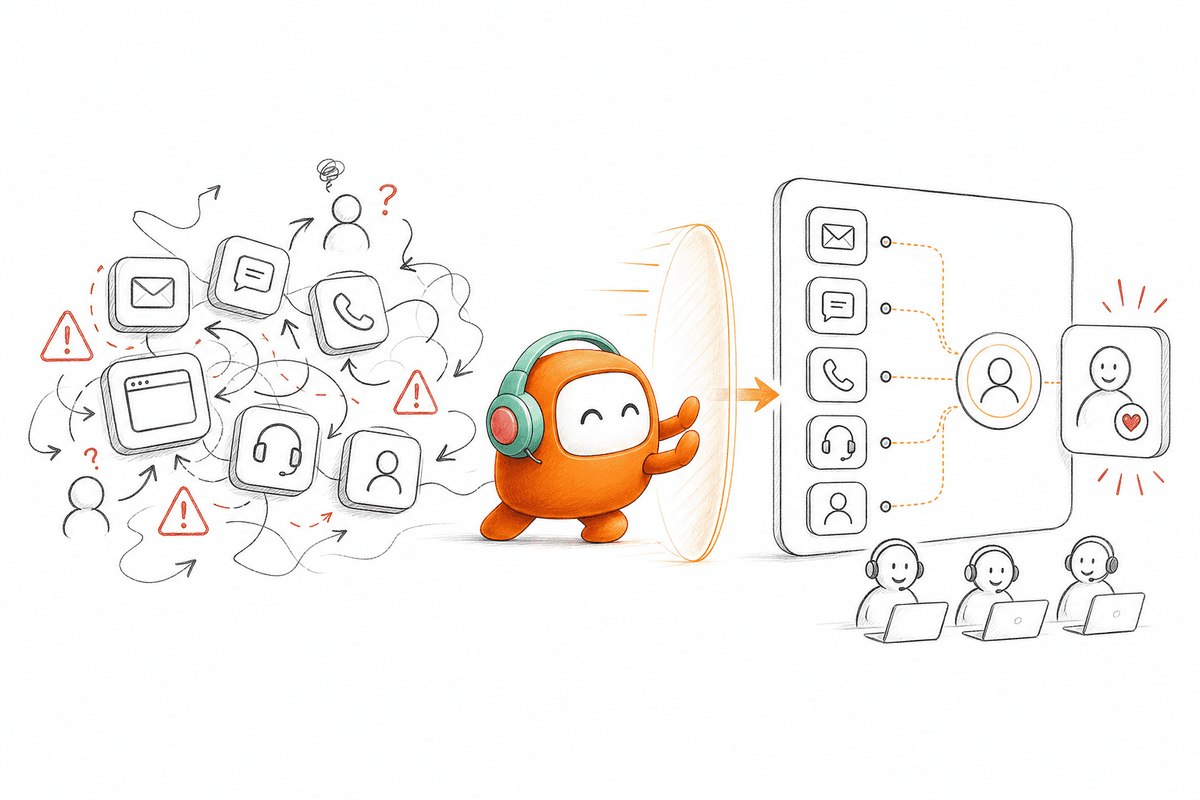
The AI has already collected the account details, identified the request, and searched the knowledge base. Then the conversation reaches an exception and moves to a human agent. The first question from the agent is, “Can you explain what happened?” In ten seconds, the customer learns that the automation and the human team are working from different systems.
A handoff like that doesn't only frustrate the customer. It wastes the work the AI has already completed, forces the agent to repeat discovery, and makes automation feel like another barrier. CX leaders may see a successful escalation in their reporting, while the customer experiences a restart. The transfer happened, but the context did not.
Human escalation needs to be designed as part of the operating model, not added as an emergency exit after the AI fails. The system must know when to step aside, where to send the conversation, and what information the next person needs. Human agents should enter with the full thread and a clear reason for the transfer. Anything less is queue management, not customer experience.
Human Escalation Is an Operating Model

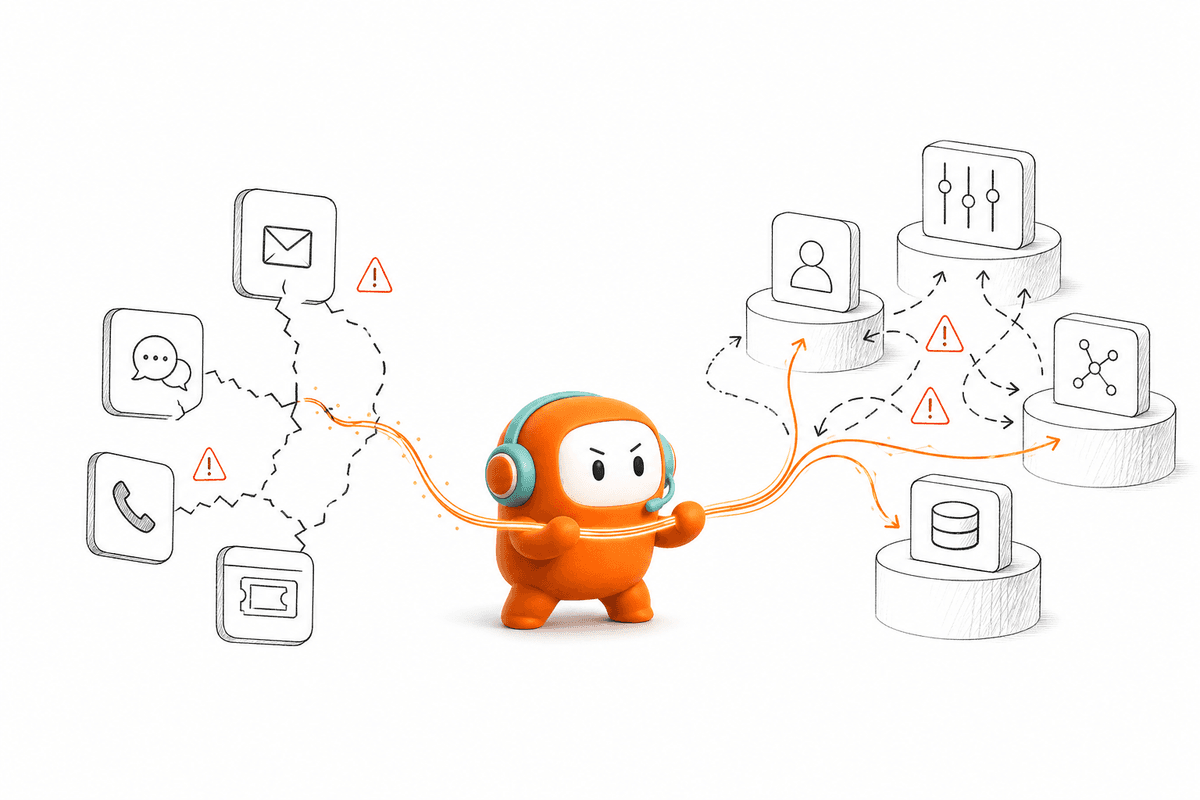
The deeper problem is fragmentation. Chat may run through one tool, voice through another, and human support through a separate helpdesk. Outbound follow-up may sit in a dialer that cannot see the inbound conversation. When AI is added beside those systems, escalation becomes a chain of integrations rather than one continuous workflow.
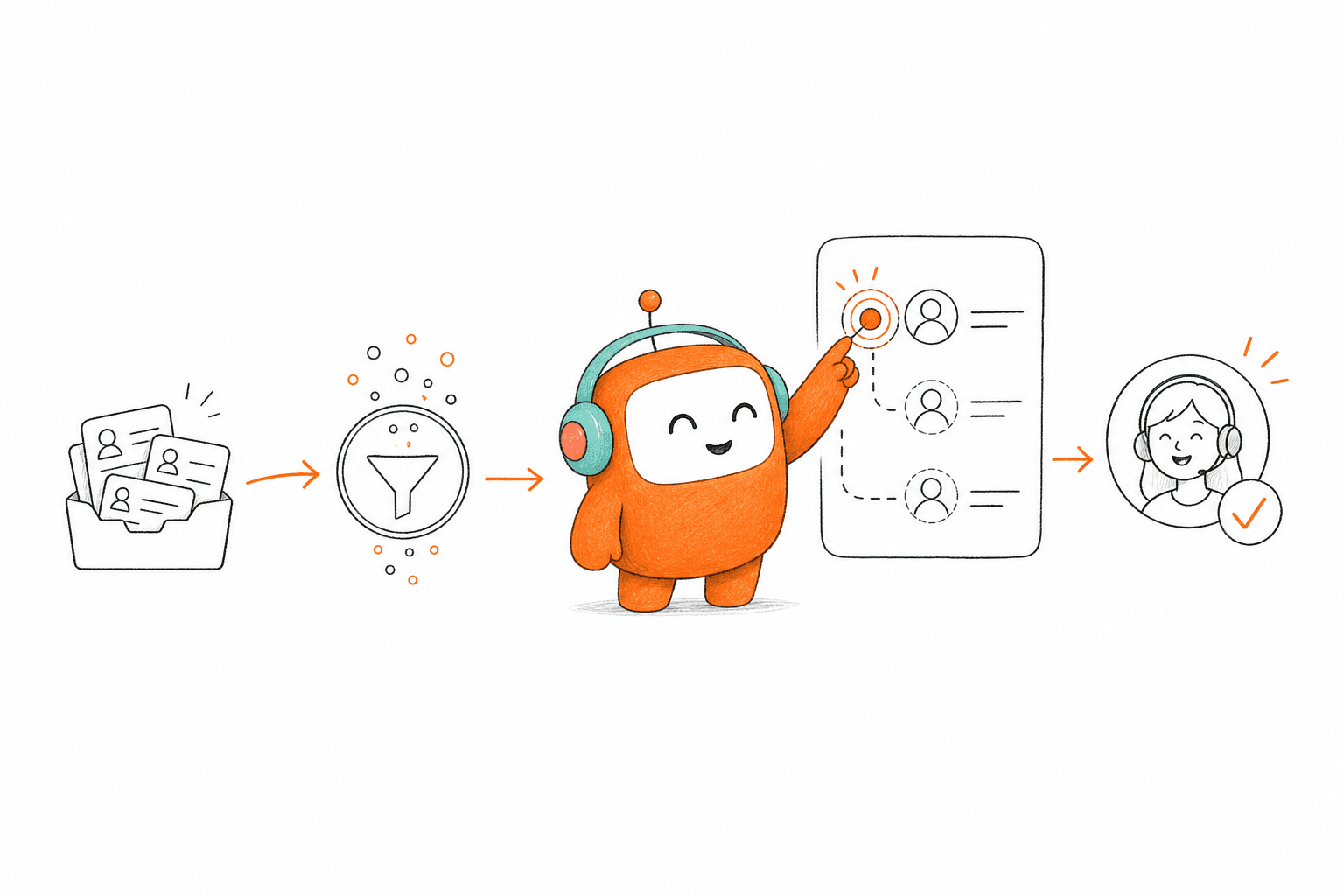
Human escalation works better when AI and human agents share the same conversation record, knowledge, and workflow rules. The AI handles requests that match approved knowledge and defined topics. Human agents take over when the conversation requires judgment, negotiation, exception handling, or a decision outside those boundaries. Both sides need to see what happened before the handoff and what should happen next.
A Vietnamese bank provides a useful SEA BFSI example. In its on-prem voice deployment, the bank achieved 75% auto-resolution after replacing a script- and intent-based incumbent. That result applies only to the bank's voice deployment, and it doesn't tell us whether every unresolved conversation became a human escalation. It does show why auto-resolution cannot be the only measure: the operating model must also account for conversations the AI should not complete alone.
Seven Ways CX Teams Can Improve Human Escalation
The practical ways CX teams improve escalation are mostly operational. A better model doesn't begin with a longer prompt or a more human-sounding voice. It begins with clear boundaries, shared context, and a defined role for the human agent.
1. Define When the AI Should Step Aside
An AI agent shouldn't continue merely because it can generate another response. Teams need explicit escalation conditions tied to the risk and complexity of the conversation. Those conditions may include unresolved intent, negative sentiment, defined keywords, customer tier, conversation duration, or custom business rules. The exact combination depends on the workflow.
A password reset and a disputed charge shouldn't follow the same escalation logic. One may have a defined resolution path, while the other may require investigation or authorization from a person. CX teams should map each major intent to an allowed AI action, an escalation condition, and the human queue responsible for the exception. Without that map, the AI is left to decide too much from conversational context alone.
Teams also need to distinguish between inability and unsuitability. An AI may understand what the customer wants but still be the wrong party to complete the request. Sensitive complaints, unusual account situations, or requests outside approved knowledge may need human review even when the intent is clear. Good escalation rules recognize both technical limits and operating policy.
2. Pass the Full Conversation, Not Just a Ticket
The handoff record should explain what the customer asked, what the AI answered, and why the conversation moved. A subject line such as “customer needs assistance” gives the agent almost nothing. The full thread, prior history, relevant customer context, summary, and suggested next actions give the agent a usable starting point. The customer can continue instead of beginning again.
Channel history matters as well. A customer may start in web chat, receive an SMS follow-up, and then call about the same issue. If each channel creates a separate record, the human agent sees fragments of one journey. A unified customer thread lets the agent understand the sequence without reconstructing it from multiple tools.
Context should remain focused. Giving an agent every available customer field can create more work, not less. The handoff should put the current request, completed steps, unresolved issue, and relevant history where the agent can act on them. More data is not the same as better context.
3. Keep AI and Human Agents in the Same Workspace
A transfer becomes harder when the AI works in one system and the human agent works in another. Separate systems create duplicated tickets, delayed updates, and gaps between the bot transcript and the agent queue. Even when integrations exist, teams still have to govern two operating environments. Every change to routing or knowledge can create another point of mismatch.
A shared workspace gives AI and human agents one operational record. Automated conversations, live handoffs, approvals, routing, ticketing, and follow-up actions remain attached to the same thread. Human agents can review the conversation and continue from the point where the AI stopped. Supervisors also get a clearer view of how work moves between automation and people.
The shared model does not remove humans from the workflow. It gives them a better position inside it. AI can handle defined requests and collect useful information, while agents own exceptions and conversations requiring judgment. The division of labor becomes explicit rather than accidental.
4. Route to the Right Person, Not the Next Available Person
Speed matters, but an immediate transfer to the wrong agent creates another handoff. Routing should consider skills, language, availability, customer status, and continuity with a prior agent. A customer returning to an unresolved issue may benefit more from the agent who already knows the case than from whoever becomes available first. Regulated or sensitive workflows may also require assignment to an approved team.
Capacity should remain part of the decision. Routing every escalation into a single priority queue can overwhelm the people meant to handle complex work. CX teams need to know which conversations require immediate intervention, which can wait, and which can move through an approval workflow without a live transfer. Those distinctions prevent “human escalation” from becoming one overloaded destination.
Routing logic must also cover outbound engagement. A customer who objects during a collections call, asks a detailed question during lead qualification, or responds unexpectedly to a reminder may need a person. The human agent should receive the outbound history and the reason for escalation, not a disconnected callback task. If your current handoff still crosses separate queues, book a demo to see how Revve keeps the conversation and its context in one workspace.
5. Ground the AI in Approved Knowledge and Clear Boundaries
Escalation quality begins before the handoff. An AI agent grounded in approved documents, websites, and curated FAQs has a clearer operating boundary than one generating answers from general model knowledge. When the knowledge base contains a suitable answer, the AI can respond consistently. When it does not, the system should escalate rather than force an uncertain response.
Knowledge also needs an owner. Policies change, product details move, and exception handling develops as teams review real conversations. If nobody updates the source material, the AI may escalate requests it could resolve or answer from outdated content. Human corrections and identified knowledge gaps should feed into regular operational review.
Clear boundaries protect the human team as well. Agents should know whether the transfer happened because no approved answer existed, a policy required review, or the customer requested a person. Each reason suggests a different next step. A generic escalation label hides that distinction and slows the response.
6. Add Human Approval Where Live Transfer Isn't Necessary
Not every sensitive conversation requires a real-time handoff. In some workflows, the AI can prepare a response while a human approves, edits, or rejects it before delivery. Approval steps are useful when the response needs review but the customer doesn't need an immediate live conversation. The team retains control without taking over every interaction from the beginning.
Outbound programs make the distinction especially important. Consent status, contact windows, do-not-call rules, opt-outs, and internal messaging policies need to be checked before contact or delivery. Configured controls can enforce those rules, while approval workflows keep a person involved in higher-risk messages. Customers still own their legal review, consent practices, disclosures, and regulatory obligations.
CX leaders should decide which messages can be sent automatically and which require approval. The decision should be based on the workflow and risk, not on a universal rule for every channel. An appointment reminder and a collections message carry different requirements. Treating them alike either creates unnecessary manual work or removes review where it matters.
7. Review Handoffs as Operational Data
A completed transfer is not automatically a good transfer. Teams need to review why escalation happened, whether the routing was correct, and whether the agent received enough context. Repeated escalations for the same intent may point to missing knowledge or an incomplete workflow. Long delays after a trigger may indicate queue capacity or routing problems.
Conversation scoring can support that review, but the score should lead to an operational change. Managers can examine resolution outcomes, sentiment, knowledge gaps, and human corrections, then update knowledge, scripts, or rules. The AI does not improve by itself merely because conversations are being logged. Improvement requires people to review the evidence and change the operating setup.
Teams should also separate necessary escalation from avoidable escalation. Necessary escalation protects customers when judgment or authority is required. Avoidable escalation sends routine work to agents because the knowledge, rules, or integration is incomplete. Combining both into one handoff rate makes the metric hard to act on.
How Revve Handles Human Escalation
Revve brings inbound support and outbound engagement into one customer operations platform. AI agents and human agents work from a shared environment across supported voice, chat, SMS, email, and messaging channels. Conversations remain attached to the same operational record as they move through automation, routing, approval, and human handling. Revve is not a separate bot sitting beside the helpdesk.
Smart escalation can use configured triggers such as unresolved intent, sentiment, keywords, duration, customer tier, or custom rules. When a conversation moves to a person, Revve passes the thread, summary, relevant history, and suggested next actions into the human workspace. Agents continue in the same conversation rather than opening another system and repeating discovery. Teams remain responsible for defining the triggers and deciding which workflows require human intervention.
Revve's knowledge-grounded automation works from uploaded documents, crawled websites, and curated FAQs. Teams define approved topics and conversation boundaries, and the AI escalates when no suitable answer is available or the workflow calls for a person. Human corrections and knowledge updates remain part of the same operating environment. The model is controlled automation with a defined human role, not automation at any cost.
Operations teams can update workflows, routing, scripts, escalation paths, and business rules through plain-language settings and visual builders. Changes can be previewed and tested before publication, with rollback controls available when an update introduces problems. Initial integrations and infrastructure still involve technical work, especially in regulated or complex environments. Daily workflow changes shouldn't require a new engineering project every time.
Revve supports both cloud and on-prem deployment models. On-prem voice deployments require suitable GPU capacity, so deployment choice should follow operating requirements rather than a broad assumption about which model is always better.
Revve can connect with systems such as Salesforce, HubSpot, and ActiveCampaign through available integrations, APIs and webhooks. It can sync transcripts, recordings, qualification data, and operational outcomes back into connected systems, while becoming the system of record for conversations. Revve gives customer operations one place to run the work while still fitting into the broader systems environment.
What CX Teams Should Measure After Launch
Start with the customer experience of the transfer. Measure how often customers repeat information, how long they wait after an escalation trigger, and whether the first human agent can continue the conversation. Review those measures by channel and intent because a strong chat handoff can hide a weak voice process. One combined number rarely explains where the workflow is breaking.
Next, examine the reason for each escalation. Separate customer-requested transfers from missing knowledge, policy-driven review, technical exceptions, and routing errors. The categories should reflect how your operation actually works, not a generic reporting template. Clear reasons make it easier to decide whether the correction belongs in knowledge, workflow rules, staffing, or integration.
Finally, review what happens after the human enters. A successful handoff should end with the right next action, whether that is resolution, follow-up, approval, or another defined workflow step. CX teams should look for repeated transfers, reopened conversations, and unresolved cases returning through another channel. Those patterns show whether the handoff preserved continuity or merely moved the problem.
Human Escalation Should Feel Like Continuation
AI doesn't need to handle every conversation to create value. It needs to complete the work that fits its approved knowledge and workflow, then bring in a person when judgment or authority is required. The quality of that transition determines whether customers experience one operation or several disconnected tools.
For CX teams, the goal is not the lowest possible escalation rate. The goal is the right conversation reaching the right person with enough context to act. When humans and AI share knowledge, history, and workflow ownership, escalation stops being the point where automation breaks. It becomes part of how the operation is designed to work.
FAQ
How do I define when AI should step aside?
To define when AI should step aside, start by identifying explicit escalation conditions based on the complexity of the conversation. Consider factors like unresolved intent, negative sentiment, or specific keywords. For example, a password reset might follow a different escalation path than a billing dispute. By mapping out these conditions, you can ensure that the AI knows when to hand off to a human agent for better customer experience.
What if my customers repeat information during escalations?
To minimize customers repeating information, ensure that the full conversation history is passed along during escalations. This includes what the customer asked, the AI's responses, and the reason for the transfer. A unified customer thread helps agents see the entire context, allowing them to pick up where the AI left off, which enhances the overall customer experience.
Can I improve agent efficiency during escalations?
You can improve agent efficiency by keeping AI and human agents in the same workspace. This shared environment allows agents to access the full conversation history and context without switching systems. When agents inherit the AI's context and suggested next steps, they can resolve issues faster and reduce the time spent rediscovering the customer's problem.
When should I review handoffs in my customer operations?
You should regularly review handoffs to assess their quality. Look at why escalations occurred, whether the routing was correct, and if agents received enough context. Tracking repeated escalations for the same issues can highlight knowledge gaps or workflow inefficiencies. This ongoing review helps identify areas for improvement and ensures that your escalation process is effective.
Why does my AI need to be grounded in approved knowledge?
Grounding AI in approved knowledge gives teams a defined source base and clearer boundaries for responses. When the AI has access to a well-maintained knowledge base, it can handle routine inquiries effectively. If the AI encounters a question outside its knowledge, it should escalate rather than attempt a potentially incorrect response, maintaining trust and reliability in your customer interactions.