A customer conversation breaks the moment the next channel cannot see what happened in the first one. Someone calls about an account issue, follows up by SMS, and receives an email that ignores both interactions. The call center has one record, the messaging tool has another, and by the time a human agent gets involved, the customer has already explained the problem three times. Adding AI to that setup does not fix the underlying issue.
A chatbot may answer common questions, but it still operates outside the outbound queue, the knowledge base, and the human workspace. The company now has another tool to configure and another handoff to manage. The AI can talk, but it cannot run the work around the conversation. That is the real problem enterprise support teams face, and it is why customer conversation management has to be treated as an operating layer rather than another point tool.
That operating layer connects every interaction to the same context and workflow. It gives human agents and AI agents shared knowledge, clear ownership, and a defined next action. Without it, better answers only make a fragmented system look more modern.
Gap 1: Context Dies Between Channels in Enterprise Support

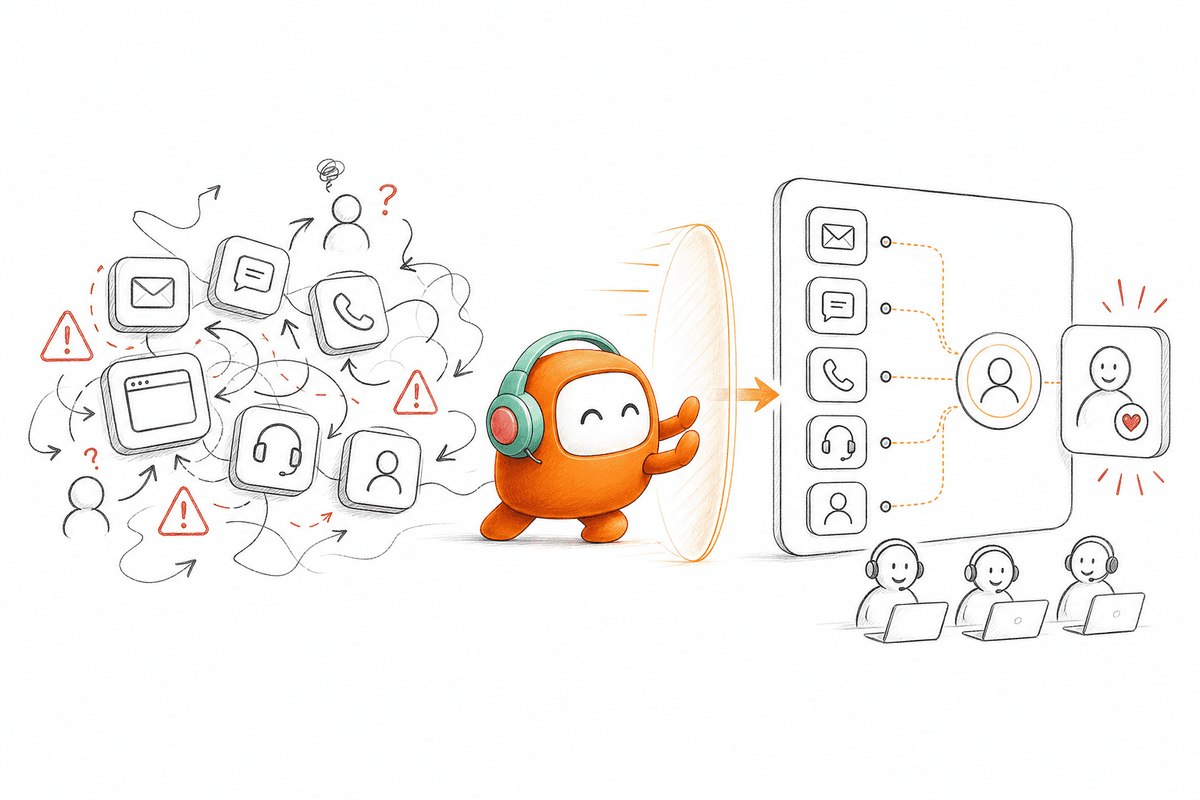
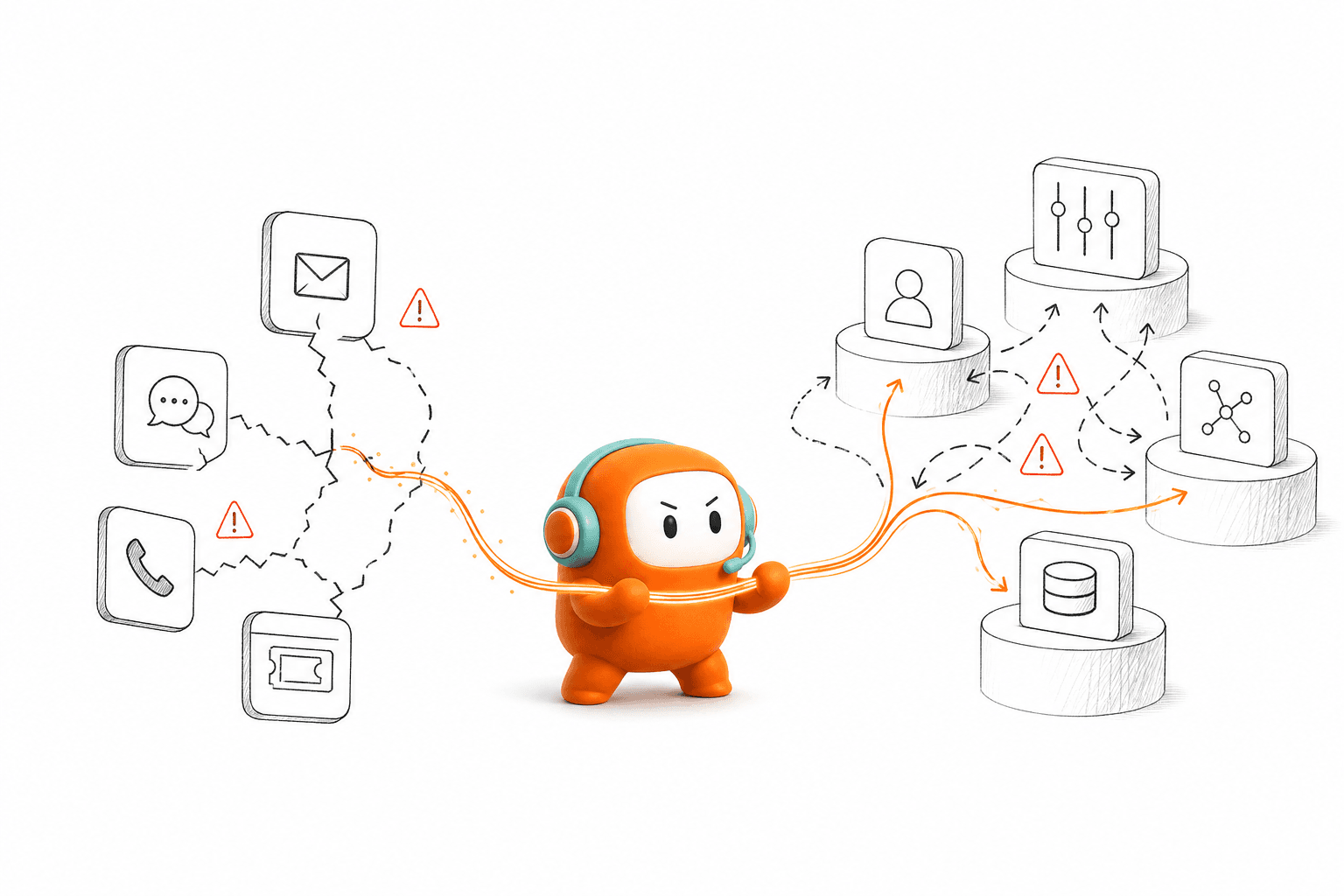
The failures appear between those tools. A voice interaction ends without updating the outbound sequence. An SMS reply does not reach the support queue. A chatbot escalates a customer but sends only the final message, leaving the human agent to reconstruct everything that happened before. Reporting then shows activity by channel rather than the complete result of the conversation. Every boundary between systems is a place where context can disappear, follow-up can be missed, or ownership can go unclear.
Gap 2: More Tools, Less Control
Tool consolidation matters more than feature count because customer operations depend on continuity. Ten specialized features do not mean much if they sit across five systems with different records and routing rules. When operations leaders count features instead of connections, they end up with an impressive inventory and a broken journey.
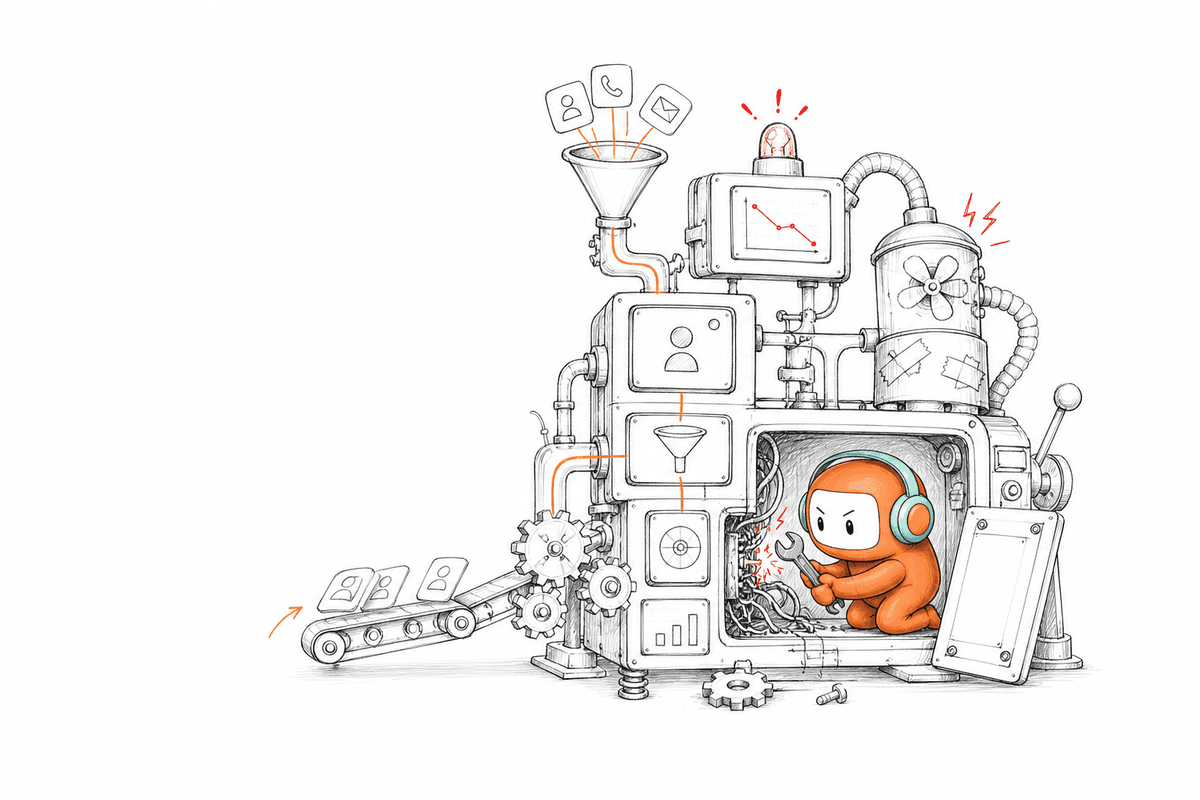
AI add-ons often create a second layer of fragmentation. The AI drafts an answer in one interface, the agent reviews it in another, and the final outcome gets recorded somewhere else. Operations leaders may see automation rates, but they still need separate dashboards to understand whether the customer received an answer, completed the required step, or reached the right person. The fix is fewer systems that share the same record, not another dashboard layered on top of the ones already in place.
Gap 3: Treating Conversation Management as an Inbox, Not an Operating Model
Customer conversation management covers more than collecting messages in one inbox. It governs how an organization receives a conversation, understands the customer, decides what should happen, and assigns the work to AI or a person. The conversation may start with a call and continue through SMS, but the operational record should stay intact across both.
A unified inbox is part of that model, not the entire model. The system also needs knowledge, routing logic, ticketing, escalation rules, outbound actions, and visibility into the outcome. Without those components, the inbox becomes another place where work waits. The distinction matters because buying an inbox and calling it conversation management leaves the hard part, deciding and executing the next action, unsolved.
One Customer Thread Across Channels
Customers do not think in channels. They think about the issue they need resolved, and if they move from web chat to voice, they expect the second interaction to continue from the first rather than begin again.
A useful conversation record needs to preserve history across supported channels while respecting how each channel works. WhatsApp templates, email threads, call records, and SMS delivery states are not identical. Internally, though, the team should see one customer thread with enough context to understand what happened and what comes next. That continuity also affects routing, because the right assignment may depend on language, agent availability, customer status, or previous ownership. When every channel has its own queue, each routing decision starts with incomplete information.
Gap 4: Nobody Owns the Workflow After the Answer
An accurate answer can still produce a poor result if nobody owns the next step. A qualified lead may need a sales handoff. A payment reminder may require a follow-up message. A support request may need a ticket and an approval before the customer receives an update.
Good customer conversation management connects the reply to the action. The system should know whether to route, log, follow up, book, collect, or escalate according to the configured workflow. AI becomes useful when it participates in that execution rather than stopping after text generation. Your CRM may remain the system of record for accounts and opportunities, and a billing platform may continue to hold payment data while a core banking system stays authoritative for financial information. The conversation layer sits around those systems, giving customer operations a place to act on live interactions without pretending to replace every enterprise application.
Gap 5: Humans and AI Work From Different Context
The practical operating model is not AI replacing every agent. AI can handle repeatable interactions and configured workflow steps, while people take conversations that need judgment, negotiation, or exception handling. Both sides need access to the same history and approved knowledge.
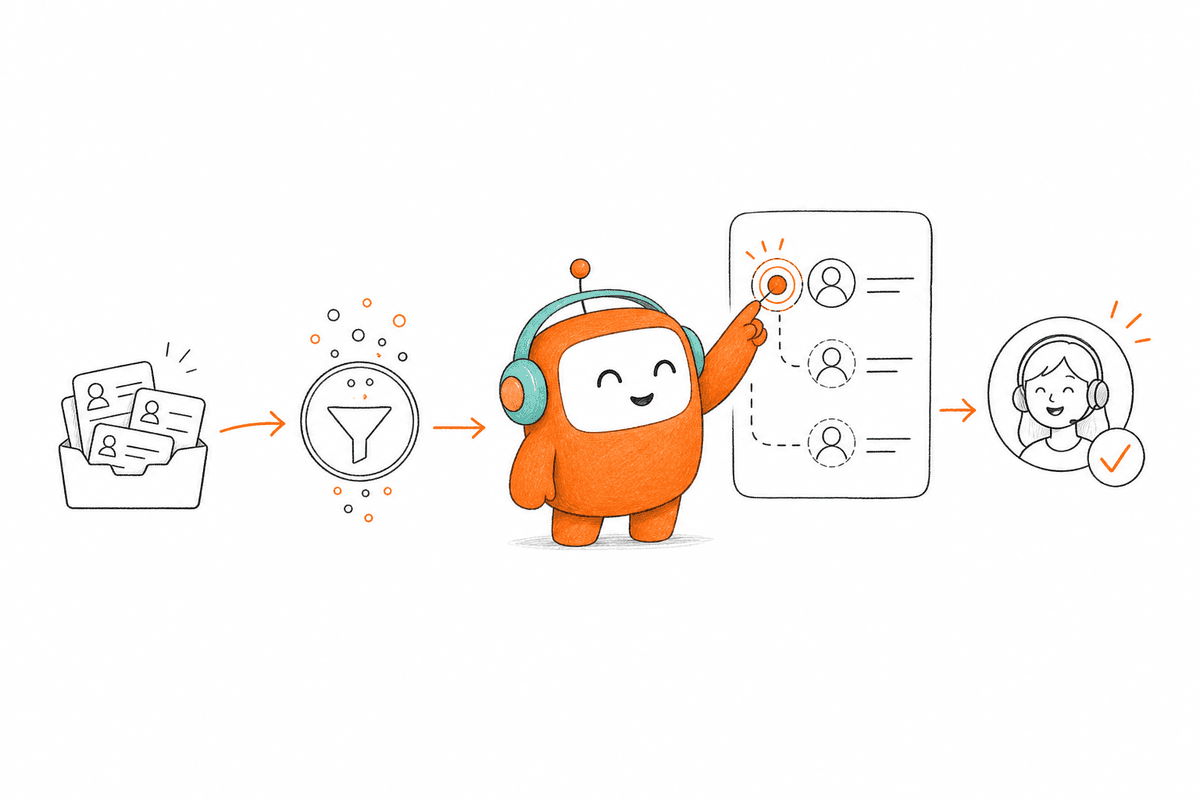
A handoff fails when the customer reaches a person but loses the context the AI already gathered. The agent then asks the same questions, checks another system, and rebuilds the case by hand. A full-context handoff should pass the conversation thread, the summary, relevant history, and suggested next actions into the human workspace. Humans also need control over where automation stops, so teams should be able to define escalation triggers based on unresolved intent, keywords, customer tier, conversation duration, or other business rules. Sensitive messages may require approval before delivery, and the agent stays responsible for what gets sent when an approval step is enabled.
Gap 6: Inbound and Outbound Live in Separate Systems
Architecture matters because customer conversations do not follow one fixed path. A customer may ask a question, change topics, request a person, and return through another channel later. Scripted automation performs well only when the customer follows the expected route.
Knowledge-grounded AI gives the system a better starting point. Approved documents, websites, and curated FAQs can become a shared knowledge source for AI and human agents. When the system cannot find a suitable answer or the request falls outside defined boundaries, it should escalate rather than manufacture a response. Inbound and outbound also belong in the same operating model. Support teams receive questions, while revenue and operations teams send reminders, qualification messages, collections outreach, or follow-ups. Both directions use customer context, routing, opt-out handling, and conversation history. Treat outbound as a separate dialer and you end up with two versions of the customer relationship.
Gap 7: The Deployment Model Ignores Regulation and Ownership
Market and deployment requirements decide whether a system can go live at all. In regulated SEA BFSI environments, banking buyers evaluate local-language voice quality, workflow execution, and deployment control together rather than treating them as separate purchases. On-prem deployment is the norm for Vietnamese banks, not a cloud pilot, because financial data and voice processing often cannot leave the institution's own infrastructure.
Regulated customer operations still require legal and compliance ownership inside the organization. Software can apply configured controls such as consent checks, calling windows, do-not-call rules, opt-out handling, and approval steps. It does not decide the organization's legal obligations or replace the review conducted by legal, risk, and compliance teams. A deployment model that ignores where data must live, or who signs off on outbound contact, stalls before it reaches production.
How Revve Brings the Work Into One Platform
Revve is a customer operations platform for inbound support and outbound engagement. Ticketing, a knowledge base, an omnichannel inbox, call center activity, AI agents, and human workflows run inside one agent workspace. The architecture is built around workflow execution, not an AI assistant sitting beside another helpdesk. Revve is not just a chatbot, not just a dialer, and not just a helpdesk.
Voice, chat, SMS, email, WhatsApp, Messenger, Zalo, LINE, and app chat can feed into one conversation layer. Interactions stay tied to the same contact thread, while channel-specific behavior such as templates and delivery states remains available where supported. Routing can then consider language, availability, prior ownership, or customer status. When an AI interaction needs a person, the human agent receives the thread, summary, prior context, and suggested next actions in the same environment through smart escalation and full-context handoff, so the customer is not moved into a disconnected queue.
Revve's AI uses knowledge loaded from approved documents, websites, and FAQs. It can identify intent, retrieve relevant information, and answer within configured topics. When the knowledge is insufficient or a rule requires human involvement, the interaction moves to an agent rather than forcing the AI to continue.
Outbound orchestration runs inside the same platform. Teams can configure multi-step campaigns across calls, SMS, WhatsApp, messaging apps, and email, with defined timing and exit conditions. Contacts can enter through CRM synchronization or CSV import, and outcomes can flow back into connected systems through integrations, APIs, and webhooks.
Operations teams can also adjust scripts, workflows, routing, tone, and scenarios through no-code configuration tools. Changes can be previewed, tested against defined criteria, and rolled back when required. Initial integration and infrastructure work may still involve IT, but daily workflow changes do not have to become engineering projects. Cloud is generally suitable for standard deployments, while on-prem can fit regulated production requirements. On-prem voice deployments need suitable GPU capacity, so the deployment choice should follow your infrastructure and governance needs rather than a fixed default.
For teams working out how that shared record would fit their current support and outbound processes, book a demo to map the conversation flow, handoff points, and surrounding systems.
Where Revve Fits, and Where It Does Not
Revve fits mid-market and enterprise teams with meaningful conversation volume, fragmented customer operations, or a need to connect inbound and outbound work. The strongest fit appears when support, operations, and revenue teams share customers but operate through separate queues and tools. Consolidation can then reduce duplicate systems while giving humans and AI a common place to work.
A small company looking for a basic homepage FAQ bot may not need that architecture. A lightweight chat product will often be cheaper and faster when there is no ticketing, voice, outbound, routing, or handoff requirement. The same applies to a buyer that only needs a phone API and intends to build every workflow internally. Pure support teams may also prefer an AI add-on when their existing helpdesk already covers the operating model and there is no outbound engagement to run. Revve becomes more relevant when customer operations include lead qualification, reminders, collections, re-engagement, or follow-up alongside inbound service. The value comes from connecting those workflows, not from replacing a tool that already meets a narrow requirement.
Revve does not replace the CRM, core banking platform, billing system, data warehouse, or legal review process. Those systems keep their own responsibilities. Revve acts as the conversation and workflow layer around them, connecting customer interactions with the people, knowledge, and actions required to move the work forward. Pricing follows the enterprise implementation model: an annual platform subscription, a one-time setup fee, and monthly usage based on unique customers reached. Failed outbound connections do not count as reached customers, and pricing is not a self-serve per-seat plan.
What to Evaluate Before Consolidating Your Stack
Start with the customer journey rather than the vendor feature list. Identify where conversations enter, which systems hold context, and what action should follow each interaction. The gaps between those steps will show whether the problem is missing functionality or disconnected ownership.
A serious evaluation should answer several practical questions:
- Can voice, chat, SMS, email, and configured messaging channels stay tied to one customer thread?
- Do AI and human agents work from the same knowledge and conversation record?
- Can the system run both inbound and outbound workflows?
- What happens when automation reaches an exception or cannot find an approved answer?
- Can operations teams change routing or workflows without waiting for every update to pass through engineering?
- Which systems stay authoritative, and how will conversation outcomes be written back?
- Does the deployment model fit security, infrastructure, and internal review requirements?
Feature count alone will not answer those questions. A point solution can have an impressive demo and still leave the team managing separate queues, handoffs, and reporting. Customer conversation management works when the architecture connects the conversation to the actual job that needs to be done. The goal is not to put AI into every customer interaction. It is to build one operating layer where automation handles repeatable work, people take the moments that need judgment, and neither side loses the customer's context along the way.
FAQ
How do I ensure continuity in customer conversations?
To ensure continuity in customer conversations, you should: 1) Use a unified system like Revve that keeps all interactions tied to one customer thread across channels. This way, whether a customer starts in chat and moves to voice, their history is preserved. 2) Train your team to document key details during each interaction, so nothing is lost when switching channels. 3) Implement smart escalation processes that allow AI to pass context to human agents seamlessly when needed.
What if my customer operations tools are fragmented?
If your customer operations tools are fragmented, consider consolidating them into one platform like Revve. This helps to reduce the number of systems your team has to manage and ensures that all customer interactions are visible in one place. Start by mapping out your current tools and identifying overlaps. Then, look for a solution that integrates ticketing, chat, voice, and AI capabilities to streamline workflows and improve response times.
Can I automate routine customer inquiries?
Yes, you can automate routine customer inquiries by using a system like Revve that incorporates AI-driven automation. Start by identifying the most common questions your customers ask, such as balance checks or order status. Then, set up AI agents to handle these inquiries using a shared knowledge base. Make sure to include escalation paths for more complex issues, so customers can still reach a human agent when needed.
When should I escalate a conversation to a human agent?
You should escalate a conversation to a human agent when the inquiry becomes too complex for the AI to handle. This could be due to factors like customer sentiment, unresolved intent, or specific keywords that indicate a need for human judgment. Using a system like Revve, you can set up triggers for escalation, ensuring that the customer experience remains smooth and that they don’t have to repeat their issue.
Why does my team need a shared workspace for AI and human agents?
A shared workspace for AI and human agents is essential because it reduces operational fragmentation. When both AI and humans work from the same environment, they can access the same conversation history and context, which speeds up response times and improves customer satisfaction. With a platform like Revve, agents can see AI-suggested responses and prior interactions, allowing them to resolve issues more effectively.