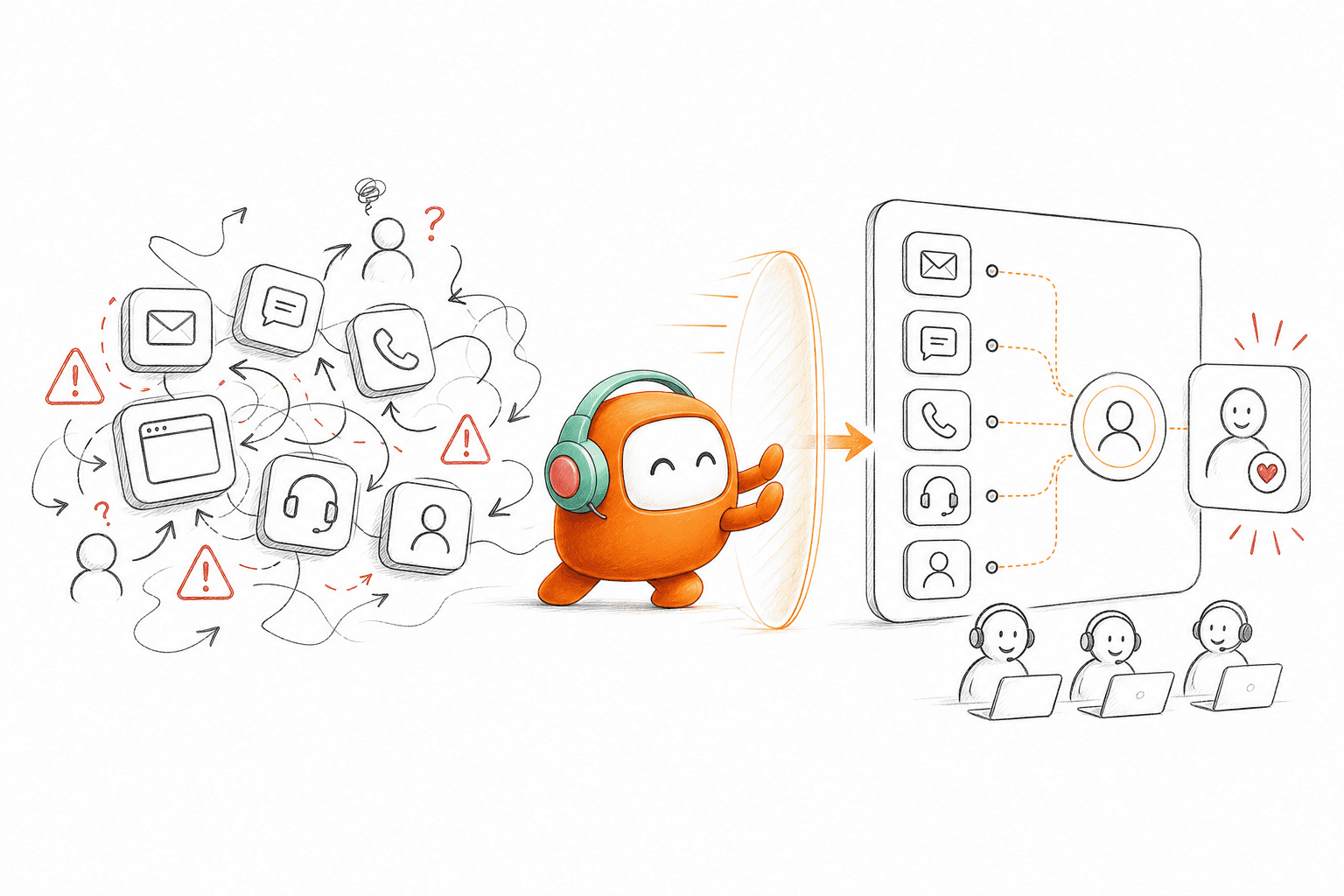
Adding an AI chat widget to a fragmented support stack gives the team another queue, not a better operating model. The helpdesk still owns tickets. Voice sits in a separate call center. Outbound follow-up runs through another product, while customer history remains split across all three.
For SaaS support teams, the cost appears in ordinary work. Agents search for context before replying. Customers repeat information when they change channels. Managers compare reports built from different records, and every handoff creates another place where ownership can disappear.
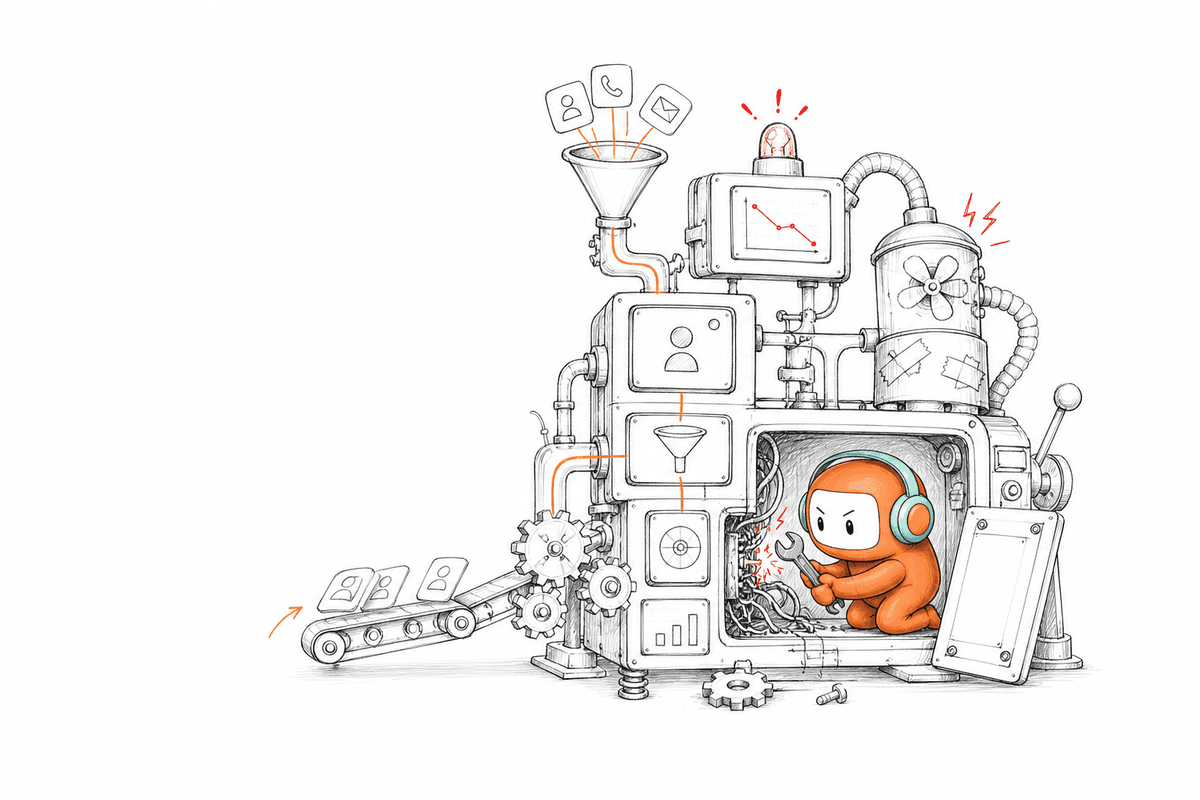
The problem isn't a lack of AI. It's that most customer operations stacks were never designed for human agents and AI agents to work from the same knowledge, conversation history, and workflow. Adding more features around that structure doesn't fix it. It makes the structure harder to manage.
The Support Stack Has Become the Problem

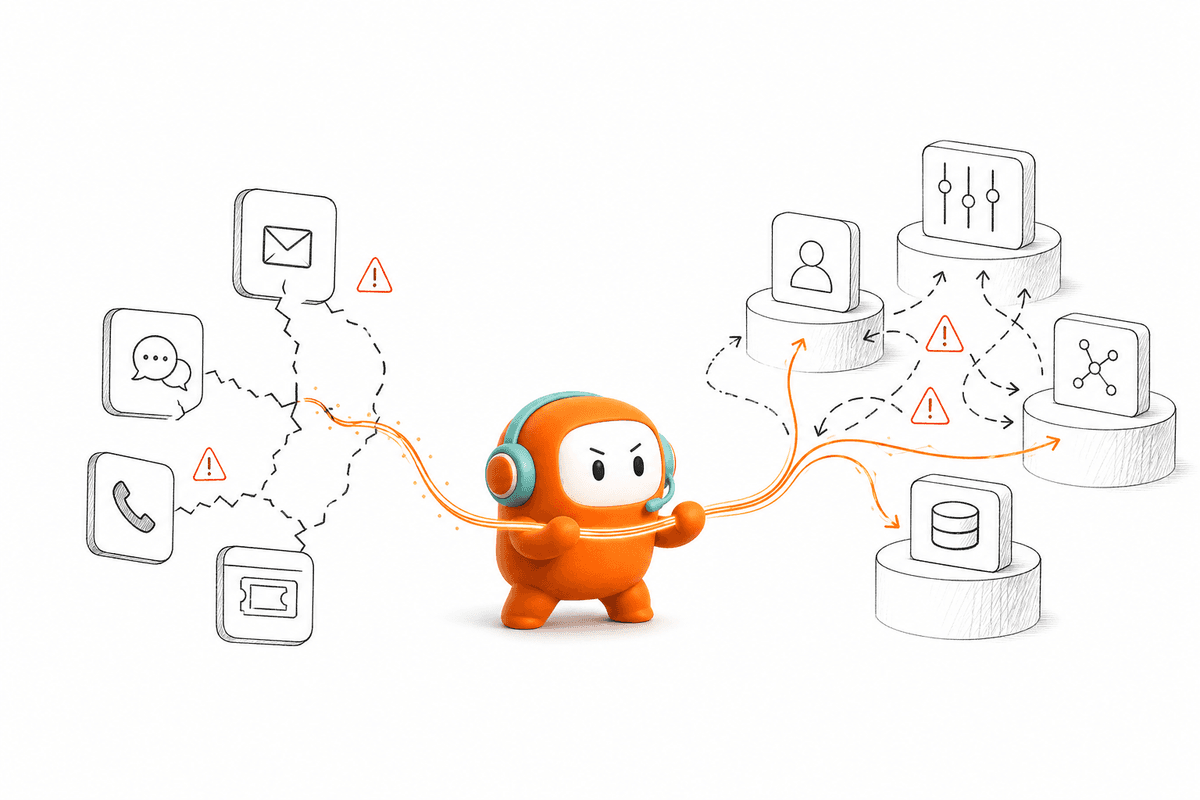
Each product may work correctly on its own. The failure happens between them. A customer can ask a question in chat, call about the same issue later, and reach an agent who cannot see the first conversation. The customer repeats the story, while the agent spends time rebuilding context that already exists somewhere else.
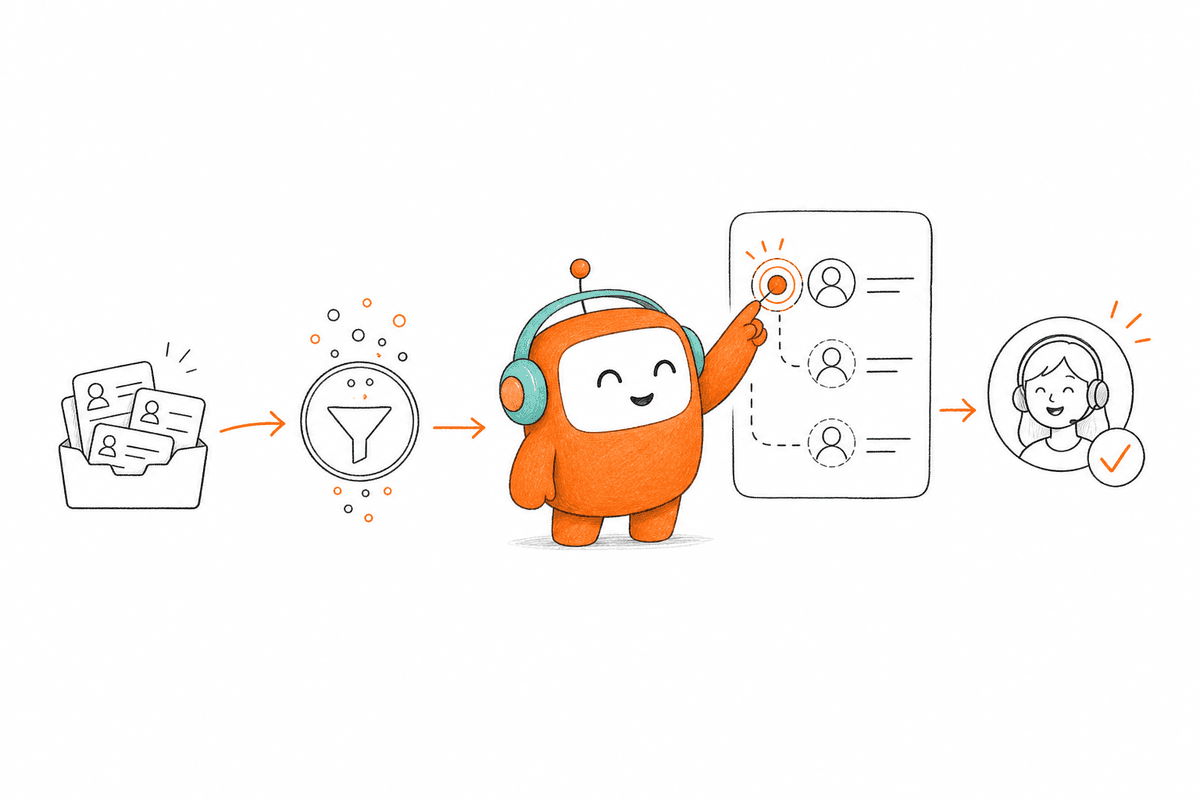
AI often enters the same environment as another add-on. It answers common questions, then transfers unresolved work into a human queue without enough context. The human agent receives the latest message, but not always the reason for escalation, the knowledge used, or the steps already attempted. Automation reduced one part of the interaction while leaving the operational work behind it untouched.
Fragmentation also limits what support leaders can measure. Ticket reports describe one channel. Call reports describe another. Outbound activity may live with sales or customer success, even when it concerns the same account and the same product issue. The team can see activity, but reconstructing the full customer journey requires manual work.
SaaS support teams feel the problem most during periods of growth. Conversation volume increases across email, web chat, voice, and SMS, but each channel brings its own routing rules and reporting. Hiring more agents can increase capacity, yet it doesn't solve the underlying split between systems. More people simply spend more time coordinating across the same stack.
Tool Consolidation Matters More Than Feature Count
Feature lists tell you what a product can do. Architecture tells you whether those capabilities can work together. A voice agent may answer calls well, but it creates limited operational value if the support team cannot see those calls beside chat and email history.
The same principle applies to AI answer quality. A strong response is useful, but support work rarely ends with the response alone. The conversation may need to be routed, logged, escalated, followed up, or connected to an outbound action. If the AI cannot continue into that work, a human still has to move the result between systems.
Support leaders evaluating a platform should ask operational questions rather than counting AI features:
- Can voice, chat, SMS, email, and configured messaging channels stay connected to one customer thread?
- Do AI agents and human agents use the same approved knowledge?
- When AI escalates, does the person receive the complete conversation and a summary of what happened?
- Can an inbound request trigger the right outbound follow-up without creating another disconnected queue?
- Can operations teams update scripts, routing, and escalation rules without depending on engineering for every daily change?
- Does the platform work with the CRM and other systems of record instead of pretending to replace them?
Consolidation doesn't mean removing every system in the company. Salesforce, HubSpot, billing platforms, data warehouses, and BI tools may remain important. Those products store records or support wider business reporting. The missing layer is often the place where customer conversations and the workflows around them are actually managed.
For SaaS support teams, the practical goal is fewer operational surfaces around each conversation. An agent shouldn't need one product to understand the issue, another to contact the customer, and a third to record the outcome. AI shouldn't operate outside that process either. It needs access to the same context and clear rules for when a person should take control.
Inbound Support and Outbound Engagement Are One Workflow
Support is often treated as inbound work. A customer sends a message, opens a ticket, or calls, and the team responds. But many SaaS customer journeys require the company to make the next move.
A dropped conversation may need an SMS follow-up. An unresolved account question may require a scheduled call. A product inquiry may need qualification and routing to sales. Renewal reminders, onboarding follow-ups, re-engagement, and service updates all sit beside support, even when another department owns the final outcome.
Running that outbound work through a separate dialer or campaign tool creates another context break. The outbound system may know whom to contact without knowing what happened in the inbound conversation. Support sees the issue, sales sees the opportunity, and the customer receives communication from two workflows that don't understand each other.
The important point isn't that every support team needs the same outbound campaign. It's that inbound and outbound activity should share context. A lead captured on the website, a customer asking for a callback, and an account requiring follow-up all need consistent history, routing, and ownership. When the two sides sit in separate products, the customer feels the seam even if your internal teams don't.
If your inbound queue and outbound follow-up still sit in separate products, book a demo to map that handoff against Revve's shared workflow.
Human and AI Agents Need the Same Operating Layer
The practical future of customer operations isn't AI replacing the support team. It is a clearer division of work between automation and people. AI can handle repeatable questions and configured workflow steps, while human agents take conversations that require judgment, exception handling, or a sensitive decision.
That division only works when both sides share the same operating layer. An AI agent should use approved knowledge rather than producing an answer from general model knowledge. When it cannot find a suitable answer, the system should escalate instead of forcing a response. The receiving agent needs the original thread, prior customer history, and a summary of what the AI already attempted.
Handoff quality matters because customers judge the whole interaction, not the individual tools behind it. A fast automated response loses much of its value when the customer must restart after escalation. The customer doesn't care which product handled the first message. They care whether the next person understands it.
Operations teams also need control after deployment. Qualification criteria change. Support policies are revised. New product information enters the knowledge base, and escalation rules need adjustment based on real conversations. Routing every update through an engineering backlog makes the automation harder to maintain.
No-code configuration can reduce that dependency, but it doesn't remove IT from the deployment. Initial integrations and infrastructure still require technical involvement, particularly in enterprise environments. Daily adjustments to scripts, workflows, routing, and tone can then move to the operations team, with testing and rollback controls available before changes reach customers.
Quality improvement needs the same human involvement. Conversation scoring can identify resolution outcomes, sentiment, and knowledge gaps, while managers review the evidence and update rules or content. AI doesn't improve merely because more conversations pass through it. The learning loop depends on human correction and maintained knowledge.
A Checklist for Improving Omnichannel Service
Before evaluating any vendor, SaaS support teams can pressure-test their own operations against a few practical questions. These apply whether you consolidate tools or keep your current stack.
- Map every channel a customer can reach you through, then check how many share a single conversation record. The gaps are where context gets lost.
- Decide which requests actually need a human and which are repeatable. Automation works best when the boundary is explicit, not improvised per conversation.
- Write down your escalation rules. If an agent can't state what triggers a handoff and what context arrives with it, customers will repeat themselves.
- Route on something meaningful: skill, language, availability, or continuity with a prior agent. Round-robin routing ignores the history that reduces handling time.
- Keep one knowledge source that both people and any automation read from. Two knowledge bases drift apart within weeks.
- Measure resolution across the whole journey, not per channel. Per-channel reports hide the customer who contacted you three times about one issue.
- Assign clear ownership for outbound follow-up. A dropped thread with no owner is the most common place service quality leaks.
None of these require a new platform on their own. They do reveal whether your current tools can carry a conversation from first contact to resolution without manual stitching.
How Revve Rebuilds Customer Operations Around the Conversation
Revve brings voice, web chat, SMS, email, and configured messaging channels into one customer operations platform. Human agents and AI agents work from the same conversation record instead of passing customers between disconnected products. Cloud and on-prem deployment options give teams flexibility based on their operational and infrastructure requirements.
Not every customer needs every channel. A SaaS company may begin with web chat and email support, while another deployment may prioritize voice or outbound follow-up. The channel mix should follow the workflow, not a requirement to adopt every feature from day one.
One Customer Thread Across Channels
Revve's omnichannel conversation management connects supported interactions to the same contact thread. A customer can move from web chat to a phone call or receive an SMS follow-up without forcing the support team to reconstruct the history manually. Channel-specific behavior remains intact, including templates and delivery status where supported, while the internal team works from one conversation view.
Routing can use factors such as skill, language, availability, or continuity with a previous agent. The omnichannel inbox gives agents the customer history and contact context around the active conversation. Voice isn't treated as a separate product, and chat isn't managed as an isolated widget.
Shared Knowledge With Clear Escalation
Revve's knowledge-grounded AI automation uses a knowledge base built from uploaded documents, crawled websites, and curated FAQs. During a conversation, the AI identifies intent and retrieves relevant approved content before generating a response. It isn't designed to answer unrestricted questions outside the loaded knowledge.
When the issue falls outside defined boundaries, Revve can escalate according to configured triggers such as unresolved intent, keywords, duration, or custom business rules. The human agent receives the conversation thread, summary, prior history, and suggested next steps in the same workspace. Agents can continue from the existing interaction rather than beginning discovery again.
Human agents remain in control of escalated work. AI-suggested responses can support the agent, while configurable approval steps can hold sensitive messages for review. Assignment changes and approvals are recorded in the platform's audit trail.
Inbound and Outbound in the Same System
Revve supports routine inbound requests across voice, chat, SMS, messaging, and email. The same platform can also run outbound sequences across calls, SMS, WhatsApp, other configured messaging channels, and email. Teams define the messaging framework, campaign steps, timing, and exit conditions rather than asking the AI to invent an outreach strategy.
Outbound orchestration can support lead follow-up, reminders, re-engagement, and other proactive workflows. Contacts can enter through CRM synchronization or import, and engagement outcomes can return to connected systems. Prior conversation history can inform later touches, keeping outbound activity connected to the customer relationship rather than operating like an isolated broadcast.
The CRM still remains the system of record for accounts, contacts, and opportunities where appropriate. Revve manages the conversation and workflow around those records. APIs, webhooks, and supported integrations with systems such as Salesforce, HubSpot, and ActiveCampaign allow customer operations data to move into the surrounding stack.
A Workspace for Operations, Not Another AI Add-On
Revve includes ticketing, a knowledge base, an omnichannel inbox, call center activity, AI agents, and human-agent workflows in one environment. The purpose isn't to place an AI layer beside the existing helpdesk. It is to reduce the number of separate products required to run the conversation.
Operations teams can configure conversation flows, outbound sequences, routing, escalation paths, and business rules through plain-language settings and visual builders. They can preview changes, run tests, and roll back a configuration when needed. IT remains involved in initial integration and infrastructure, but daily workflow management doesn't have to become a permanent engineering project.
When a Customer Operations Platform Makes Sense
Revve isn't the right choice for every SaaS company. A very small team with low conversation volume may find that its existing human workflow is cheaper and easier to manage. If the only requirement is a basic homepage FAQ widget, a point product will likely be faster to deploy.
A pure support team that wants inbound automation inside an existing helpdesk, with no need for outbound engagement or tool consolidation, may also prefer an AI add-on. Engineering teams that want to build and maintain every model choice, workflow path, and integration themselves may need a more open development environment.
The fit becomes stronger when SaaS support teams are managing high conversation volume across several channels, losing context during human handoff, or running outbound work through separate systems. It also matters when support, operations, and revenue teams need to coordinate around the same customer without creating more queues.
Another AI feature won't repair a fragmented operating model. The more useful question is whether your systems can carry one customer conversation from first contact through resolution, follow-up, and human intervention without losing the context in between.
FAQ
How do I ensure consistent customer interactions across channels?
To ensure consistent customer interactions, start by mapping out all the channels your customers use to reach you. Make sure each channel shares a single conversation record so that customers don’t have to repeat themselves. Revve's omnichannel conversation management helps connect interactions across voice, chat, SMS, and email into one thread, allowing both AI and human agents to see the full context of a customer's journey.
What if my support team struggles with too many disconnected systems?
If your support team is dealing with disconnected systems, consider consolidating your tools into one platform. This can reduce the time agents spend switching between applications and help maintain context during customer interactions. Revve offers a unified workspace where human and AI agents can collaborate on the same conversations, improving response times and customer satisfaction.
Can I automate routine inquiries without losing context?
Yes, you can automate routine inquiries while maintaining context by using a knowledge-grounded AI system. This ensures that the AI uses approved knowledge to respond to common questions, and when it encounters complex issues, it can escalate to a human agent with the full conversation history intact. This approach minimizes disruptions for customers and helps agents resolve issues faster.
When should I consider using AI in my customer support?
Consider using AI in your customer support when you experience high volumes of repetitive inquiries or need to extend service hours without increasing headcount. AI can handle common questions and routine tasks, allowing human agents to focus on more complex issues that require judgment and empathy. Implementing AI effectively can help improve overall efficiency and customer satisfaction.
Why does my team need a shared workspace for AI and human agents?
A shared workspace for AI and human agents is crucial because it allows for seamless transitions between automated and human interactions. When both agents operate within the same environment, they can access the same conversation history and context, reducing the time spent rediscovering issues. This continuity enhances the customer experience and improves operational efficiency.