A smart answer can still leave your customer waiting while the actual task sits untouched in the CRM. The refund remains pending, and an escalation can reach a human with half the story. Agentic AI changes the job from generating a response to choosing an approved next action and carrying it through the workflow. That shift matters only when AI and human agents work from the same customer record and approved rules.
The useful question is why agentic AI matters to the work behind each conversation. Customer operations covers more than inbound support. It includes lead qualification, outbound follow-up, reminders, collections, escalation, and the human decisions that automation shouldn't make. An agent becomes useful when it can move that work forward, not when it produces a better paragraph.
Key Takeaways:
- Judge agentic AI by completed workflow steps, not answer quality alone.
- Map every action, approval, and handoff before choosing an AI agent.
- Give human agents and AI agents the same customer context and approved knowledge.
- Set clear limits for when AI can act, when approval is required, and when a person takes over.
- Keep your CRM and core systems, but remove the manual work connecting them to customer conversations.
- Measure business outcomes such as completed bookings, qualified leads, and successful handoffs.
Why Agentic AI Fails Inside Fragmented Operations
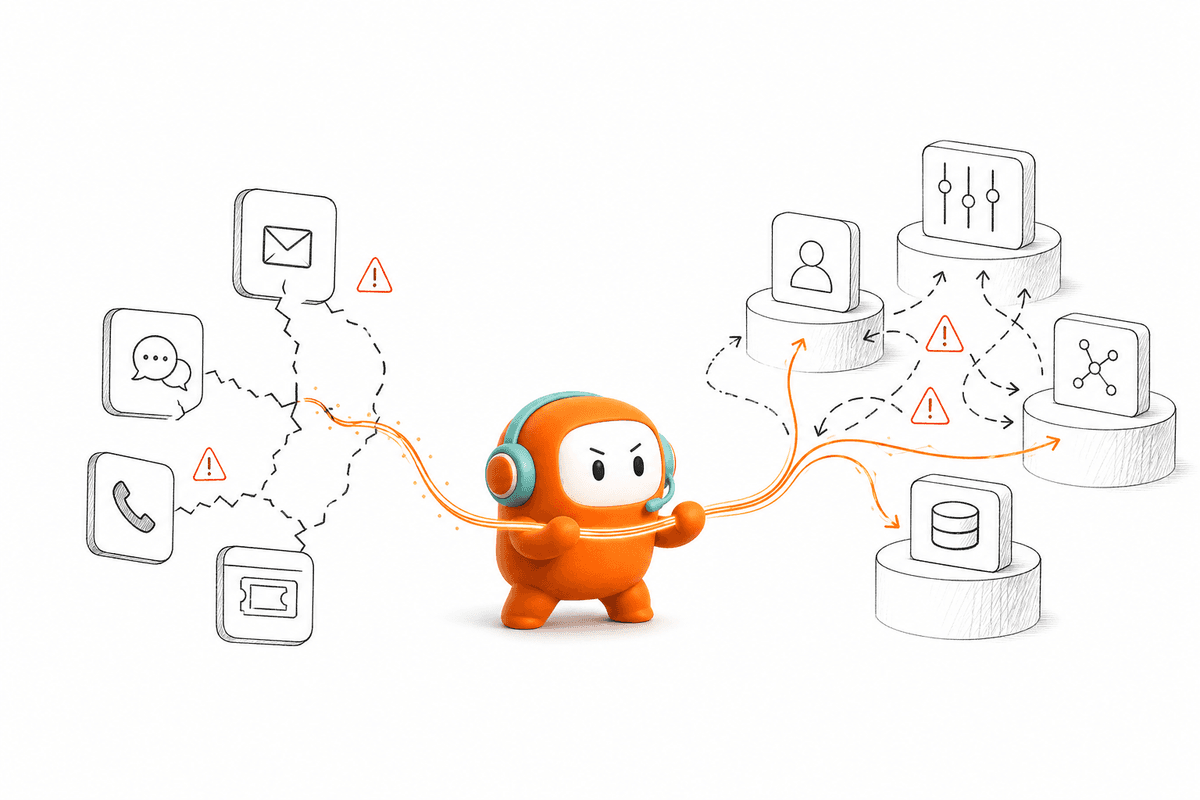
Agentic AI fails when it sits outside the systems where customer work happens. A smart response can't compensate for a separate helpdesk, dialer, inbox, knowledge base, and outbound tool that don't share context. The AI may understand the request, yet a human still has to complete every action after the conversation ends.
The Bot Answers While the Work Stays Manual
At 2:15 p.m., a support lead reviews a billing conversation that started in web chat and moved to a phone call. The AI answered the first question, but it couldn't update the ticket or pass the account history into the call queue. A human agent opens the helpdesk, checks the CRM, reads the chat transcript, and asks the customer to explain the issue again. The answer was automated. The operation wasn't.
Customer frustration is only one part of the cost. Behind that repeated explanation, agents are copying notes between systems, supervisors are comparing partial reports, and operations managers are fixing routing gaps by hand. You can feel the drag in the queue before it appears in a dashboard. Frankly, adding another AI tool to that stack can make the work harder because the team now owns one more system and one more failure point.
A chatbot attached to fragmented operations is like a receptionist without an access badge. It can greet the customer and explain the process, but it can't enter the rooms where the work gets done. Real agency starts when the system can act within approved boundaries.
Fragmentation Turns Agency Into Another Queue
Fragmentation limits agentic AI because agency depends on shared state. The agent needs to know what happened before, what the customer is allowed to do, which workflow is active, and what should happen next. If those facts live in separate systems, each action becomes an integration problem or a manual task.
Point tools still have a valid place. If you need a basic FAQ widget for a low-volume website, a simple bot may be cheaper and faster to deploy. The limitation appears when you expect that widget to run customer operations across inbound and outbound work. A tool designed to answer one question won't suddenly manage qualification, follow-up, escalation, and human review because someone added an AI label.
Agentic AI also creates a false sense of progress when leaders measure conversations instead of completed work. A team may report that the AI handled thousands of messages while agents still chase the same follow-ups and repair the same handoffs. That gap explains why agentic AI can look impressive in a demo and disappoint in production. The next question is practical: what must change before an agent can execute real customer work?
How to Make Agentic AI Execute Real Customer Work
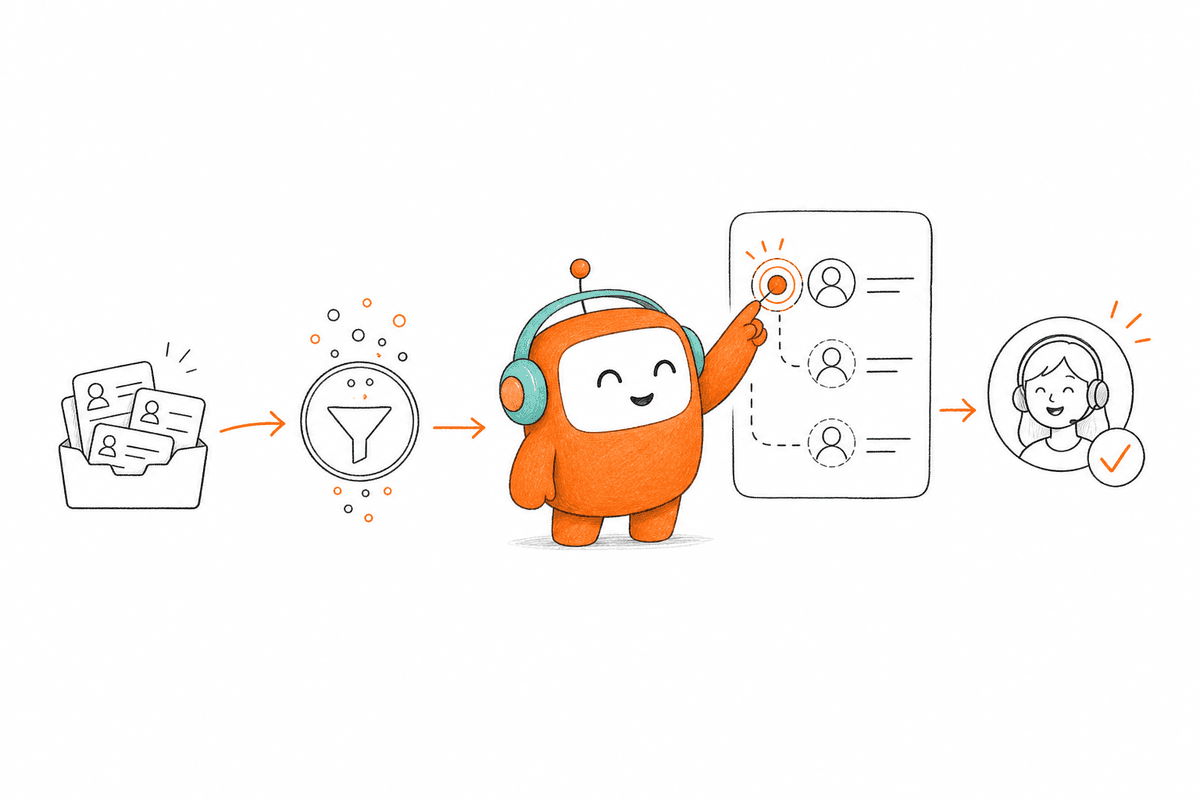
Effective agentic AI starts with the workflow, not the model. Teams need to define the outcome, give the agent access to approved context, limit its authority, and design the human handoff before deployment. Better operations come from connecting those decisions into one working system.
Diagnose Whether You Have an Agent or an Answer Engine
Before changing your stack, follow one customer request from its first message to its final outcome. Count every system opened, every field copied, every approval requested, and every handoff where context is lost. If the AI disappears from the process after generating a response, you have an answer engine rather than an operating agent.
Four questions expose the difference fast. Can the agent recognize the customer and current workflow? Can it take an approved action without a person copying data? Can it stop when the request crosses a policy or judgment boundary? Can a human continue from the exact point where automation ended? A “no” on two or more questions means the workflow isn't ready for meaningful agency.
Use the following checks on one live workflow:
- Trace the customer record: Confirm where identity, history, consent, and current status are stored.
- Mark each manual transfer: Record every place where an employee moves information between tools.
- List the permitted actions: Separate actions the AI may complete from actions requiring approval.
- Test the handoff: Move one conversation from AI to a person and check whether anything must be repeated.
The audit is intentionally narrow. Start with one workflow, such as lead qualification or order-status support, rather than reviewing the entire operation at once. You need a truthful map, not a large transformation document nobody uses.
Define the Outcome Before the Conversation
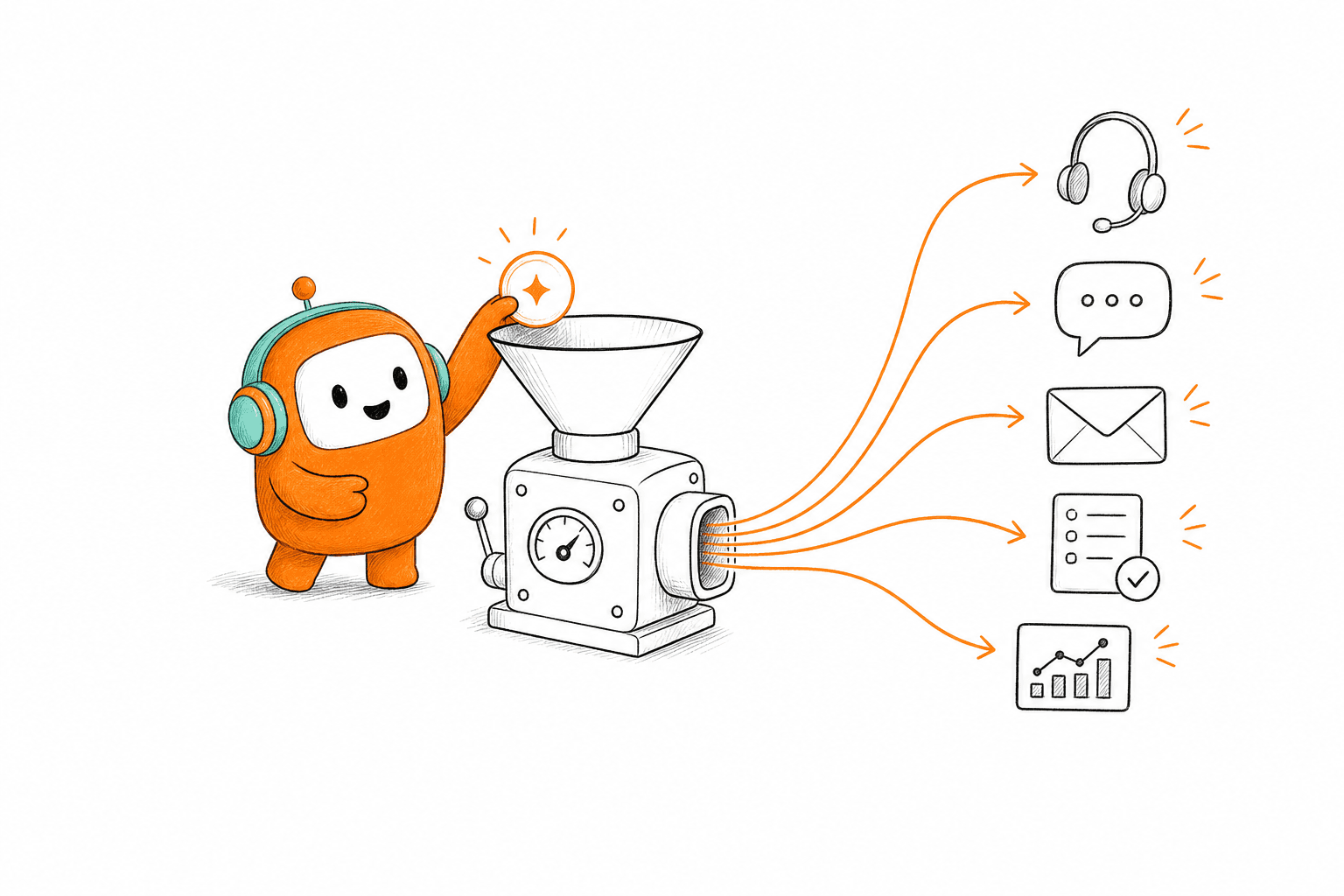
A successful agentic workflow ends with a business state change. The lead is qualified and routed. The appointment is booked. The support request is resolved or assigned with context. Measuring whether the AI “handled” a conversation says little about whether customer operations moved forward.
Work backward from that outcome. For lead qualification, the agent may need to identify the lead, ask approved questions, score the answers against business rules, and route the opportunity. For support, it may retrieve approved knowledge, complete a permitted request, or escalate based on risk and complexity. Each action needs an owner, an input, and a clear completion state.
A practical workflow map should show:
- Trigger: What starts the workflow, such as a form submission, inbound call, or overdue account.
- Context: What customer history and approved knowledge the agent needs.
- Actions: What the agent may do without human approval.
- Boundaries: Which conditions stop automation or require review.
- Completion: What record, status, booking, or follow-up proves the work is done.
Some workflows shouldn't be automated end to end. High-value disputes, unusual payment situations, and emotionally charged complaints often require human judgment. That's not a failure of agentic AI. A system that knows when to stop is safer and more useful than one designed to keep talking.
Give Humans and AI the Same Working Context
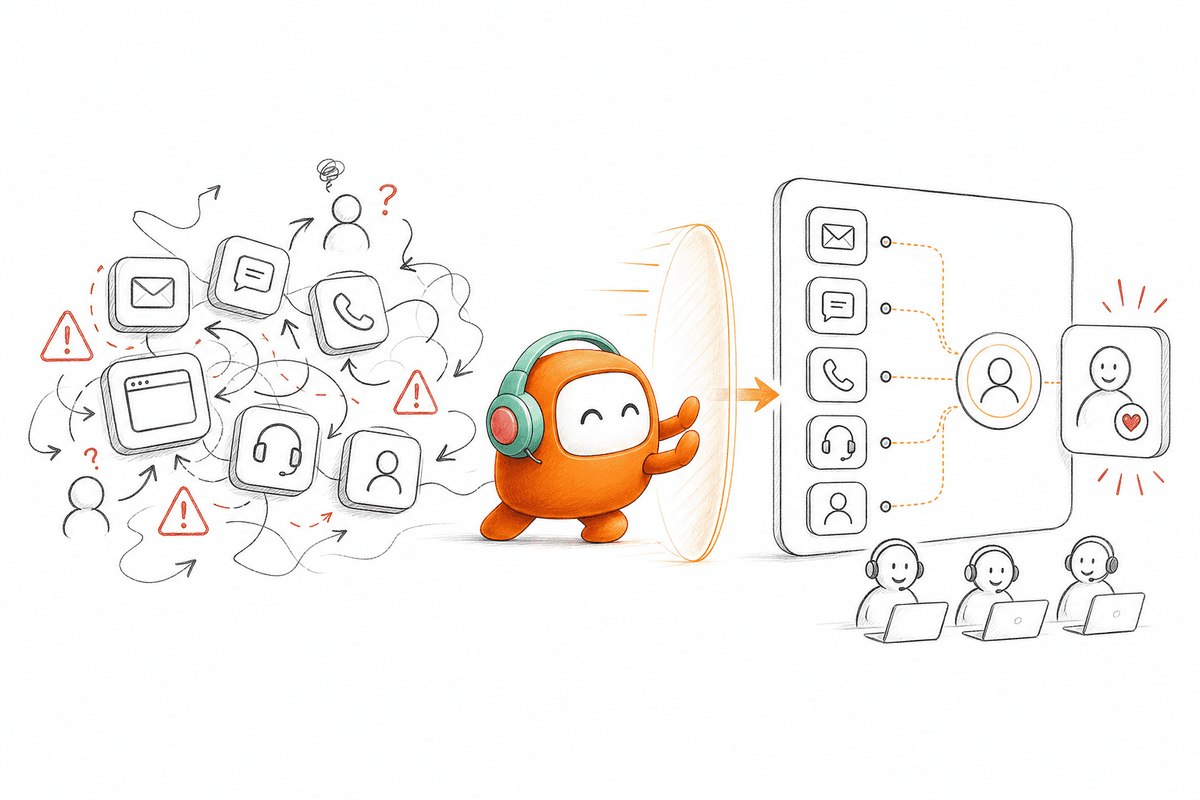
Shared context is what makes agentic AI useful across channels. Both the AI and the human agent need the same conversation history, customer record, approved knowledge, and workflow status. Without it, the handoff becomes a restart and the customer becomes the integration layer.
Consider a customer who begins in web chat, receives an SMS update, and then calls. A disconnected setup creates three records that an agent must reconcile while the customer waits. A shared conversation thread keeps the sequence intact, so the next participant can see what was asked, what was promised, and which action remains open. The channel changes. The work doesn't reset.
Knowledge needs the same treatment. An AI agent grounded in one FAQ set while human agents use another policy library will produce inconsistent answers, even if both systems work as designed. Put approved knowledge behind both sides of the operation, assign owners to updates, and record which source supports each workflow. Honestly, knowledge ownership is less exciting than a voice demo, but it decides whether the deployment survives its first policy change.
A workable shared-context policy includes:
- One customer thread across supported channels
- One approved knowledge source for humans and AI
- One visible workflow state and next action
- One record of completed actions, approvals, and escalations
- Clear ownership for correcting outdated information
Design the Handoff Before You Automate the Opening
A good handoff preserves continuity and transfers responsibility. The human agent should receive the full thread, customer history, current workflow state, and a clear reason for escalation. Sending a transcript into a general queue isn't enough because the agent still has to reconstruct what happened.
Set escalation triggers before launch, then test them with difficult conversations. Negative sentiment may require a person. An unresolved intent after a defined number of attempts may do the same. Sensitive keywords, customer tier, conversation length, or a request outside approved knowledge can also trigger review. The exact rules will differ, but ambiguity here creates expensive mistakes.
Run at least three handoff tests:
- Known exception: Use a request the AI has been told not to complete.
- Context switch: Move the customer from one supported channel to another before escalation.
- Human correction: Let an agent correct the response and check whether the knowledge or workflow owner can review it.
The handoff test is where many agentic AI projects reveal their real architecture. If your test still makes the customer repeat the issue, book a demo to see how that transition can be mapped inside one shared workspace. A strong opening conversation means little if the final transfer fails.
Keep Systems of Record and Replace the Manual Glue
Agentic AI doesn't require replacing every system in the company. Your CRM may remain the source of truth for contacts and opportunities, while billing or policy platforms keep the account state. The agent needs controlled access to the information and actions required for its workflow, not ownership of every enterprise record.
Full consolidation also has a real downside. Migrating years of customer data, reporting logic, and internal processes into one new system can create more risk than value. The better target is the customer conversation and workflow layer where fragmented channels, handoffs, knowledge, and follow-up create daily work. Keep systems that perform their core role well. Remove the manual glue between them.
For each connected system, define the relationship in plain language:
- Read: What information may the agent retrieve?
- Write: What fields or outcomes may it update?
- Trigger: What event may start the next action?
- Approve: Which changes require a person?
- Audit: What activity must be recorded for review?
A US property data company applied that logic to outbound lead engagement. Instead of asking revenue reps to work every early touch manually, the workflow handled initial engagement and passed qualified opportunities to the team. The important shift wasn't replacing salespeople. It was giving automation the repetitive work while preserving human ownership of qualified conversations.
Review Outcomes Instead of Celebrating Activity
Agentic AI needs an operating review after launch because workflows change. Knowledge ages, qualification criteria move, customer language shifts, and edge cases appear only in real conversations. A launch dashboard full of message counts won't tell you whether the system is making good decisions.
Review completed outcomes each week during the early production period. Look at where the AI finished the workflow, where it escalated, where humans corrected it, and where customers dropped out. Then update knowledge, rules, or routing based on those conversations. The model is only one part of the improvement loop.
Choose measures tied to the actual job:
- Support workflows: resolved request, correct escalation, repeated-contact rate
- Lead workflows: response time, completed qualification, routed opportunity
- Outbound workflows: reached customer, completed follow-up, valid opt-out
- Human handoffs: time to acceptance, context retained, issue repeated
- Knowledge quality: unsupported answer, stale source, correction frequency
A lower automation rate can be the better outcome if the system is escalating risky cases correctly. That tradeoff is worth stating because teams often chase automation coverage and ignore decision quality. Why agentic AI matters comes down to controlled execution, not the highest possible number of automated conversations.
How Revve Connects AI to Customer Work
Revve connects agentic AI to the operating layer where customer conversations are handled. Its shared workspace brings AI agents and human agents into the same environment, while knowledge, channel history, workflow state, and escalation remain attached to the same customer record. The agent can act without becoming another disconnected queue.
One Workspace for AI and Human Agents
Revve's Unified AI and Human Workspace keeps automated and human work in the same operational record. When the AI handles a conversation, its activity remains visible to the person who may take over later. Human agents can review the existing thread, customer context, and suggested next steps rather than starting discovery again.
The Omnichannel Conversation Management layer connects supported voice and digital channels to one customer thread. A conversation can move between web chat, SMS, messaging, or voice without creating a new internal history each time. With Revve, support and revenue workflows can use the same operating layer instead of maintaining separate inbound and outbound stacks.
The practical capabilities include:
- Shared conversation records: AI and human activity stays attached to the same customer thread.
- Knowledge-grounded responses: Agents use approved documents, websites, and curated FAQs.
- Full-context handoff: Configured triggers pass the conversation into the human workspace with its history intact.
- Inbound and outbound workflows: Customer support, lead follow-up, reminders, and other approved workflows run from the same platform.
Workflow Execution With Clear Human Boundaries
Revve combines Knowledge-Grounded AI Automation with Smart Escalation and Full-Context Handoff. Teams define topics, business rules, escalation conditions, and permitted actions before deployment. When a request falls outside those boundaries, the conversation can move to a human based on configured triggers rather than forcing the AI to improvise.
Outbound Orchestration extends the same operating model to proactive engagement. Teams can configure multi-step sequences across supported calls and digital channels, define timing and exit conditions, and preserve prior conversation context between touches. Revve doesn't invent the outreach strategy or compliance policy. Your team still defines the rules and owns legal review.
Operations users can also adjust scripts, routing, tone, scenarios, and workflows through no-code configuration tools, with testing and rollback controls available before changes go live. IT remains involved in initial integrations and infrastructure where required. Daily workflow changes don't need to become permanent engineering tickets.
Why Agentic AI Needs an Operating Layer
Agentic AI matters when it completes approved work across the customer journey and knows when a person should take over. A smarter bot inside a fragmented stack can't fix broken handoffs, split knowledge, or manual follow-up. Start with one workflow, define the outcome, connect the necessary context, and test the human transition under real conditions. The future of customer operations isn't humans versus AI. It's one operating model where each does the work it is suited to do.
FAQ
How do I ensure my AI and human agents share the same context?
To make sure both AI and human agents have the same context, you can: 1) Use Revve's Unified AI and Human Workspace, which keeps all conversations and customer records in one place. This way, when a conversation escalates from AI to a human agent, the full history and context are preserved. 2) Regularly update your shared knowledge base so that both agents have access to the same approved information. This helps maintain consistency in responses and actions. 3) Train your team to understand the importance of context and how to utilize the shared workspace effectively.
What if my AI struggles with complex customer inquiries?
If your AI is having trouble with complex inquiries, you should: 1) Set clear escalation triggers within Revve so that when the AI cannot resolve an issue, it automatically hands off the conversation to a human agent with all relevant context. 2) Regularly review the knowledge base to ensure it covers a wide range of topics, allowing the AI to handle more inquiries effectively. 3) Consider using Revve's Continuous Learning feature to gather feedback on AI performance, which can help improve its responses over time.
Can I customize workflows for different customer interactions?
Yes, you can customize workflows in Revve to suit various customer interactions. Start by using the no-code configuration tools to define specific conversation flows and escalation paths. This allows you to tailor responses based on the type of inquiry, whether it's support, sales, or collections. Additionally, you can set up different actions for AI agents depending on the customer’s needs, ensuring that the right process is followed for each interaction.
When should I consider using outbound orchestration?
You should consider using Revve's Outbound Orchestration when you need to streamline your outreach efforts. This is particularly useful for sales follow-ups, appointment reminders, or collections. By setting up multi-step campaigns across various channels like calls and SMS, you can ensure timely and consistent communication with customers. Additionally, this feature allows you to personalize messages based on customer data, improving engagement rates and efficiency.
Why does my team need a unified inbox for customer interactions?
A unified inbox is crucial for your team because it consolidates all customer interactions across channels into one view. This reduces the time agents spend switching between different tools and helps maintain a seamless conversation history. With Revve's Omnichannel Inbox, agents can see prior interactions regardless of the channel used, which improves response times and customer satisfaction. It also helps prevent customers from having to repeat themselves, creating a smoother experience overall.