At 8:30 on Monday, a bank CIO opens three support dashboards and sees three different versions of Friday. One says response time improved, another shows voice queues backing up, and the third leaves out the outbound reminders that generated new callbacks. Support team efficiency benchmarks mean very little when the work behind them is split across systems that never reconcile.
A fast answer isn't the same as a completed workflow. If the customer calls again, switches channel, or reaches a human who can't see the earlier conversation, the benchmark is measuring system activity instead of customer progress. For banks running local-language voice on on-prem infrastructure, that gap hides real operating cost.
Key Takeaways:
- Measure complete customer workflows, not isolated channel activity.
- Use the same definition of resolution across AI and human agents.
- Track repeat contact after automation, not automation rate alone.
- Separate customer waiting time from human handling time.
- Include inbound and outbound activity in the same operating scorecard.
- Treat deployment capacity and data control as benchmark inputs, not procurement details.
Why Standard Support Benchmarks Mislead BFSI Leaders

Channel Metrics Hide the Cost Between Systems
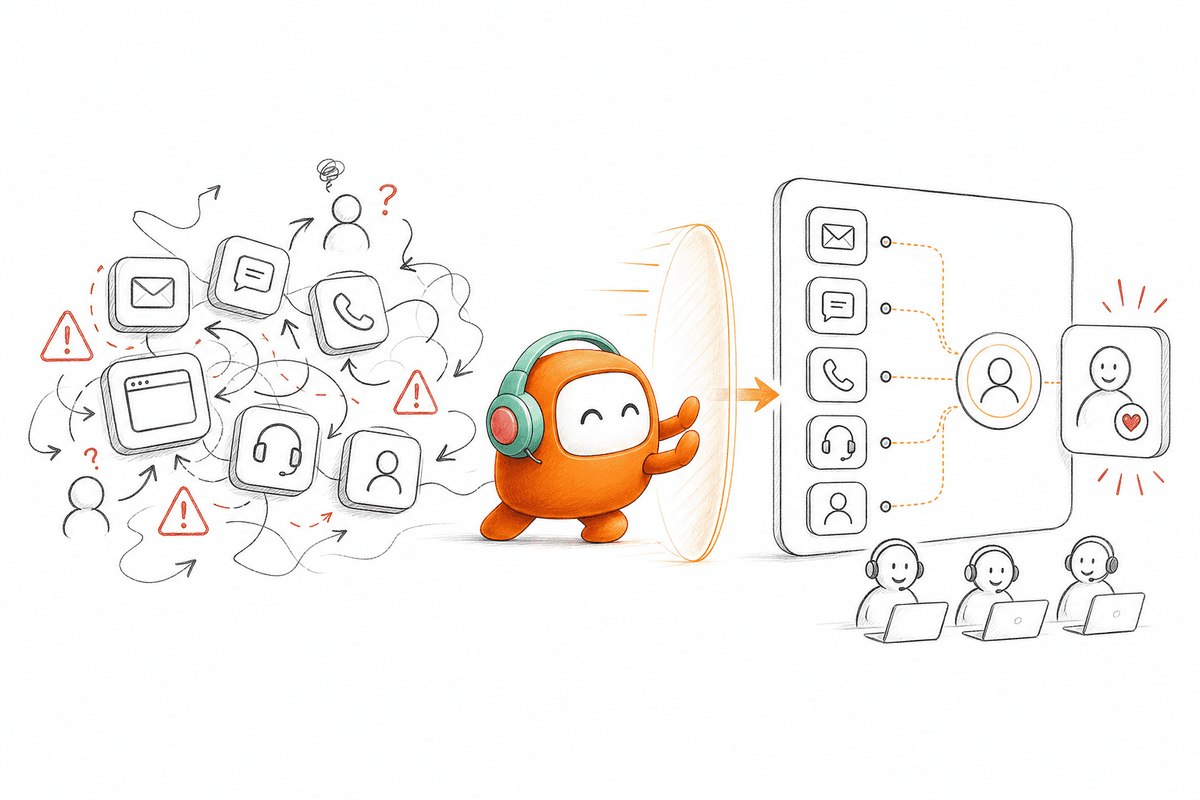
At 4:45 p.m., a support operations manager exports voice data from the contact center, chat data from a second system, and ticket data from the helpdesk. Customer IDs don't match across every file. A transfer shows as a closed call in one system and a new case in another. By the time the weekly report reaches the CIO, one customer journey can appear as three successful interactions.
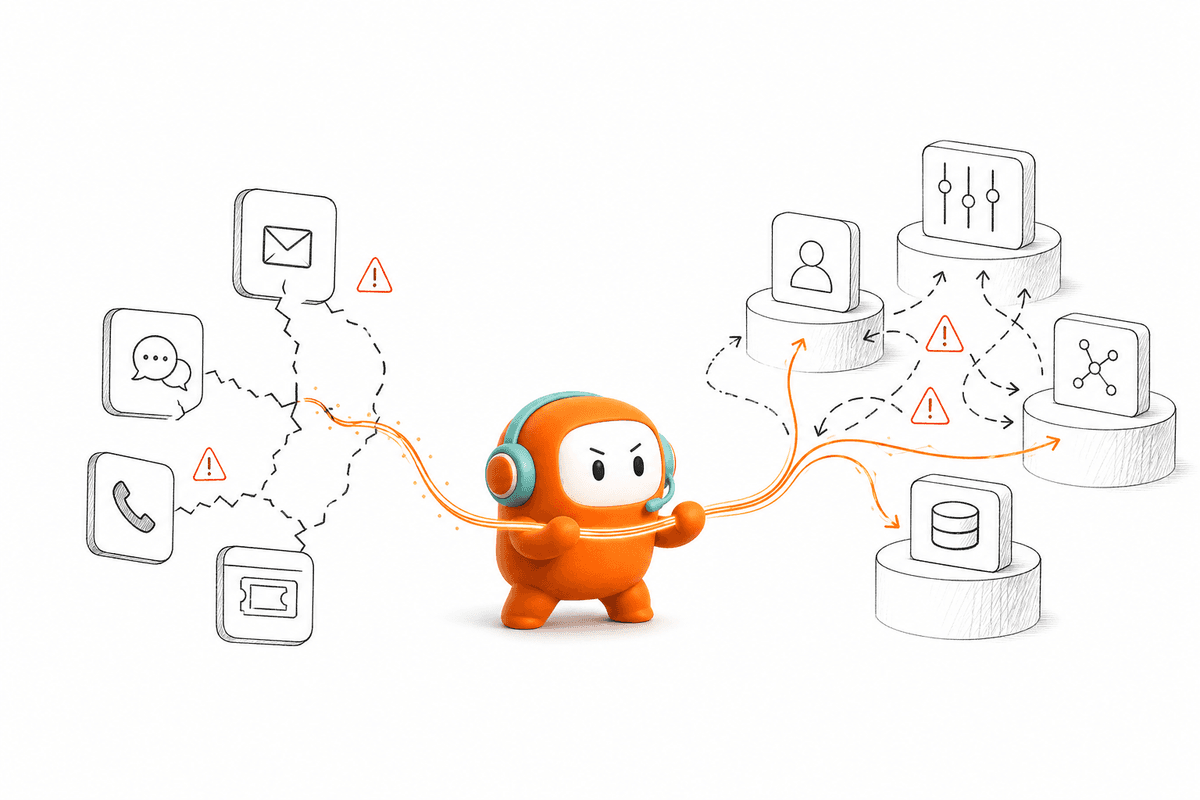
Fragmented reporting creates a measurement problem before it creates a technology problem. A voice bot reports short calls because difficult requests leave its queue quickly. The helpdesk then reports longer handling times because human agents inherit only the hard cases, usually without the original context. Neither metric is wrong on its own, which is exactly why the combined picture lies.
Benchmarking that operation is like reconciling a bank ledger where each system closes on a different date. Every line can be accurate, and the total still can't be trusted until the timing and account rules match. That is where most support efficiency programs go wrong. They compare numbers before agreeing on what the numbers represent.
Support team efficiency benchmarks should expose those handoff costs through a shared customer identifier, consistent timestamps, and one resolution definition. Without that foundation, lower handling time can simply mean work moved somewhere else. The benchmark rewards the transfer instead of the resolution.
Inbound-Only Measurement Misses Half the Work
Inbound metrics cover only the requests customers start. Banks also run payment reminders, collections outreach, application follow-up, document requests, fraud checks, and re-engagement. Those outbound workflows generate replies, escalations, opt-outs, and callbacks that eventually land with support teams.
A customer receives an automated payment reminder, responds over SMS, then calls the bank after seeing the message. If outbound sits in a separate system, the call center logs that call as a fresh inbound case. The original campaign disappears from the support report, so leaders can't tell whether the outreach reduced work or created more of it.
Inbound-only AI can still be a reasonable choice for a pure support operation with no collections or follow-up. That use case is real, and a point product may be simpler. A bank connecting support with reminders, recovery, or application follow-up needs a wider view, because every outbound action changes the next inbound conversation.
Completed Customer Work Is the Real Benchmark
The hidden benchmark isn't ticket volume. It is the total work required to move one customer request or obligation from first contact to a verified outcome. How do you measure that without turning the scorecard into another reporting project?
How to Measure Support Efficiency Across One Workflow
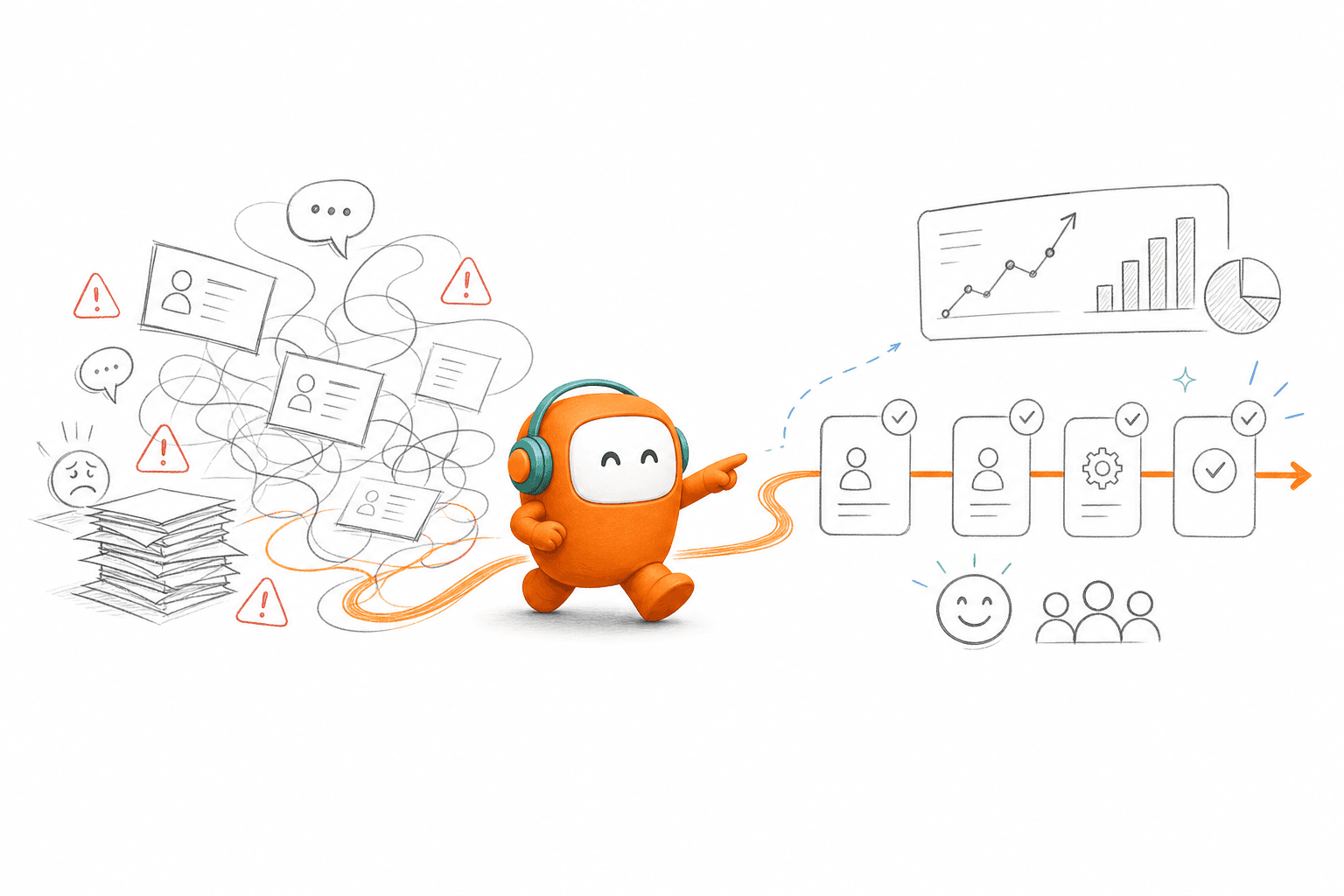
Reliable measurement starts with one unit of work, one customer timeline, and one verified completion event. Speed, automation, and agent output sit underneath that definition. Support team efficiency benchmarks become useful only when leaders can trace every handoff from first contact through final outcome.
Check Whether Your Denominator Can Be Trusted
Five questions tell you whether your current scorecard measures customer work or system noise. Start with the denominator in every rate. If one dashboard calculates resolution by ticket and another by call, comparing the percentages creates false precision. A polished dashboard can't repair a broken denominator.
Run the same completed case through your voice, messaging, ticketing, and reporting systems. Follow its customer ID, timestamps, status changes, and handoffs. If the trail breaks at any point, record where it broke and which metric was affected. Two or more broken links mean your current benchmark should be treated as directional, not authoritative.
Ask these questions before using the scorecard for hiring, automation, or vendor decisions:
- Can one customer be traced across voice, chat, SMS, and human escalation?
- Does an AI resolution stay resolved if the customer returns within seven days?
- Are transfers counted as continued work or new cases?
- Do outbound contacts appear in later inbound service reports?
- Can leaders separate customer waiting time from human working time?
A seven-day return window isn't a universal standard. High-frequency account issues may need a shorter window, while lending or insurance workflows may need longer observation. Pick the window based on the normal completion cycle, then apply it the same way across every channel.
Define Completed Work Before Measuring Speed
A bank can close a password-reset conversation in two minutes and still leave the customer unable to sign in. The conversation ended. The work didn't. Counting that case as resolved makes average handling time look strong while repeat contact climbs. Support efficiency starts with a verified completion rule.
A practical rule describes what changed after the conversation. For a balance inquiry, the customer got the approved answer and didn't need escalation. For an application follow-up, the required document status was confirmed and the next action was recorded. For collections, the outcome might be a completed payment, an agreed plan, a clear refusal, or a human handoff with the account context attached.
Build the definition in this order:
- Name the customer outcome: State what must be true when the workflow finishes.
- Define the system evidence: Identify the status, record update, or confirmed action that proves completion.
- Set the return window: Decide how long a repeat contact counts against the original resolution.
- List valid exceptions: Separate customer choice, policy limits, and required human review from automation failure.
- Apply one rule across channels: Use the same completion logic for voice, chat, messaging, and human agents.
Some leaders prefer a simple closed-ticket count because it is easy to report. For low-risk, high-volume requests, that is a fair operational choice. It turns dangerous when closure can happen without the promised action, because speed then improves by ending conversations earlier rather than finishing the work.
Separate Customer Time From Human Effort
What happens when average handling time falls but customers wait longer? The team celebrates a faster queue while the customer sits through another transfer, a delayed callback, or a second conversation. One blended time metric can't show both operating effort and customer delay.
Track end-to-end time from first customer contact to verified completion. Then calculate human effort separately by adding active handling, review, approval, and recovery time. Automation should cut human effort without extending the customer's total path. If only one of those measures improves, the workflow probably shifted cost rather than removed it.
Use a scorecard that separates the four clocks:
| Measure | Start | Stop | What It Exposes |
|---|---|---|---|
| First meaningful response | Customer contact | Useful answer or action | Queue and routing delay |
| End-to-end completion time | First contact | Verified outcome | Total customer journey |
| Human effort per completed case | First human action | Final human action | Staffing demand |
| Handoff recovery time | Escalation trigger | Human continuation | Context loss between AI and people |
Set alerts against your own baseline, not a generic market average. If end-to-end completion rises by more than 10% while handling time falls, inspect transfer and repeat-contact data before calling the change an efficiency gain. The benchmark should tell you where the time moved.
Pair Automation Rate With Containment Quality
Automation rate is one of the easiest support metrics to misread. A system can automate more conversations by narrowing escalation rules or closing uncertain cases early. The percentage rises while repeat contacts and complaints move into another queue. Good automation removes completed work from human demand without hiding unresolved work.
VIB is a useful SEA BFSI reference here. Its on-prem voice deployment reached 75% auto-resolution, a figure scoped to that VIB voice deployment only. It shouldn't be read as a generic company benchmark, and it says little without the workflow scope, escalation rules, and resolution definition behind it.
Compare automation against three control measures: repeat contact within your chosen window, human escalation after attempted automation, and reopened work tied to the same intent. If repeat contact rises by more than five percentage points from your established baseline, pause expansion and read the conversations. A higher automation rate isn't a win when customers return through another channel.
On-prem voice makes this review more important, because language quality, routing rules, and local infrastructure all shape the outcome. A scripted demonstration won't show whether the handoff survives production conditions, so any evaluation should run against a real voice or messaging workflow before you trust the numbers.
Benchmark the Workflow, Not Each Channel
Voice and chat may have different response patterns and still serve the same customer outcome. A payment reminder that starts with an outbound call and ends with an SMS reply shouldn't split into unrelated channel reports. The operating unit is the workflow, not the message format. If your evaluation needs to test these controls against a real workflow, book a demo using one high-volume use case.
Create one scorecard per major workflow: balance inquiries, application follow-up, collections, service requests. Under each workflow, compare customer completion time, human effort, repeat contact, escalation quality, and cost per verified outcome. Channel data still matters. It explains performance rather than defining success.
Review the scorecard on four cycles:
- Daily: Queue age, failed routing, abandoned interactions, and capacity pressure.
- Weekly: Repeat contact, escalation causes, unresolved intents, and knowledge gaps.
- Monthly: Cost per completed workflow, human effort, automation coverage, and channel movement.
- Before expansion: Peak concurrency, infrastructure use, rollback readiness, and approval controls.
For on-prem deployments, add a capacity alert before infrastructure reaches a sustained limit. A practical starting point is to review capacity when peak use stays above 70% for 15 minutes, then adjust the threshold using actual traffic. On-prem carries a real infrastructure cost, and it gives regulated teams more control over data location and production design.
Benchmarks should also shape procurement. Compare pricing against reached customers and completed outcomes, not attempted calls or raw conversation counts. A failed connection shouldn't look like productive engagement just because the system placed an attempt.
How Revve Connects Workflows to Measurable Outcomes
Revve ties support benchmarks to the customer workflow by keeping AI agents, human agents, conversations, routing, and knowledge in one operating environment. Inbound and outbound activity stays tied to the same customer thread. That gives operations leaders cleaner evidence for completion, escalation, and repeat contact.
One Record Across Inbound and Outbound
Revve's unified AI and human workspace keeps automated and human-handled conversations inside the same operational record. When an AI interaction needs escalation, the human agent receives the thread, summary, prior history, and suggested next actions. The customer doesn't restart the conversation, and the support report doesn't guess whether the transfer belongs to the original case.
Revve connects voice, chat, SMS, email, WhatsApp, Messenger, Zalo, LINE, and other supported channels through its omnichannel conversation layer. Channel-specific behavior stays intact while internal teams see the linked history. For a bank running reminders alongside inbound support, an outbound contact stays visible when the customer replies elsewhere.
Three verified capabilities support the benchmark model above:
- Knowledge-grounded automation: AI responses use approved documents, websites, and FAQs, with escalation when suitable knowledge isn't available.
- Full-context handoff: Configured triggers move a conversation to a human with its history and summary attached.
- Conversation scoring: Completed interactions can be reviewed for outcomes, sentiment, and knowledge gaps, while human corrections guide later updates.
Revve isn't built to replace a bank's core system, CRM, or business-wide BI environment. Those systems stay the source of truth for accounts and enterprise reporting. The platform sits around the customer conversation, where it answers, routes, follows up, escalates, and writes outcomes back through supported integration methods.
On-Prem Control for Regulated Operations
Revve supports cloud and on-prem deployment for teams that need more control over infrastructure and data handling. Voice workloads on-prem need suitable GPU capacity, with an approximate planning figure of 25 concurrent calls per server. That requirement is real. On-prem shouldn't be sold as software that runs without infrastructure planning, security review, or integration work.
After setup, operations teams configure workflows, routing, tone, escalation paths, and outbound sequences through no-code controls. Changes can be previewed, batch tested, and rolled back.
Revve is also not the right choice for every team. A bank that only needs a basic FAQ widget may find a point tool cheaper. The platform is built for higher-volume operations where inbound and outbound workflows, human handoff, multilingual voice, and deployment control have to work together.
What Better Support Efficiency Looks Like in Production
Measure Fewer Broken Customer Journeys
Better support efficiency means fewer broken journeys, not simply shorter conversations. The scorecard should prove that customers reach verified outcomes with less human effort, fewer repeat contacts, and cleaner handoffs across voice and messaging. Support team efficiency benchmarks earn trust when every metric points back to the same customer workflow.
Keep Infrastructure and Policy Inside the Model
For SEA BFSI leaders, infrastructure and language fit belong inside that measurement model. Revve provides the shared operating layer, while the bank still owns policy, legal review, capacity planning, and the systems of record around it. Measure the work the customer needed finished.
FAQ
How do I measure customer workflows accurately?
To measure customer workflows accurately, start by defining what a completed workflow looks like for your team. Identify the customer outcome that must be true when the workflow finishes. Next, ensure you have consistent timestamps and a shared customer identifier across all channels. This way, you can track each customer journey from first contact to verified outcome without missing any handoffs. Finally, regularly review your scorecard to ensure it reflects the complete customer experience, not just isolated metrics.
What if my metrics show improved handling time but more repeat contacts?
If you notice improved handling times alongside increased repeat contacts, it's essential to investigate further. Start by analyzing the customer journey to identify where the breakdowns occur. Check if the same customer is being counted multiple times across different systems. This could indicate that while handling times are faster, the actual customer needs are not being fully resolved. Adjust your metrics to account for these nuances, focusing on the overall customer experience rather than just speed.
Why does separating customer waiting time from handling time matter?
Separating customer waiting time from handling time is crucial because it provides a clearer picture of the customer experience. If you only look at handling time, you might overlook delays caused by long wait times or multiple transfers. By tracking these metrics separately, you can identify specific areas for improvement, such as reducing wait times or streamlining handoffs. This approach helps ensure that your efficiency measures truly reflect how well you're serving customers, rather than just how quickly agents are responding.
How do I define a completed customer interaction?
To define a completed customer interaction, start by naming the desired customer outcome. Specify what must be true for the interaction to be considered finished. Next, identify the system evidence that proves this completion, such as a status update or confirmed action. Set a return window to determine how long a repeat contact counts against the original resolution. Finally, apply this definition consistently across all channels to ensure that your metrics are reliable and meaningful.