At 9:15 on Monday, a support agent opens the queue in Zendesk and finds a customer who received a payment reminder over the weekend, three days after resolving the issue on Friday. The message went out on time. The campaign dashboard marked it as delivered. Yet the outbound workflow failed because nobody checked whether the customer still belonged in the sequence.
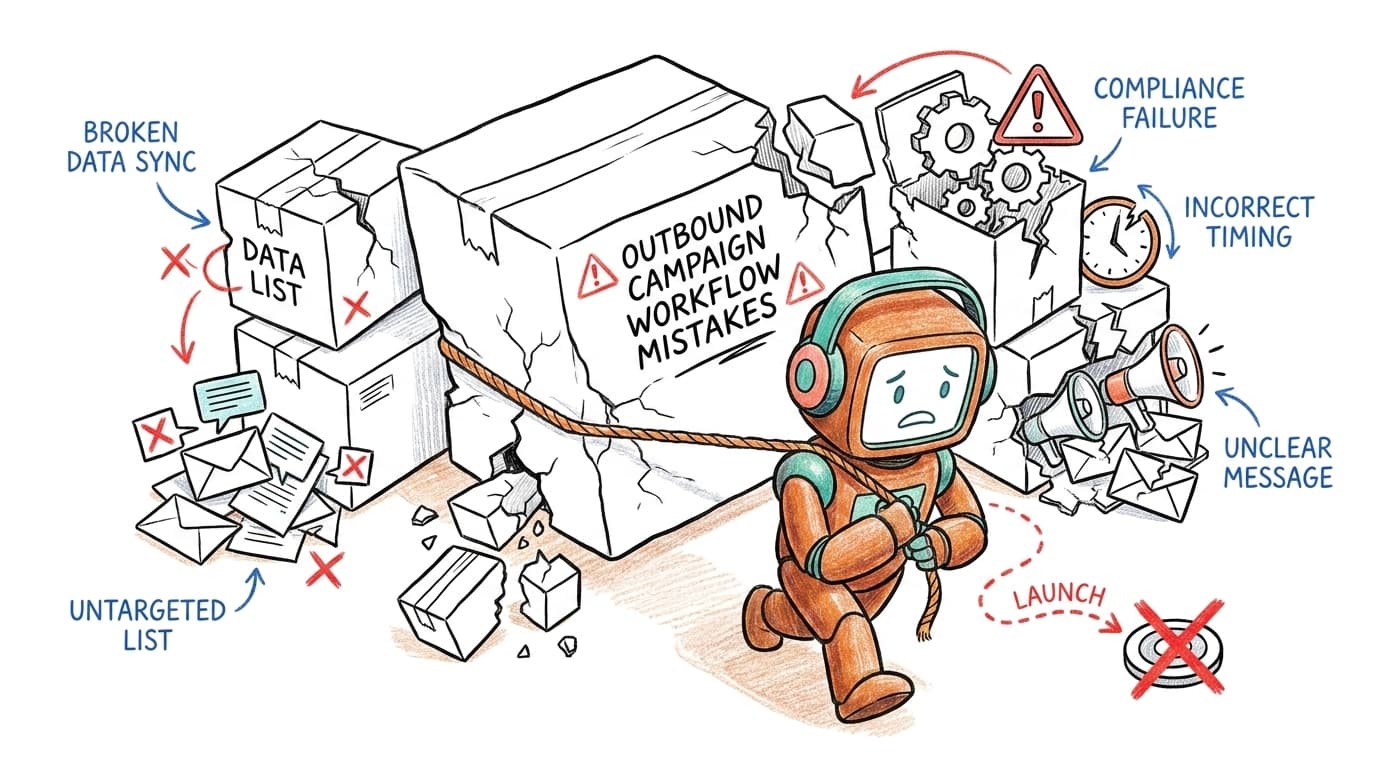
Outbound campaign workflow mistakes rarely begin with bad copy or weak AI. They begin between systems, where customer state changes, stop rules arrive late, and ownership becomes unclear. A campaign can reach thousands of contacts exactly as configured and still create more tickets than it resolves.
Key Takeaways:
- Treat every outbound campaign as a customer operations workflow, not a list of messages.
- Check customer state before every contact, not only when someone enters the campaign.
- Define stop conditions before building follow-up steps.
- Route exceptions to humans with the full conversation history attached.
- Give operations teams control over scripts, rules, testing, and rollbacks.
- Measure completed customer outcomes, not just contact and response rates.
Why Outbound Campaign Workflows Break Before Launch

A Successful Contact Is Not a Completed Workflow
Delivery rates tell you whether a message reached the channel. They don't tell you whether the right customer received the right message at the right point in their case. A reminder sent after resolution still counts as delivered, while a follow-up sent after an opt-out may still count as an automated success. The dashboard looks healthy because it measures transport, not judgment.
Campaign design is closer to managing a support queue than sending a broadcast. Every contact changes what should happen next, just as every agent reply changes the state of a ticket. If the workflow can't read that new state, it keeps moving down an outdated path.
This is one of the most overlooked outbound campaign workflow mistakes. Teams review the message closely, then assume the surrounding logic is basic plumbing. The logic is where most customer damage begins.
Five Systems Create One Unowned Customer Moment
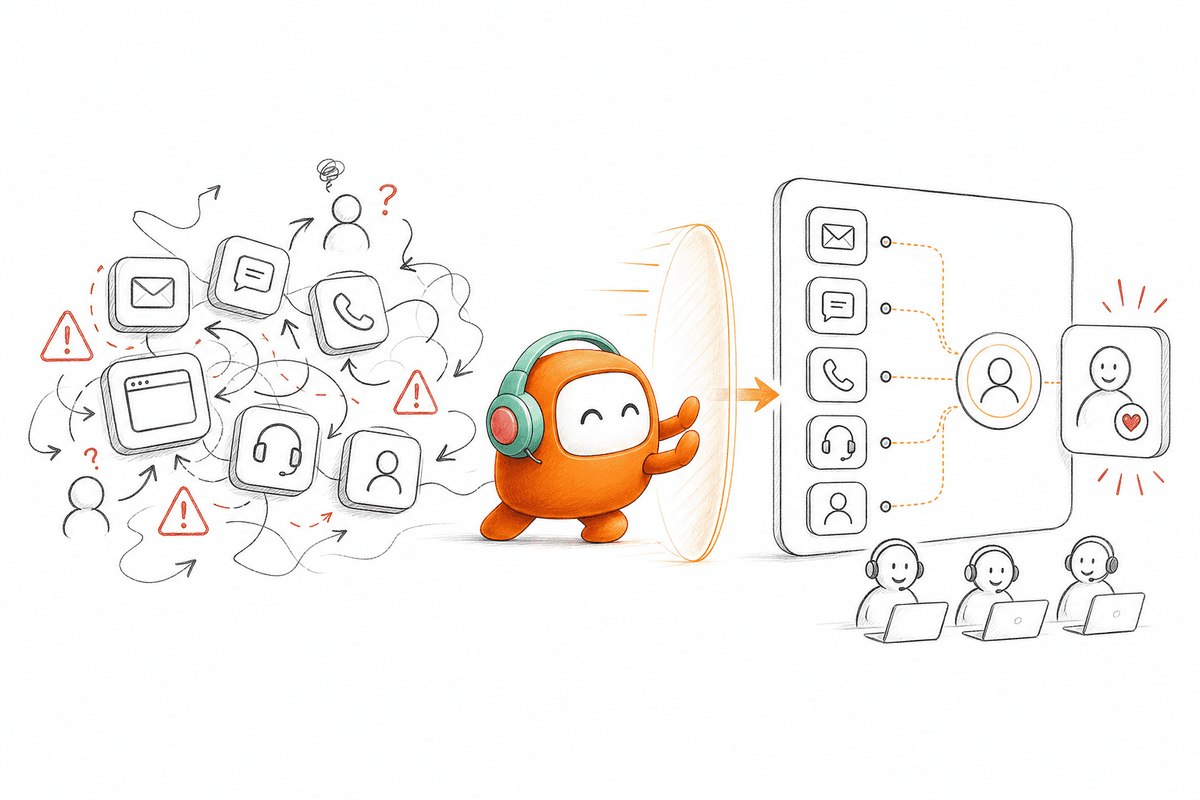
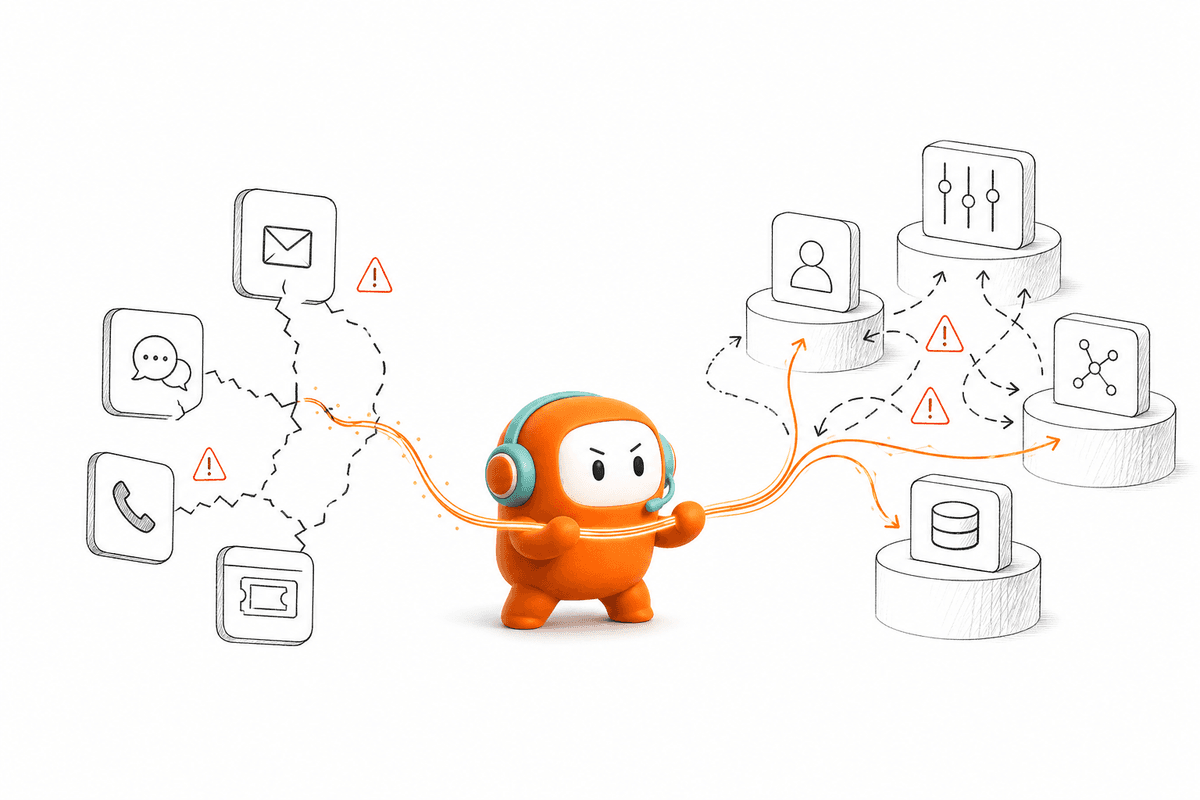
A typical stack has the contact record in a CRM, consent in another database, calls in a dialer, messages in a campaign tool, and escalations in the helpdesk. Each system can perform its own task correctly. The combined customer experience can still be wrong because no system owns the full interaction.
Picture a support lead named Mai reviewing an angry reply on Thursday afternoon. The customer already explained the issue over chat, received a follow-up call, and then got an automated SMS asking the same question. Nobody made an obvious individual mistake. The workflow simply had no shared customer thread, so each tool acted with partial context.
Point tools have real value. A narrow campaign with one channel, one outcome, and no complex handoff may run perfectly well inside a dedicated product. Once the campaign crosses channels or needs live support intervention, the architecture matters more than the message editor.
Regulated Workflows Need Boundaries, Not Bigger Claims
Regulated outbound work fails when deployment language, approval rights, and legal ownership remain vague. Buyers need to know where customer data runs, who can change contact rules, and which team approves sensitive messages. A polished AI demonstration doesn't answer those operational questions.
Compliance controls can enforce configured consent status, contact windows, do-not-call restrictions, and opt-out rules. They can't define your legal position for you. Legal and compliance teams still own interpretation, disclosure, customer consent, and regulatory approval.
Some organizations respond by forcing every campaign adjustment through engineering or an outside vendor. The caution is understandable, especially where customer data and outbound contact carry real risk. Yet the approval model shouldn't prevent operations from correcting a broken script or stop condition before another customer receives it.
The real question isn't whether the campaign can send a message. It's whether your team can control everything that happens after the customer responds.
How to Fix Mistakes Before Customers Feel Them
Fixing outbound campaign workflow mistakes starts with customer state, not channel selection. Teams should map the trigger, decision rules, exit conditions, human ownership, and final record update before writing the sequence. Once those pieces are clear, voice, chat, SMS, email, or messaging becomes an execution choice rather than the workflow itself.
Audit the Whole Path, Not the Campaign Screen
Follow one customer from entry to final status before you touch a single message. Don't review the workflow from the builder's point of view. Review it from the customer's record, then check what each connected system knows after every call, reply, escalation, or opt-out.
A useful audit needs uncomfortable questions. Who owns the customer when AI can't complete the interaction? Which system ends the sequence after a human resolves the case? If two systems disagree, which one wins? In my view, any answer involving a manual check should be treated as an open workflow risk.
Before launch, confirm:
- What event enrolls the customer?
- Which record determines current eligibility?
- What events pause or end outreach?
- Who receives unresolved replies?
- Where is the final outcome written?
- How quickly do connected systems receive status changes?
If your team can't answer all six from one workflow map, pause the launch. More copy review won't fix missing ownership.
Check Customer State Before Every Contact
A customer can be eligible at enrollment and ineligible ten minutes later. They may pay, close the ticket, speak with an agent, update their channel preference, or request no further contact. Checking state only once turns later campaign steps into informed guesses.
The better rule is conditional: if the customer state may change outside the campaign, verify it again before the next contact. A reminder sequence connected to support needs a fresh ticket status. A payment campaign needs current account state. A lead follow-up needs to know whether a sales rep has already taken ownership.
Build each contact around four checks:
- Eligibility: Does the customer still meet the campaign criteria?
- Permission: Can the selected channel be used at that time?
- Ownership: Is another person or workflow already handling the case?
- Next action: Does the prior response require a different path?
The extra checks can add setup work. That's a fair tradeoff. Correcting a customer record before contact costs less than asking support to repair trust afterward.
Design Around Outcomes Instead of Channel Steps
Channel-first planning sounds like this: call, send an SMS, wait, then email. Outcome-first planning asks what should happen after contact, no answer, a request for help, a completed action, or an opt-out. The difference looks small on a workflow canvas. In production, it decides whether the campaign behaves like a real operation or a timed message chain.
One of the more expensive outbound campaign workflow mistakes appears when every response returns to the same sequence. A customer who asks a billing question shouldn't receive the same next message as someone who never answered. A customer who completed the requested action shouldn't remain enrolled because the SMS tool hasn't received the update yet.
Define the main outcome paths before choosing timing:
- No contact: Continue to the next approved attempt.
- Question answered: Record the outcome and close the sequence.
- Action completed: Update the system of record and stop outreach.
- Human requested: Route the conversation with context.
- Opt-out received: End future contact under the configured policy.
- Unexpected response: Send the case to an exception queue.
Outcome paths prevent channels from becoming isolated tasks. They also give your analytics something useful to measure beyond answer rates.
Write Stop Conditions Before Follow-Ups
Follow-ups are easy to add and hard to govern. A builder can place another message on the canvas in seconds, but every added step needs a reason to continue and a clear reason to stop. Without both, outbound campaign workflows keep contacting customers after the work is finished.
A SaaS recruiting team faced the same governance gap in candidate screening. Its workflow kept the screening link active for seven days, waited 48 hours between follow-ups, stopped after two messages, and ended immediately when a candidate booked or opted out. Those four connected pieces gave the team about 70 recruiter hours back in two weeks, while final hiring decisions stayed with recruiters.
Support and service campaigns need equally precise boundaries:
- Stop when the requested action is complete.
- Stop when a human accepts ownership.
- Stop when the customer opts out.
- Pause when account data becomes unavailable.
- Escalate when the reply falls outside approved handling.
- End when the maximum contact limit is reached.
Generic limits can be too rigid for complex cases. Still, every exception should be deliberate. An undefined exception isn't flexibility, it's a gap.
Put Humans Where Judgment Changes the Outcome
Human handoff shouldn't happen only after the AI has exhausted every possible reply. The right escalation point is where judgment, empathy, negotiation, or policy interpretation becomes more valuable than another automated step. Waiting longer often hands the agent a harder conversation to recover.
Set escalation rules around observable signals. Negative sentiment can trigger review. An unresolved intent after a defined number of attempts can move to a person. Sensitive keywords or a direct request for an agent should route immediately, based on the workflow your organization approves.
Every handoff should carry:
- The full conversation thread
- A short summary of what happened
- The current customer or case status
- Actions already attempted
- The reason for escalation
- The next approved options
Routing without context is only queue transfer. The customer still has to repeat the issue, and the agent still spends time rebuilding the story.
Give Operations Control With Testing and Rollbacks
Operations teams should own daily campaign changes because they see failures first. They know when a script creates confusion, when routing sends work to the wrong queue, and when a stop rule misses an edge case. Requiring an engineering ticket for every adjustment turns a customer problem into a release backlog.
Direct control needs governance. A visual builder without previews, approval rules, test cases, or rollback history can spread a bad change faster. The approach I prefer gives operations the ability to edit while keeping sensitive changes reviewable and reversible.
Use a release process that covers:
- Draft the workflow change in a non-live version.
- Test common paths and known edge cases.
- Review payloads, routing outcomes, and stop conditions.
- Require approval for sensitive contact or message changes.
- Publish to a limited campaign group where practical.
- Monitor exceptions, then keep or roll back the change.
If your support team still waits days for routine campaign changes, book a demo to see how direct operations control can work with testing and approval boundaries.
How Revve Gives Operations Teams Direct Control
Revve puts outbound orchestration, no-code workflow changes, testing, and human handoff inside one customer operations platform. Operations teams can manage campaigns without depending on engineering for daily edits, while IT remains involved in initial integrations and infrastructure. The platform connects outbound work to the same context used by support teams and AI agents.
Campaign Changes Without Engineering Tickets
Revve's No-Code Configuration, Testing, and Rollbacks capability lets operations users adjust scripts, routing, tone, scenarios, and workflow rules through plain-language controls and visual builders. Teams can preview changes, run batch tests, check edge cases, and roll back a release when production behavior misses the mark. Revve doesn't remove IT from enterprise deployment, but it removes IT from routine campaign maintenance.
Outbound Orchestration connects those controls to multi-step campaigns across calls, SMS, WhatsApp, configured messaging channels, and email. Teams define timing, exit conditions, messaging rules, and customer paths instead of running each channel as a separate campaign. Customer records can enter through CRM connections or CSV imports, depending on the setup.
The difference is architectural. A standalone dialer can place the call, and a messaging product can send the follow-up. Revve manages the workflow that decides whether either contact should happen, what the response means, and where the case goes next.
One Record for AI Work and Human Judgment
Revve keeps AI and human agents in a Unified AI and Human Workspace. When an outbound interaction needs human judgment, Smart Escalation and Full-Context Handoff passes the conversation thread, summary, prior history, and suggested next steps into the agent workspace. The customer doesn't enter a separate support queue with none of the earlier context.
Compliance Controls and Approval Workflows check configured consent status, contact windows, do-not-call restrictions, and opt-out requirements before sensitive outbound activity. Revve supports the infrastructure around those policies, while your organization remains responsible for legal interpretation and approval. That boundary matters.
Revve is built for enterprises with enough conversation volume and workflow complexity to justify one customer operations layer. A small team running a basic one-channel reminder may be better served by a point product. For teams managing inbound support, outbound engagement, and human handoff together, another disconnected tool usually adds another place for the workflow to break.
What Reliable Outbound Customer Operations Require
Reliable outbound customer operations require shared customer state, explicit stop rules, controlled changes, and human ownership for exceptions. Campaign performance should be judged by completed customer outcomes, not the number of messages sent or calls answered. Fix those foundations first, and most outbound campaign workflow mistakes become visible before customers experience them.
AI can handle repeatable conversations and workflow steps. Your people should own the moments that need judgment. The operating model works when both sides use the same knowledge, customer context, and rules, rather than passing work between disconnected systems.
FAQ
How do I handle edge cases effectively?
To manage edge cases effectively in your outbound campaigns, start by defining clear stop conditions for your workflows. Identify scenarios that may require human intervention, such as negative customer sentiment or unresolved inquiries. Utilize Revve’s Smart Escalation feature to automatically route these cases to human agents, ensuring they have the full conversation context. This helps maintain continuity and improves customer experience. Regularly review and adjust your workflows based on feedback and performance data to ensure they adapt to new edge cases as they arise.
What if my customer opts out during a campaign?
If a customer opts out during your campaign, it’s crucial to have a clear process in place. Revve’s Compliance Controls can help automate the handling of opt-out requests, ensuring that future communications stop immediately according to your configured policies. Make sure to log the opt-out in your system to prevent any future outreach attempts. Additionally, consider setting up a confirmation message to reassure the customer that their preference has been recorded, which can help maintain trust.
Can I test my outbound campaign before launching?
Yes, you can and should test your outbound campaigns before going live. Revve provides No-Code Configuration and Testing tools that allow you to create a non-live version of your workflow. Use these tools to simulate different customer scenarios and check how your campaign responds. Run batch tests to validate the logic and ensure that all stop conditions and escalation paths work as intended. This pre-launch testing helps identify any issues early, allowing you to make necessary adjustments for a smoother rollout.
When should I escalate a customer interaction to a human agent?
You should consider escalating a customer interaction to a human agent if the AI encounters complex inquiries or if the customer expresses frustration. Revve’s Smart Escalation feature can help automate this process by monitoring sentiment and other triggers. Ensure that the escalation includes the full conversation history, so the human agent can pick up right where the AI left off. This approach not only enhances the customer experience but also allows your team to focus on high-value interactions that require human judgment.
Why does my campaign need defined exit conditions?
Defined exit conditions are essential for ensuring that your outbound campaigns do not continue contacting customers unnecessarily. Without clear exit rules, you risk sending messages to customers who have already resolved their issues or opted out. Revve’s Outbound Orchestration allows you to set these conditions, ensuring that once a customer completes an action or opts out, they are removed from future outreach. This helps maintain customer trust and improves the overall effectiveness of your campaigns.