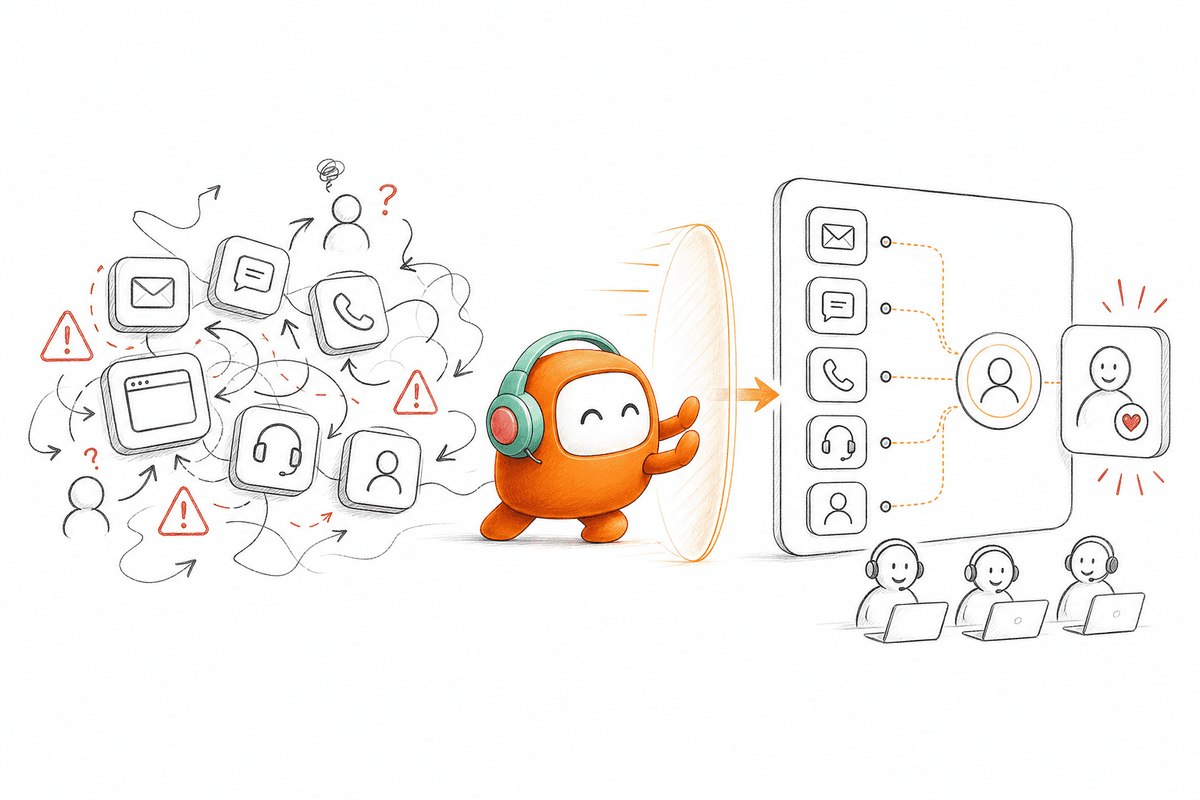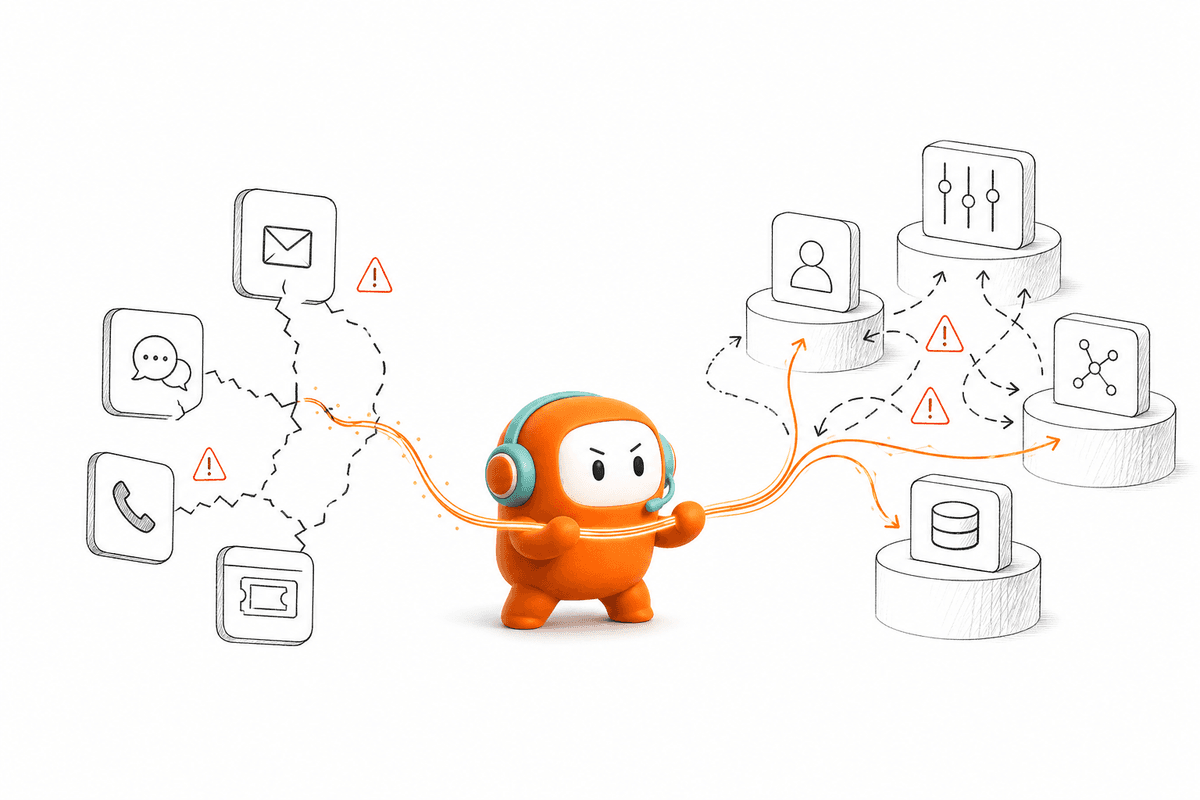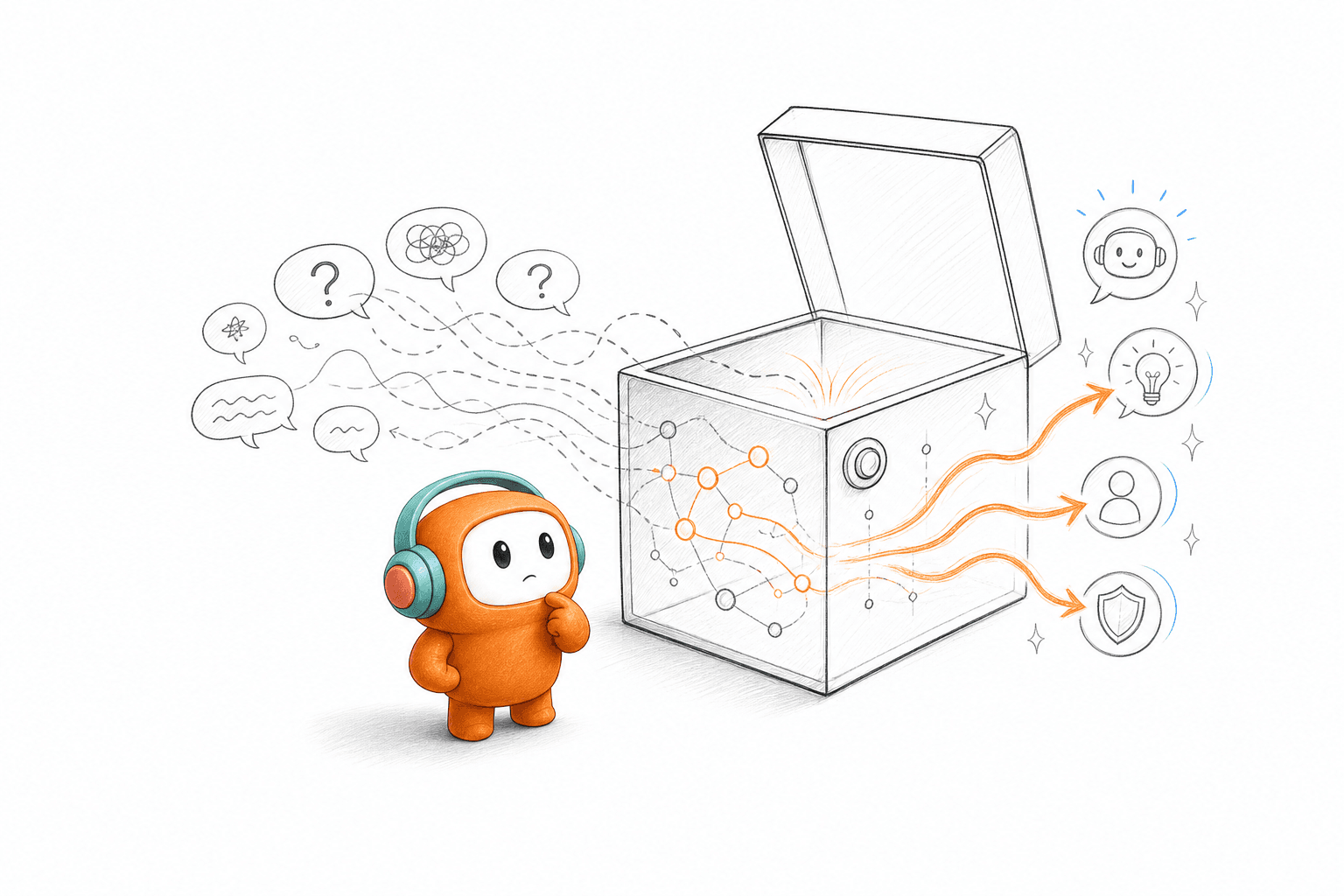
VIB had used a script-based incumbent for 3 years before switching to stronger text and voice workflows. Customers don’t stay inside a decision tree just because the software expects them to. To improve off-script conversation handling, AI needs approved knowledge and clear rules for what happens next, including when a human should take over. Without that context, a natural voice only makes the dead end sound better.
Improving off-script conversation handling isn't about giving AI unlimited freedom. The stronger approach gives the agent enough context to understand the request, enough workflow logic to act, and a clear point where a person takes over. Anything less produces a natural-sounding answer inside a broken operation.
Key Takeaways:
- Judge off-script handling by completed work, not conversational fluency.
- Map decisions and actions instead of writing longer scripts.
- Give AI access to approved knowledge and relevant customer context.
- Escalate after repeated uncertainty or when risk crosses a defined boundary.
- Test paraphrases, interruptions, channel changes, and incomplete information before launch.
- Review failed branches every week and update the workflow behind them.
Why Scripted Automation Breaks in Real Conversations
Scripted automation breaks when customers introduce context the flow wasn't built to interpret. The failure may look like a bad answer, but the deeper problem is missing workflow logic. If the system can't decide what happens next, better language alone won't improve off-script conversation handling.
A Correct Answer Can Still Break the Workflow
At 4:17 p.m., a support manager opens a transcript from the renewal queue. The AI correctly explained the pause policy, then sent the customer back to the main menu because account history wasn't covered in that branch. The customer repeated the question twice and asked for a person. By the time an agent joined, the customer had already decided the company didn't understand its own product.
Accuracy wasn't the main failure. The agent lacked access to the account state, couldn't identify the retention concern behind the wording, and had no approved action for a temporary pause. A correct policy paragraph couldn't compensate for those gaps. Frankly, that's where many conversation reviews stop too early, because the answer looks reasonable when read outside the full workflow.
Scripts Hide Missing Operational Context
Scripts work well when the customer follows the expected route. For narrow tasks such as confirming an appointment or checking an order status, that control is useful. There's a fair case for keeping those flows strict, especially when the allowed actions are limited. Trouble starts when teams treat a script as the operating model instead of one part of it.
A script is a rail line. It moves quickly while the customer stays on the track, but one unfamiliar request leaves the system with nowhere to go. Adding more lines gives you a larger map, not better judgment. Off-script conversations need a way to identify intent, inspect available context, choose an allowed action, or stop before the system guesses.
Inbound-Only Design Leaves the Next Action Ownerless
A US property-data company needed website lead capture and outbound engagement tied to the same sales process. The initial inquiry was inbound, but qualification and follow-up happened later through outbound contact. Treating those moments as separate workflows would have split the lead's context before a sales representative ever saw it. That division matters because the customer doesn't care which internal team owns the next message.
Support has the same problem. A customer may ask for help today, need a reminder tomorrow, and reply by SMS after missing a call. If each channel or direction has a different record, off-script handling gets harder with every handoff. The system must understand not only what the customer said, but also what has already happened and who owns the next action.
A platform that resolves inbound questions but can't support follow-up is solving only half the problem. What does a stronger operating model need to know before it answers?
How to Improve Off-Script Conversation Handling
You improve off-script conversation handling by designing for decisions, context, actions, and escalation before writing more dialogue. Start with the points where conversations leave the expected path. Then define what the agent may know, what it may do, and when uncertainty belongs with a person.
Diagnose Where Conversations Leave the Approved Path
Can your agent recover when a customer changes the subject halfway through a call? That question reveals more than a demo built around ten perfect prompts. Review recent conversations where customers repeated themselves, corrected the AI, switched channels, or requested a person. Those moments show where the workflow loses control.
Look beyond the final answer. A conversation may end with the right information while still missing a promised follow-up or leaving a CRM field unchanged. In my view, completed work is the stricter test because it exposes failures hidden by fluent language. If the agent sounds capable but the customer still has to call back, the automation didn't finish the job.
Check five things during the review:
- Did the agent preserve the customer's original goal after the wording changed?
- Did it retrieve approved information rather than fill gaps?
- Did it know which action was allowed?
- Did it carry context into the next channel or human queue?
- Did it stop when the request crossed a risk boundary?
If two or more answers are no, don't rewrite the greeting. Fix the workflow beneath it.
Model Decisions Instead of Lines of Dialogue
Off-script quality rises or falls on the decision model behind the conversation. A longer script gives the system more sentences, but it doesn't tell the system how to respond when two intents appear together. Model what must be decided at each point. Language comes after that.
Suppose a customer says, “I can't pay Friday, but I can make a smaller payment next week.” A scripted system searches for a phrase such as “can't pay” and may route the call as a refusal. A decision-based system separates the facts: payment timing changed, partial payment may be possible, and the customer is proposing an alternative. Different facts lead to different allowed actions.
For each branch, document four items:
- Known context: What customer, account, or conversation information is already available?
- Missing context: What must the agent ask before acting?
- Allowed action: What may the agent complete, trigger, or record?
- Stop condition: What uncertainty or risk requires human review?
Keep the model small enough to audit. If one branch contains more exceptions than the main path, split it into a separate workflow rather than hiding everything inside one prompt.
Give the Agent Shared Context Before More Language
A natural voice with no customer context is still guessing. Shared context means the agent can see the approved knowledge, relevant interaction history, and workflow state needed for the current request. It doesn't mean giving the AI unrestricted access to every internal system. Access should match the job.
If an answer depends on account status, knowledge articles alone aren't enough. If an outbound follow-up depends on an earlier support conversation, the outbound workflow needs that history before it contacts the customer. Context must travel with the conversation across voice, chat, SMS, or messaging. Otherwise, each channel begins from zero.
There's a real tradeoff here. More context can improve off-script conversation handling, but unnecessary data creates more review work and a larger risk surface. Give the agent only what the workflow requires, and separate readable context from writable actions. Reading an account state shouldn't automatically grant permission to change it.
The practical rule is simple: if the agent can't explain why a piece of data is needed for that branch, don't include it. If the agent needs data to choose an action, define where it comes from and how current it must be. Missing context should lead to a question or escalation, never invention.
Escalate Around Risk and Repeated Uncertainty
Two failed clarification attempts should usually end the automated branch. After that point, another rephrased question rarely creates new information and often raises customer frustration. The agent should preserve the thread, summarize what remains unresolved, and move the conversation to the right person. Fast escalation beats confident guessing.
Escalation rules should reflect business risk, not only customer sentiment. A polite request can still involve identity, payment terms, consent, account ownership, or an exception outside policy. Negative language is one signal, but it isn't the whole model. High-risk actions need stricter limits even when the conversation sounds calm.
Use a clear order of operations:
- Ask one focused clarification question.
- Check approved knowledge and available customer context.
- Complete the allowed action if the required facts are present.
- Escalate when facts remain missing, the request falls outside policy, or the customer asks for a person.
Earlier escalation does increase human workload in some cases. That's a real cost. It is still cheaper than letting uncertain automation make commitments your team must later reverse, and the escalation data shows which branches deserve the next round of work.
Test the Conversation People Will Actually Have
A caller says, “I already tried that,” before the agent finishes its first instruction. Another starts with an order question, then switches to a refund request. A third answers from a noisy street and gives half the required details. Those aren't edge cases once conversation volume rises.
Before launch, test at least 12 variations for each high-volume workflow. Split them across wording changes, missing facts, interruptions, and unexpected intent changes. The number isn't a promise of coverage; it is a minimum forcing function that stops teams from approving a workflow after three polished demos. For regulated or payment-related actions, expand the test set around every condition that can block execution.
A useful test set includes:
- Customers who paraphrase the same request in different ways
- Customers who correct an earlier answer
- Conversations that move from one channel to another
- Requests that combine two valid intents
- Requests that require information the agent can't access
- Moments where the right outcome is human handoff
Testing should score the workflow, not the performance of a single response. Check whether the system identified the goal, asked for the right missing fact, took only an approved action, and left a usable record. One smooth sentence can't offset a missed update or broken handoff.
Review Failed Branches as Operations Data
Off-script failures are operating data, not random conversation noise. Group them by cause instead of reading transcripts one by one without a common label. Useful categories include missing knowledge, missing customer context, unclear action permissions, routing failure, and late escalation. The pattern tells you what to repair.
Set a weekly review cadence for the highest-volume or highest-risk workflows. Review every failed conversation if the count is small; otherwise, start with the 20 most recent failures from each major category. Compare the customer's goal with the final operational state. A closed conversation isn't the same as completed work.
Track four fields for every reviewed failure:
- The customer's actual goal
- The point where the workflow lost that goal
- The missing rule, context, or action
- The change required before retesting
Once your team has clear failure categories and handoff rules, book a demo to see how that review loop can sit beside the conversations it governs. The important part isn't the meeting itself. It is comparing your current patchwork with an operating model where the transcript, workflow state, and human correction stay connected.
Weekly review has a downside: someone must own it. A dashboard won't repair a bad branch on its own, and AI shouldn't rewrite sensitive workflows without human approval. Assign one operations owner per workflow, give that person authority to update rules, and require retesting before release. Off-script performance improves when corrections become part of normal operations instead of a quarterly cleanup project.
The remaining question is where those decisions, conversations, and handoffs should live.
How Revve Connects Conversation to Workflow
Revve puts inbound support and outbound engagement inside one customer operations platform. AI and human agents use shared conversation history, approved knowledge, and workflow context rather than working across separate tools. That architecture makes off-script handling easier to inspect, correct, and govern.
One Workspace for Inbound and Outbound Context
Revve's Unified AI and Human Workspace keeps automated conversations and human work in the same operating environment. When an AI interaction needs a person, the agent receives the conversation history, available context, and AI-generated guidance inside the shared record. The customer doesn't have to restart the story because the handoff entered another queue without context. Human judgment remains part of the process.
The same workspace supports inbound conversations and outbound follow-up. Revve can handle support requests, lead qualification, reminders, collections, and campaign outreach without treating each direction as a separate customer history. For a website lead, the first inbound message can stay connected to later qualification and sales follow-up. For support, a voice call can remain tied to a later SMS or messaging response on supported channels.
Revve doesn't replace the CRM, core banking system, billing system, or company-wide BI stack. Those systems can remain the source of truth for the data they own. The platform sits around them as the conversation and workflow layer, using integrations, APIs, webhooks, and data sync where configured. That boundary matters because a customer operations platform should run the work without pretending every surrounding system disappears.
Knowledge, Testing, and Handoff Stay Connected
Revve grounds AI automation in knowledge loaded from approved documents, websites, and curated FAQs. Operations teams can define conversation logic, routing, scripts, and escalation rules through no-code configuration, then preview changes and test edge cases before release. Rollbacks provide a way back when an update performs badly. None of those controls remove the need for an owner.
Smart Escalation and Full-Context Handoff adds the stop conditions that off-script conversation handling needs. Teams can configure triggers around unresolved intent, keywords, conversation duration, negative sentiment, or custom rules. Once a trigger is met, the full thread and relevant context move into the Agent Workspace. Revve doesn't claim every conversation should stay automated, because sensitive exceptions still need a person.
The core capabilities connect directly to the operating model described above:
- Knowledge-grounded responses: AI uses approved sources rather than answering outside loaded information.
- No-code testing and rollbacks: Operations teams can test changed branches and reverse a bad release.
- Full-context escalation: Human agents inherit the thread instead of rebuilding the issue.
- Conversation scoring: Managers can review outcomes and use human corrections to update knowledge or rules.
Revve supports both cloud and on-prem deployment options, which can matter for regulated environments and internal security requirements. On-prem deployments, especially for voice workloads, require suitable infrastructure and internal review. Customers still own consent, disclosure, legal interpretation, and regulatory sign-off. Revve provides the operating controls; it doesn't remove that responsibility.
The product fit is also specific. A small team that only needs a homepage FAQ widget may be better served by a point tool. The stronger fit is an enterprise operation with meaningful conversation volume, inbound and outbound workflows, and too many disconnected systems. Off-script handling gets easier when the system running the conversation also understands the work around it.
Better Off-Script Handling Starts With Better Operations
Better off-script handling comes from bounded decisions, shared context, approved actions, and timely human handoff. Longer scripts may cover more phrases, but they won't repair missing workflow ownership. Judge the system by what happens after the answer: what gets routed, recorded, followed up, or escalated.
Revve brings those parts into one customer operations platform across inbound support and outbound engagement. AI handles repeatable conversations, while people retain control over exceptions and sensitive decisions. The goal isn't an agent that can say anything. It is an operation that knows what should happen next.
FAQ
How do I handle edge cases effectively?
To handle edge cases effectively, start by identifying common scenarios where customers might deviate from expected paths. Implement specific logic in Revve to manage these situations, such as defining clear escalation rules. For instance, if a customer changes the subject unexpectedly, ensure your AI can recognize this shift and either ask clarifying questions or escalate to a human agent. Regularly review conversation transcripts to pinpoint where off-script handling fails and adjust your workflows accordingly. This proactive approach can significantly improve customer satisfaction.
What if my AI can't answer a customer's question?
If your AI encounters a question it can't answer, it should have a clear escalation path. In Revve, configure your AI to recognize when it lacks the necessary context or information to respond accurately. This could involve asking the customer for more details or transferring the conversation to a human agent. Ensure that your agents inherit the full conversation history when they take over, so they can continue the discussion without making the customer repeat themselves. This continuity is crucial for maintaining a positive customer experience.
Can I test my AI's off-script handling before launch?
Yes, you can and should test your AI's off-script handling before launch. Use Revve's no-code configuration tools to create a variety of test scenarios that mimic real customer interactions. This includes variations in wording, interruptions, and changes in intent. Aim to test at least 12 different scenarios for each high-volume workflow to ensure your AI can respond appropriately in diverse situations. By doing this, you can identify potential gaps in your AI's knowledge or workflow logic and make necessary adjustments.
When should I escalate a conversation to a human agent?
You should escalate a conversation to a human agent when the AI encounters repeated uncertainty or when a request crosses a defined risk boundary. In Revve, set triggers based on factors like customer sentiment, complexity of the request, or duration of the interaction. For example, if the AI has attempted to clarify a customer's question twice without success, it’s time to hand off the conversation to a human. This helps prevent customer frustration and ensures that sensitive issues are handled appropriately.