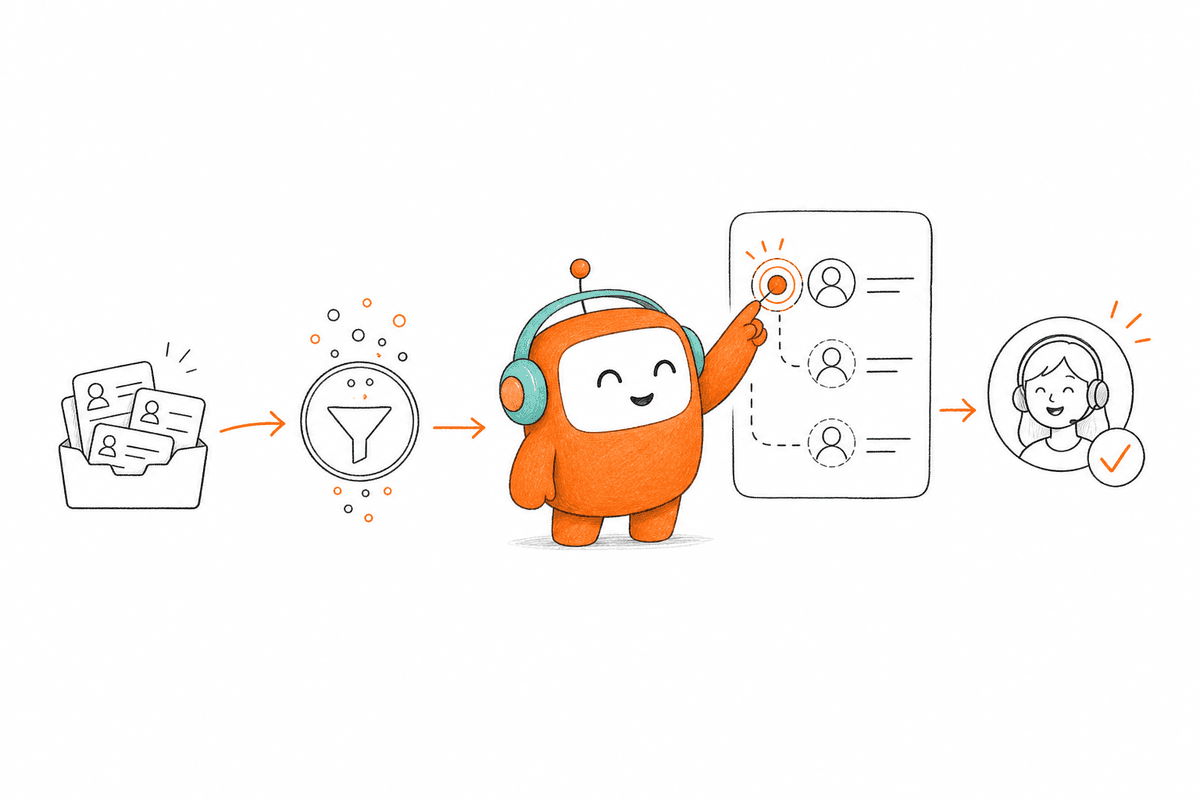
Can your compliance team reconstruct one AI conversation from consent check to human handoff? If they can't explain which rule triggered the contact and why the agent took its next action, the audit trail is already broken. Auditable conversational AI requires approved knowledge tied to recorded workflow decisions, with a named owner for every escalation. The evidence must follow the conversation, not sit in a separate dashboard someone checks after a complaint.
Storing transcripts isn't enough. You need to know which knowledge source was used, which workflow rule fired, whether a person approved the action, and what changed in the customer record. Without that chain, an AI agent may sound convincing while leaving your legal and operations teams with evidence they can't defend.
Key Takeaways:
- Build the audit record around the full workflow, not only the conversation transcript.
- Give every interaction one trace ID that follows it across channels and connected systems.
- Record the exact knowledge, rules, and configuration active when the AI made a decision.
- Require human approval when an action changes money, consent, account access, or customer eligibility.
- Test failed actions and escalations before judging conversational AI by resolution rates.
- Keep only the evidence you need, with clear access and retention rules.
Why Conversational AI Audit Trails Break
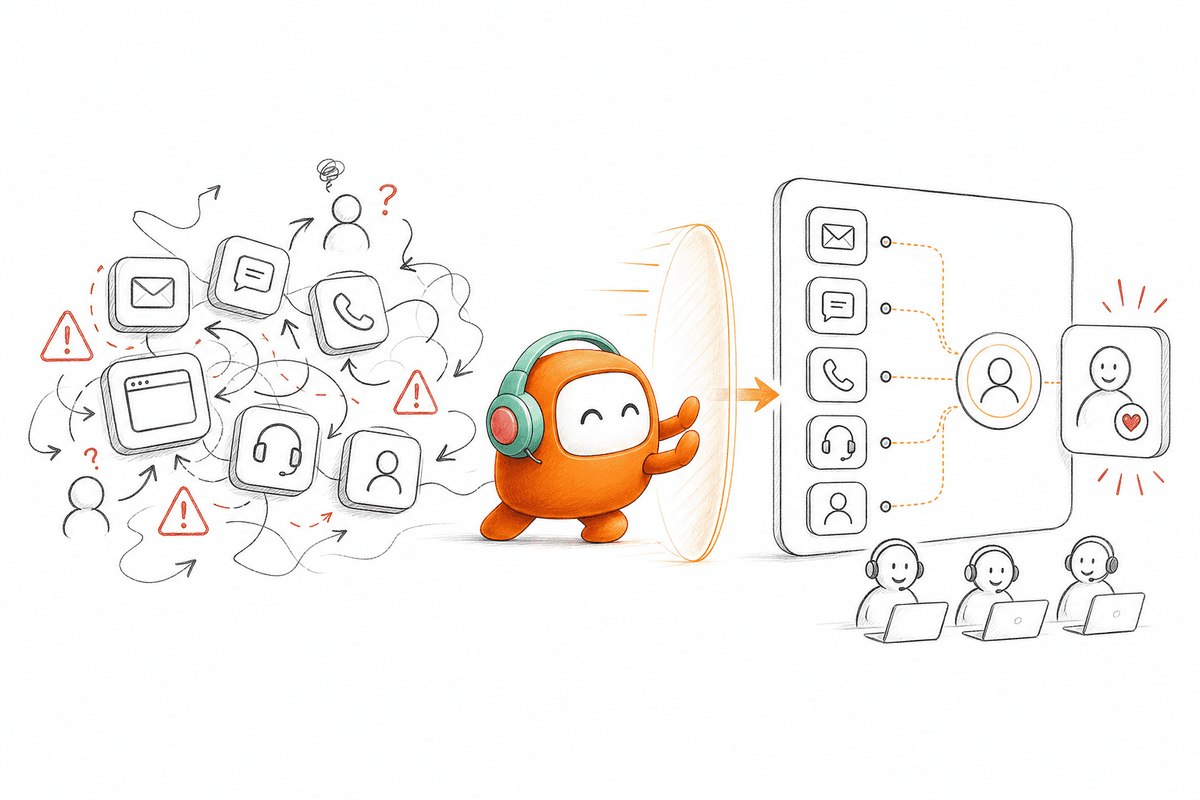
Conversational AI becomes unauditable when evidence is stored by channel instead of by workflow. A call recording may live in the contact center, an approval in email, and the final account update in the CRM. Each record can be accurate on its own while the full chain remains impossible to reconstruct.
A Transcript Shows Words, Not Decisions
Transcripts are useful. They show what the customer said and how the agent responded, which matters for quality review and dispute handling. Frankly, they are still overrated as audit evidence because they rarely explain why the system chose a response or what operational action followed. The important evidence usually sits outside the text.
Consider a payment reminder call. The transcript may show that the customer requested a later date, but it won't necessarily show which account status was retrieved, whether the request met policy, or who approved the updated promise date. If those records aren't connected, a reviewer sees the conversation but not the decision. That isn't enough.
Fragmented Tools Break the Chain of Responsibility
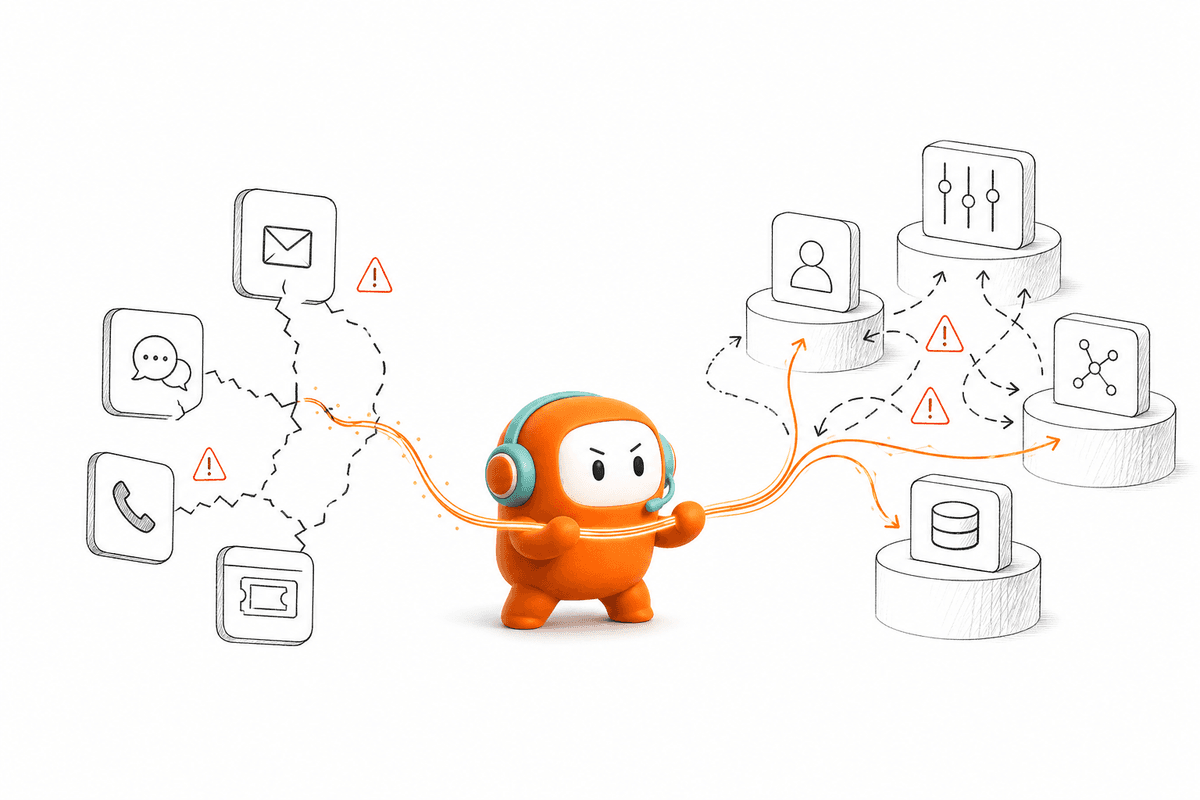
Tool sprawl turns one customer workflow into several partial records. The voice system stores audio, the messaging tool stores follow-up texts, the CRM stores an outcome, and a separate queue handles escalation. Once the customer moves between channels, ownership becomes difficult to prove because each system has its own clock, identifier, and user history.
The same problem affects inbound and outbound work. An inbound support question may trigger an escalation, while an outbound lead call may trigger qualification and booking. Both require evidence that follows the customer through the complete workflow. If the AI sits beside the work rather than inside it, auditability becomes a manual reconstruction exercise.
The Missing Evidence Appears During the Worst Moment
At 4:45 PM, an operations director receives a complaint about an automated call. She opens the recording, searches the CRM, asks engineering which workflow version was live, and messages a supervisor to confirm whether anyone approved the follow-up. Thirty minutes later, she still can't prove which rule triggered the second contact.
That experience wears teams down. Nobody wants to tell a customer, auditor, or executive that the evidence exists somewhere but can't be assembled with confidence. The root problem isn't weak reporting. It is an operating model where conversation, decision, action, and human review are recorded in different places.
The fix starts before launch, with an evidence structure that treats auditability as part of the workflow itself.
How to Build Auditability Into Every AI Conversation
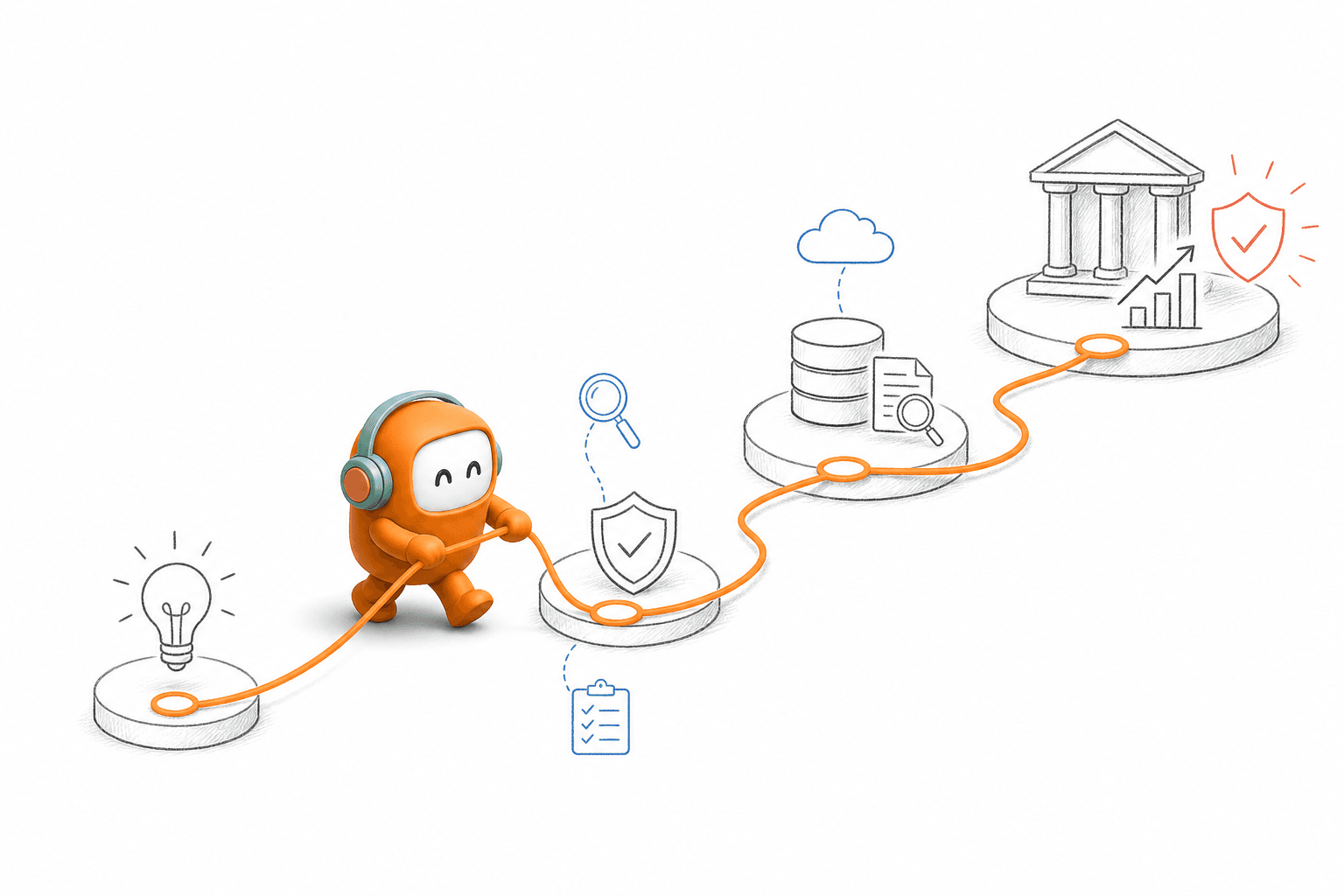
To implement auditable conversational AI, define the evidence path before you configure the agent. Every response and workflow action should connect to a customer, a rule, a source, and an accountable owner. Once those links exist, reviews become faster and failures become easier to diagnose.
Can You Reconstruct One Case in 15 Minutes?
Can your operations team explain one completed conversation without asking engineering to search application logs? Use a 15-minute reconstruction exercise before approving production. Select one routine case, one escalation, and one failed workflow action, then ask an operations manager to rebuild each sequence from the available records.
Speed isn't the only test. The reviewer should also reach the same conclusion as the system about why an answer or action was allowed. If two reviewers interpret the record differently, the audit trail lacks either context or a clear decision rule. In my view, that gap matters more than a polished transcript.
Check whether each case answers these questions:
- Who or what handled each part of the conversation?
- Which workflow and configuration were active?
- What approved knowledge supported the answer?
- Which action was attempted, completed, or rejected?
- Did a human review or override anything?
- Where did the case end?
A missing answer tells you exactly where evidence capture needs work.
Define the Questions Before Choosing Log Fields
Audit fields should start with the questions a reviewer will ask, not with whatever data the model already produces. Model output can be detailed and still miss the business evidence needed to defend an action. Treat each conversation as a case file. The transcript is one document inside that file, not the file itself.
A good case record explains the path from customer input to operational outcome. It doesn't need every internal model event, which would add cost and expose data without making the review clearer. The record needs enough detail for an independent reviewer to follow the decision without guessing. More logging is not automatically better logging.
Build the record around seven questions:
- Identity: Which customer, account, lead, or case was involved?
- Channel: Where did the interaction begin, and did it move elsewhere?
- Context: What customer data was available when the decision occurred?
- Source: Which approved knowledge supported the response?
- Rule: Which workflow condition allowed or blocked the next action?
- Actor: Did AI, a human agent, or a connected system perform the action?
- Outcome: What changed after the conversation ended?
If a field doesn't answer one of those questions, challenge whether it belongs in the core audit record.
Carry One Trace ID Across the Full Workflow
A transcript identifies a conversation, while a trace ID identifies the complete operational sequence. The same ID should follow the case from the first inbound message or outbound attempt through routing, approval, handoff, write-back, and closure. Without it, timestamps become the only way to connect events, and timestamps fail when systems process updates at different speeds.
A single database isn't required. Some enterprises need the CRM, billing platform, and customer operations platform to remain separate, which is a fair architecture choice. The requirement is simpler: every connected system must preserve the shared trace ID and return it with its event record. If a system can't carry the identifier, record its local object ID in a cross-reference table.
A practical sequence looks like this:
- Create the trace ID when the workflow begins.
- Attach it to every message, call, approval, and action request.
- Pass it into connected systems with the relevant customer ID.
- Store returned object IDs and status codes against the same trace.
- Close the trace only after the expected outcome is confirmed.
One trace turns scattered events into a reviewable customer history.
Save the Version Active at Decision Time
Three versions matter in any AI decision: the knowledge source, the workflow rule, and the agent configuration. Recording only the latest version creates a hidden problem. A reviewer may examine today's policy even though the customer received an answer based on last month's policy.
Store the active version number with each decision event. For knowledge-grounded answers, capture the source document or FAQ entry retrieved at that moment. For workflow actions, record the rule version and the relevant condition, such as account status or consent state. You don't need to copy entire policy libraries into every case.
The audit record should preserve:
- Knowledge source ID and version
- Workflow or campaign version
- Agent configuration version
- Retrieved customer-data timestamp
- Approval policy active during the interaction
- Published change author and publication time
Version capture also changes how operations teams manage updates. A policy edit stops being an invisible content change and becomes a controlled production event with an owner and a date.
Put Human Review Around Consequence, Not Complexity
A customer may ask a simple question that triggers a high-consequence action. Changing a payment date, removing consent, granting account access, or altering eligibility can involve very little conversation but still require human approval. Complexity is a poor proxy for risk.
Set approval rules around the action's consequence. If an AI response only repeats approved information, automatic handling may be reasonable. If the next step changes money, consent, access, or a binding customer commitment, require either human approval or a second system check before execution. Operations should define that boundary, with legal and technical review where needed.
For every approval or override, capture:
- The proposed action and supporting context
- The rule that required review
- The reviewer and decision time
- Any edits made before execution
- The final outcome returned by the connected system
Human involvement doesn't weaken conversational AI. It gives the system a clear limit and gives reviewers an accountable decision point.
Test Exceptions Before Reviewing Average Performance
A production review should begin with failed actions and escalations, not average handling time. Routine success cases tend to follow the expected path, while exceptions reveal broken identifiers, missing versions, weak handoffs, and unclear ownership. A high completion rate can hide serious evidence gaps if reviewers only sample completed conversations.
Start by reviewing every failed action and every policy-triggered escalation during the initial production period. Add a fixed random sample of routine completed cases so the team doesn't learn only from failures. In one SEA bank voice deployment, the system achieved 75% auto-resolution for that specific voice use case, but the remaining conversations still mattered because they exposed where human judgment and workflow review were needed. The percentage belongs to that deployment, not to conversational AI generally.
Run the review in this order:
- Confirm the trace includes every expected event.
- Replay the decision using the recorded versions and context.
- Compare the expected action with the actual system response.
- Check whether the handoff preserved the customer history.
- Assign every gap to an owner with a correction date.
More evidence creates its own risk, and pretending otherwise would be careless. Set retention periods by evidence type, restrict access by role, and remove sensitive values that aren't needed for the review. An audit trail should explain the decision without becoming a second uncontrolled customer database.
How Revve Keeps Workflow Evidence Together
Revve keeps audit evidence close to the work by running AI and human activity in one customer operations platform. Inbound support and outbound engagement use shared conversation context, knowledge, routing, and handoff records. Operations teams can review what happened without rebuilding the workflow from unrelated channel tools.
One Record Across Inbound and Outbound Work
Revve's Unified AI and Human Workspace keeps automated activity and human intervention inside the same operating record. When an AI agent handles a conversation, its activity stays attached to the thread that human agents use during review or escalation. The customer doesn't disappear into a separate bot history when a person takes over.
Outbound Orchestration brings calls, SMS, messaging, and email sequences into the same customer operations layer. Compliance Controls and Approval Workflows can check configured consent status, contact windows, do-not-call restrictions, and opt-out requirements before sensitive outreach proceeds. Teams still own their policies and legal review, but the operating evidence isn't split between a dialer, inbox, and approval spreadsheet.
The relevant capabilities work together:
- Shared workspace: AI and human activity stays connected to the conversation.
- Full-context handoff: Escalated cases carry history and relevant context to an agent.
- Approval workflows: Sensitive messages can require review before delivery.
- Interaction logging: Customer contact and workflow activity remain available for operational review.
If your review team needs to see how those records stay attached to the workflow, book a demo using one of your real inbound or outbound cases.
Controlled Changes Without an Engineering Queue
Revve gives operations teams no-code configuration, testing, and rollbacks for scripts, workflows, routing, tone, and scenarios. A workflow change can be previewed and tested before publication instead of arriving through an informal request that nobody can trace later. IT still handles the initial integrations and infrastructure work, which is the right boundary for enterprise deployment.
Continuous Learning and Conversation Scoring gives managers evidence about outcomes, sentiment, and knowledge gaps after conversations finish. Human corrections can then inform updates to knowledge, rules, or scripts rather than disappearing inside one supervisor's notes. Revve doesn't autonomously rewrite operating policy, and it shouldn't. People remain responsible for deciding which correction becomes a production change.
The platform isn't intended to replace your CRM, billing system, or legal review process. It acts as the customer conversation and workflow layer around those systems, using APIs, webhooks, or supported integrations where appropriate. That boundary matters because auditability depends on clear ownership, not on pretending one product owns every enterprise record.
Make Auditability Part of Daily Operations
auditable conversational AI works when evidence capture becomes part of every workflow change, not a review project saved for later. Start with one conversation, reconstruct it in 15 minutes, and fix every missing link before increasing volume. The test is simple: another person should be able to explain the decision without relying on memory.
To implement auditable conversational AI, connect the transcript to the source, rule, actor, action, and final outcome. Keep humans around consequential decisions, preserve the versions active at decision time, and review exceptions before averages. A natural conversation earns attention. A defensible workflow earns trust.
FAQ
How do I ensure compliance in my AI conversations?
To ensure compliance in your AI conversations, start by integrating Revve’s Compliance Controls and Approval Workflows. This feature helps you automate checks for consent, contact windows, and compliance regulations before any outreach occurs. Make sure to define your organization’s policies clearly within the system. Additionally, always log interactions for auditability, so you can review and verify compliance as needed. Regularly test your workflows to identify any gaps in compliance enforcement.
What if my AI agent needs to escalate a conversation?
If your AI agent needs to escalate a conversation, Revve’s Smart Escalation and Full-Context Handoff feature ensures a smooth transition to a human agent. The AI will automatically pass the complete conversation history and relevant context to the agent, allowing them to pick up where the AI left off. To set this up, define the criteria for escalation, such as sentiment or complexity, so that the AI knows when to hand off the conversation for better customer experience.
Can I customize workflows without IT help?
Yes, you can customize workflows without needing IT help by using Revve’s No-Code Configuration tools. These tools allow you to adjust scripts, workflows, and routing through a user-friendly interface. You can preview changes and run tests to ensure everything works as expected before going live. This flexibility helps you respond quickly to operational needs without waiting for technical resources.
When should I review my AI conversation logs?
You should review your AI conversation logs regularly, especially after any failed actions or escalations. This helps identify potential gaps in your workflows or compliance issues. Use Revve’s Continuous Learning and Conversation Scoring feature to analyze outcomes and sentiment from past interactions. By focusing on exceptions first, you can improve your AI’s performance and ensure that it meets compliance standards effectively.