You left this week’s AI customer service demos with polished recordings, fast answers, and no clear view of what happens after the answer. That gap is where expensive mistakes begin. The way support teams evaluate AI tools still favors response quality, while routing, handoff, follow-up, and record updates get a quick slide near the end.
A natural conversation matters. Accuracy matters too. But an AI agent that answers correctly and then sends the customer into a broken queue hasn't improved customer operations. It has moved the problem down the hall. Support teams need to evaluate whether the system can complete work with humans, not just speak before them.
Key Takeaways:
- Start every AI evaluation with a real customer workflow, not a prepared vendor script.
- Require AI and human agents to use the same customer history, knowledge, and workflow record.
- Score completed actions separately from correct answers.
- Test escalation with policy exceptions and unresolved intent before approving a vendor.
- Include inbound and outbound workflows when both affect the customer lifecycle.
- Treat deployment ownership, testing, and rollback plans as buying criteria.
Why AI Customer Service Evaluations Miss the Real Risk

A Good Answer Can Still Create More Work
At 9:15 AM, a support lead opens the queue and finds a billing conversation the AI escalated overnight. The ticket holds the customer’s last message, but not the steps already completed. So the agent reopens the case and asks the same three questions again. By 9:22, one automated answer has spawned a fresh manual investigation, and the customer is retelling a story they already told a machine.
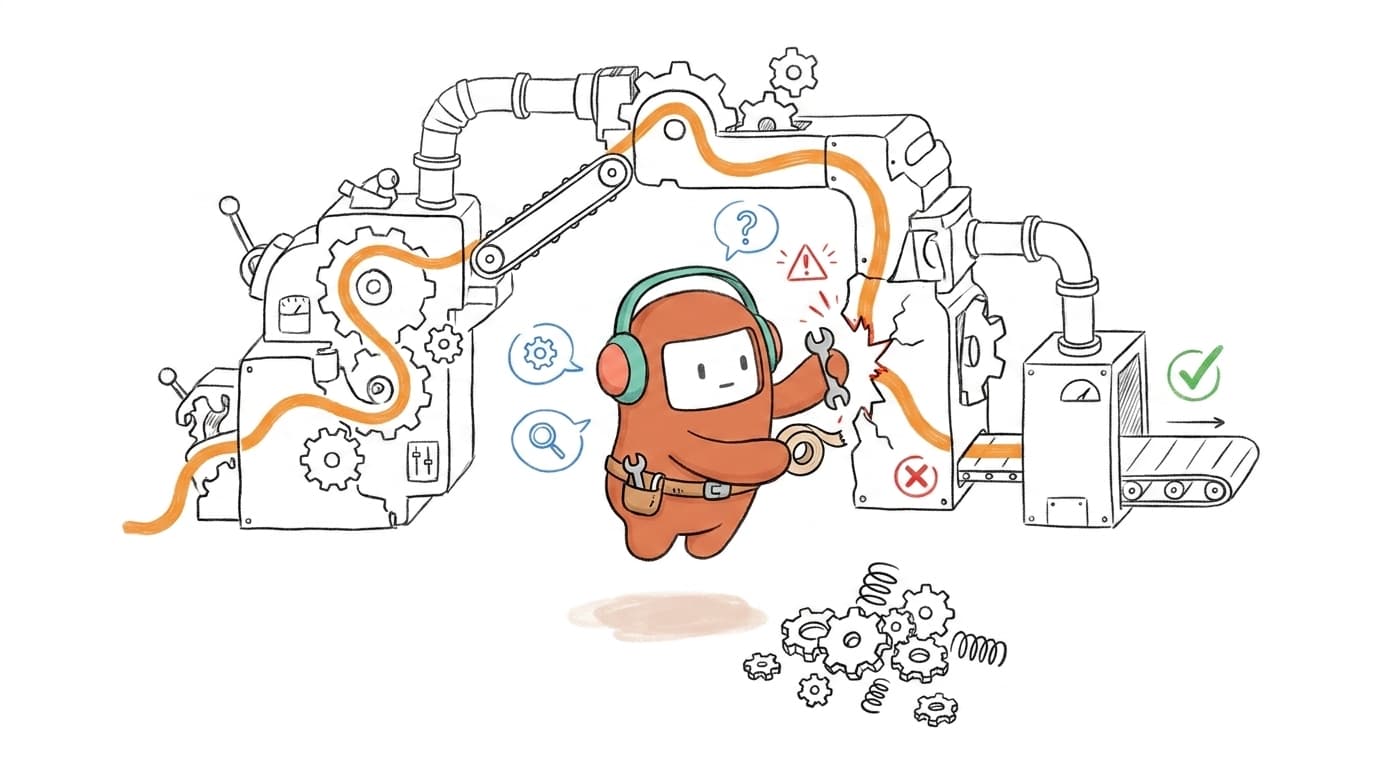
That failure rarely shows up in demo scoring. The response may have been accurate, and the escalation may have technically fired. Yet the agent still has to rebuild the issue from fragments, which means the automation didn't remove work. It relocated it, and made the customer walk through another door to reach a person.
Point Tools Hide the Cost of Handoffs
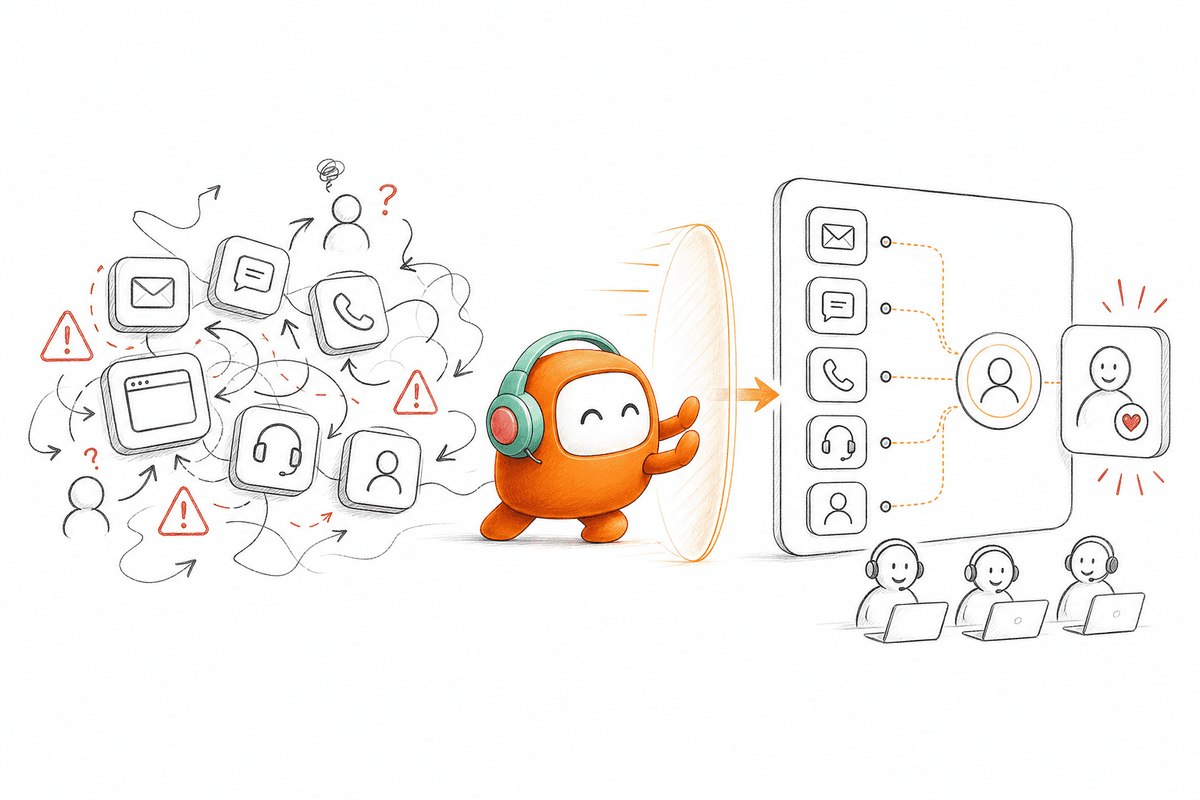
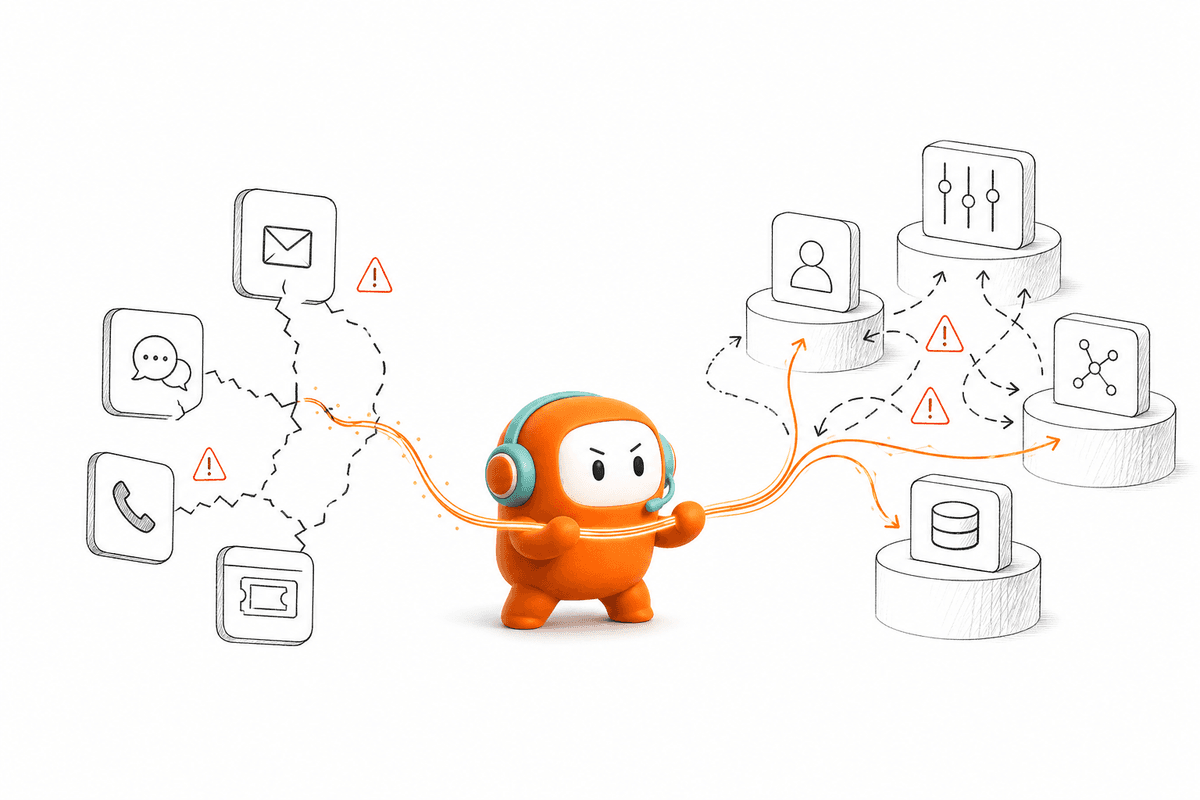
A voice bot here, a chat widget there, an outbound dialer that doesn't talk to the inbound queue, and a knowledge base only one team updates. Each tool performs its own task well enough. The failure appears in the seams between them, where customer history gets copied, delayed, or lost.
Customer operations runs like a relay. A fast first runner counts for nothing if the next person gets no baton, no direction, and no idea where the race stands. That handoff is exactly where most AI evaluations turn generous. They score the first leg and wave through everything after it.
Demo Scores Reward the Wrong Moment
Vendor demos reward the cleanest part of any workflow: a known question with an approved answer. That's understandable. Answer accuracy is easy to compare side by side, and a support team should reject a system that can't handle its own core knowledge.
Accuracy alone still isn't the bar. When support teams evaluate AI customer service, they should require at least three off-script cases before advancing a vendor: an unresolved request, a policy exception, and a customer asking for a person. If the demo ends when the answer ends, it never tested the operation.
How Support Teams Evaluate Workflow Execution
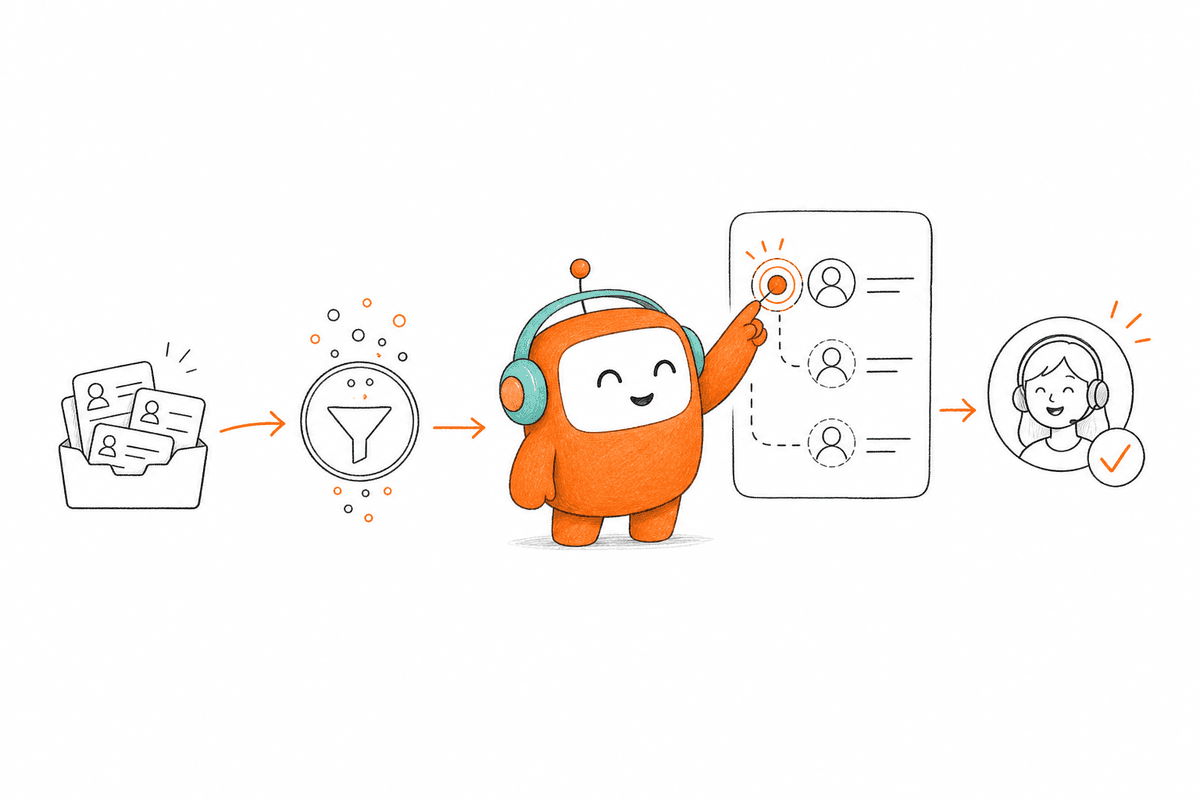
Support teams evaluate workflow execution by tracing what happens from first contact to final outcome. The review has to cover context, actions, escalation, follow-up, and ownership after launch. A vendor passes when the full workflow holds under realistic conditions, not when one scripted conversation sounds impressive.
Start With the Workflow, Not the Model
Changing how support teams evaluate AI starts with one practical move: pick the workflow before you pick the technology. Choose a high-volume request that has a clear start, a defined outcome, and known exceptions. Then map every system and person the request touches.
If you can't draw that workflow on one page, you aren't ready to compare vendors. That isn't a knock on your team. It means the process still hides unclear ownership, and any new AI system will inherit exactly that confusion. In my view, fixing the map is worth more than another hour comparing model names.
Use these questions to define the test:
- Where does the conversation begin?
- What customer context must be available immediately?
- Which actions can AI complete without approval?
- What event requires a human agent?
- Where must the outcome be recorded?
Test the Handoff Before the Happy Path
What happens when the AI reaches its limit? A serious evaluation answers that first, because customers rarely care which system handled the opening response. They care whether the next person understands what has already happened.
Run the same case twice. In the first run, let the AI handle the standard request. In the second, add a billing exception or unclear intent, then force a handoff. The human agent should receive the conversation history, a useful summary, relevant customer context, and the reason for escalation, not a blank screen and a name.
Check the handoff under several conditions:
- The customer asks for a person directly.
- The approved knowledge doesn't contain an answer.
- The conversation reaches a policy exception.
- Negative sentiment triggers supervisor review.
- The assigned agent isn't available.
Score Actions Separately From Answers
An AI agent that says “I’ve updated your request” has completed nothing unless the underlying record actually changes. Support teams should score the answer and the action as two separate events. Otherwise a confident sentence hides a failed workflow, and you find out weeks later when the customer calls back angry.
Build the scorecard around evidence. Give full credit only when the action happens inside the test environment and shows up in the right record. A vendor claiming it “supports integrations” shouldn't earn the same score as a system that demonstrates the update, the routing event, and the audit trail on screen.
A practical scorecard separates four outcomes:
- Answer quality: Was the response grounded in approved information?
- Action completion: Did the required workflow step occur?
- Record accuracy: Was the correct status written to the correct customer record?
- Exception handling: Did the system stop or escalate under the defined rule?
Make Shared Context a Pass or Fail Requirement
Separate AI and human workspaces produce a predictable failure: the AI knows one half of the conversation, the agent sees the other half, and neither has the whole thing. Support teams should treat shared context as pass or fail, not a feature worth a few bonus points on a spreadsheet.
Ask a human agent to take over without reading a separate transcript or opening another tool. Set a timed target, such as understanding the issue and choosing the next action within 60 seconds. If the agent needs longer than 60 seconds to orient, the context handoff failed, whatever the demo slide claimed. The exact number can shift by workflow, but the test must be timed and watched in the room.
The agent should be able to see:
- The complete conversation thread
- The customer’s relevant history
- The knowledge used by the AI
- The reason for escalation
- Any action already attempted
A shared-context test is far easier to judge against your real queue than inside a rehearsed presentation, so run one live escalation path when you book a demo.
Evaluate Inbound and Outbound Together
Inbound support and outbound follow-up often touch the same customer, yet buying teams review them as two separate projects. That split breeds duplicate records, conflicting rules, and campaigns that call a customer while a service issue sits open. How support teams evaluate outbound capability matters whenever reminders, re-engagement, or lead follow-up sit next to support.
A US property-data company hit that exact operating problem. Website lead capture and outbound engagement had to connect to the sales process, rather than dead-ending as isolated conversations. The useful evaluation wasn't whether an automated call sounded natural. It was whether the system could engage, qualify, route, and preserve the outcome for the revenue team.
Pure support teams with no outbound need can reasonably skip that test, and a focused inbound tool may serve them better. Once customer operations includes proactive contact, though, review both directions together or accept that you're buying another disconnected system.
Review Deployment Before Reviewing the Contract
A deployment timeline isn't a plan. Before commercial review, make the vendor name who owns integrations, knowledge preparation, workflow configuration, test cases, approval, and rollback. If an activity has no named owner or review artifact, assume it slips launch by weeks.
Run deployment review against one production workflow, not a broad promise. Ask what the operations team can change after launch and what still routes back to engineering or the vendor. Frankly, no-code controls mean little if every policy update needs a support ticket and a two-week wait to go live.
The implementation plan should show a clear sequence:
- Confirm the workflow and systems involved.
- Prepare approved knowledge and routing rules.
- Connect required data paths.
- Test standard cases and known exceptions.
- Define approval and rollback conditions.
- Launch with named operational owners.
How Revve Connects AI and Human Work
Revve connects AI and human work through one customer operations environment rather than a separate bot bolted beside the support queue. Conversations, knowledge, routing, and handoffs stay tied to the same operating record. That architecture lets teams judge completed workflows instead of treating answer quality as the finish line.
Shared Context Survives the Handoff
Revve’s Unified AI and Human Workspace gives both sides the same conversation record. When AI handles a request, the full activity stays visible to the human agent the moment escalation becomes necessary. The agent reviews the history and continues from the current point instead of restarting discovery from scratch.
Revve also supports Smart Escalation and Full-Context Handoff using configured triggers such as unresolved intent, keywords, negative sentiment, conversation duration, or custom rules. Human agents stay part of the operating model. The aim isn't to remove them. It's to route judgment-heavy work to them with the context they need to act on the first read.
Deployment Fits the Operating Model
Revve supports both cloud and on-prem deployment models, with technical teams handling initial integrations and infrastructure while operations teams define knowledge, routing, escalation rules, and workflow behavior.
After setup, Revve’s no-code configuration, testing, and rollback controls let operations teams adjust scripts, workflows, tone, routing, and scenarios without sending every daily change back to engineering. The platform also connects to surrounding systems through integrations, APIs, webhooks, and data sync. It syncs transcripts, recordings, and outcomes into connected systems while running the customer conversation and workflow layer around them.
The architecture covers four practical requirements:
- Unified workspace: AI and human agents work from the same conversation record.
- Grounded answers: AI retrieves information from approved documents, websites, and FAQs.
- Controlled escalation: Teams define when automation should stop and who receives the conversation.
- Flexible production options: Cloud and on-prem deployments support different operating requirements.
What Support Teams Should Demand Before Buying
Support teams should demand proof that an AI system can finish work, preserve context, and hand exceptions to a person without breaking the customer journey. How support teams evaluate vendors has to move past conversation demos. The real test is whether the system improves the operation around the answer, not just the answer itself.
A narrow FAQ bot may be enough for a small, simple support queue, and there's no shame in buying one when that's the actual need. Larger customer operations need more: shared knowledge, clear routing, connected inbound and outbound work, and operational control after launch. Revve is built for that broader requirement, where people and AI work inside the same customer operations platform.
FAQ
How do I evaluate the AI's escalation process?
To evaluate the AI's escalation process, you should: 1) Test various scenarios where escalation is needed, such as when a customer requests a human agent or when the AI can't resolve a query. 2) Ensure that the conversation history and context are passed to the human agent seamlessly. Revve's Smart Escalation and Full-Context Handoff features are designed to maintain continuity during these transitions, allowing agents to pick up right where the AI left off. 3) Score the effectiveness of the escalation by checking if the agent can resolve the issue without needing to ask repetitive questions.
What if my AI doesn't understand customer intent?
If your AI struggles with understanding customer intent, consider these steps: 1) Review and refine the knowledge base to ensure it includes comprehensive information relevant to your customers' queries. Revve's Knowledge-Grounded AI Automation helps improve answer quality by relying on an approved knowledge base. 2) Implement training sessions for the AI to learn from past interactions and improve its responses over time. 3) Monitor conversations and gather feedback to identify common misunderstandings, then adjust the AI's scripts or training accordingly.
Can I manage multiple communication channels with Revve?
Yes, you can manage multiple communication channels effectively with Revve. The Omnichannel Conversation Management feature allows you to handle interactions across voice, chat, SMS, and various messaging apps all in one place. This means that regardless of how a customer reaches out, whether it's through WhatsApp or email, you can maintain a unified view of the conversation. To set this up, simply configure the channels you want to include and ensure your team is trained to use the unified inbox for a seamless customer experience.
When should I consider using Revve for outbound campaigns?
Consider using Revve for outbound campaigns when you need to streamline your outreach efforts and improve response times. If your team is facing challenges with manual follow-ups or inconsistent lead handling, Revve's Outbound Orchestration feature can help. It allows you to build multi-step outreach campaigns across various channels, ensuring that each message is personalized and contextually relevant. Set up your campaigns by defining the timing, exit conditions, and contact enrollment criteria to maximize engagement and effectiveness.
Why does my AI struggle with complex inquiries?
If your AI is struggling with complex inquiries, it’s likely due to limitations in its training or knowledge base. To address this, you can: 1) Ensure that the AI has access to a comprehensive and up-to-date knowledge base, as Revve's Knowledge-Grounded AI Automation relies on approved documents to provide accurate answers. 2) Set up clear escalation paths for complex issues, so when the AI encounters a situation beyond its capabilities, it can seamlessly transfer the conversation to a human agent with all relevant context. This way, customers won’t have to repeat themselves.