You can't scale customer operations by adding AI to five systems that still can't share a conversation. If the agent can answer but can't route, log, follow up, escalate, or trigger the next workflow, your team hasn't automated operations.
It has automated a reply, while human agents still carry the context between the helpdesk, dialer, CRM, and outbound queue.
Key Takeaways:
- Measure completed workflows, not the number of questions AI answers.
- Give human and AI agents the same customer record, knowledge, and routing rules.
- Treat inbound support and outbound engagement as one connected operation.
- Let operations teams change scripts and workflows without waiting on engineering for routine updates.
- Keep your CRM and core systems, but stop making agents rebuild customer context across them.
Why More AI Creates More Operational Drag

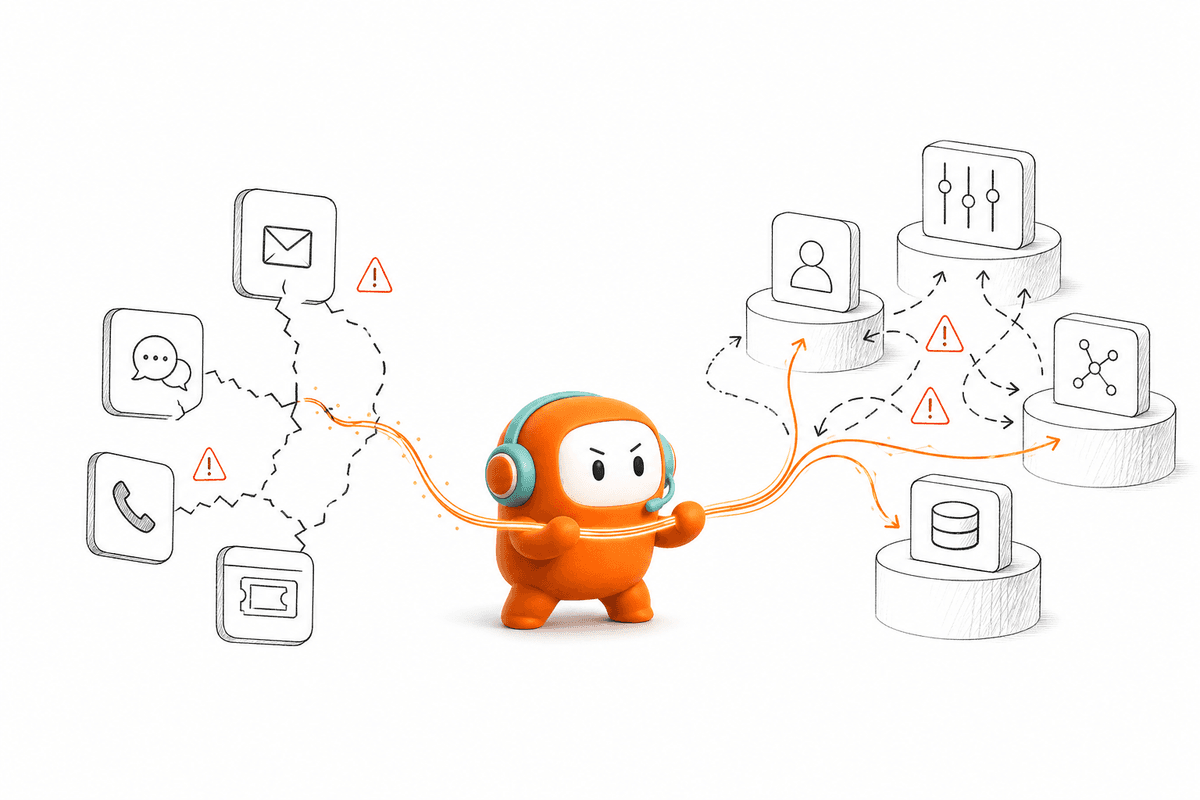
Enterprise AI creates operational drag when it sits beside the workflow instead of inside it. The agent may produce a correct answer, yet the next step still depends on a person copying context into another system. More automation then means more handoffs, more partial records, and another queue to monitor.
Answering Questions Isn't Running Operations
A customer asks about an unpaid invoice, and the AI explains the balance correctly. It can't send the approved reminder, record the promise to pay, or route a dispute to the right person. A human agent takes over, reads the conversation, opens the billing system, and starts the real work from the beginning.
Natural language can hide that gap. The conversation sounds capable, so leaders assume the operation behind it must be capable too. In my view, that's where many enterprise AI projects go wrong. They test how the agent talks, not whether the workflow finishes.
Point tools still have a place. If you run one channel, one narrow use case, and a small team, a separate bot may be cheaper and easier to manage. The case weakens once the same customer moves between support, sales follow-up, voice, and messaging.
Fragmented Systems Turn Every Handoff Into Rework
At 8:30 a.m., a support manager opens the helpdesk, then checks the dialer for missed calls and the CRM for customer history. An escalation arrives from the chat agent, but the transcript doesn't include the outbound reminder sent the previous evening. The manager asks an agent to reconstruct what happened before responding, and the customer waits while three systems get compared by hand.
By afternoon, the manager isn't thinking about AI strategy. They're chasing missing context and explaining why the customer had to repeat the same issue again.
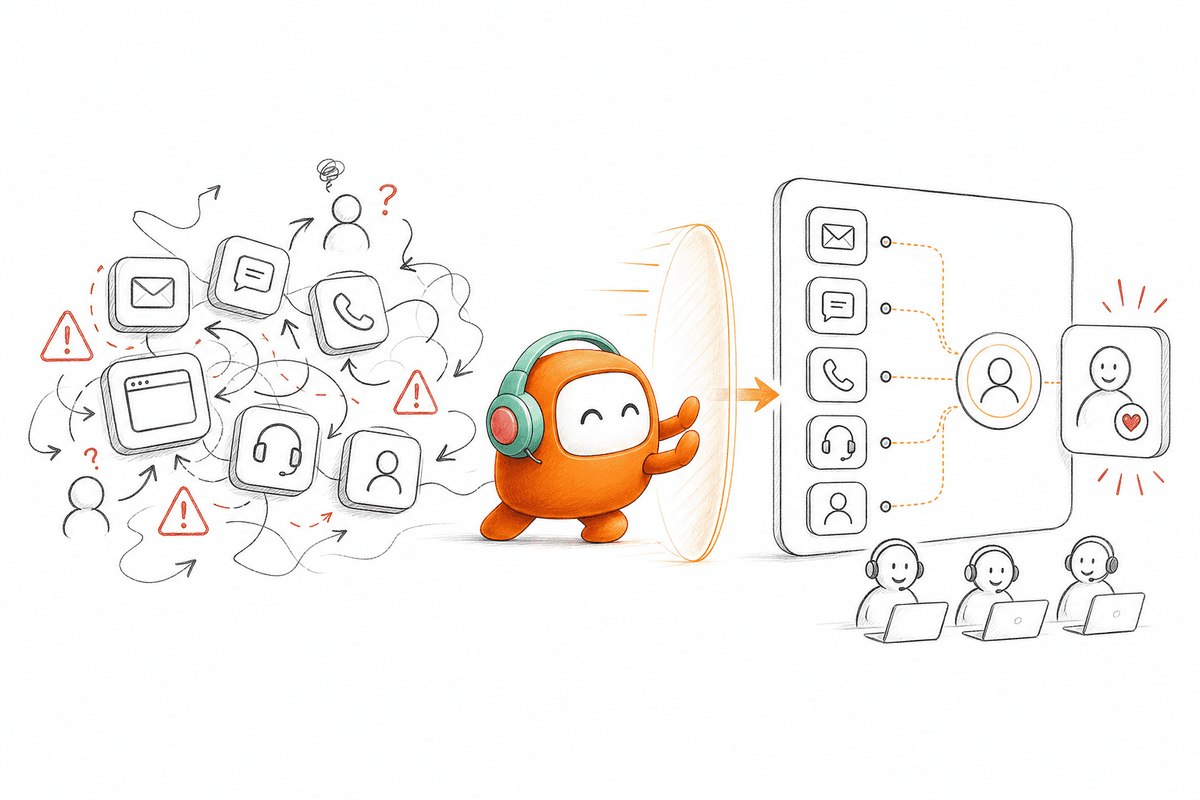
Think of customer operations as a control room during an incident. If every system keeps a different shift log, the next operator receives only part of the story and spends valuable time rebuilding the rest. Adding another screen doesn't improve the response. It creates another place where the record can split.
The Hidden Cost Sits Between Systems
The largest automation cost is often outside the automated conversation. It appears when people re-enter data, search for prior messages, check whether an outbound follow-up happened, or decide which queue owns the next action. None of those tasks looks serious alone, but together they preserve the manual operation underneath the AI.
Count handoffs for one common workflow. Start when the customer makes contact and stop when the requested action is complete. If an agent must reconstruct the customer record in two or more systems, your main constraint isn't agent capacity. It's broken workflow ownership.
The same test applies to escalations. If the AI sends a summary but the person still needs to reopen the transcript, search the knowledge base, and check another tool for status, the handoff hasn't preserved enough context. Scaling requires a different operating model, one built around the work rather than the channel.
How Enterprise Teams Scale Customer Operations
Enterprise teams scale customer operations by designing one workflow across AI, human agents, channels, and systems of record. Each conversation needs a defined outcome, one shared record, clear escalation rules, and an owner for the next action. Technology comes after those operating decisions, not before them.
Find Where Customer Context Breaks
Where does your customer record stop being complete? The answer usually appears at channel changes, AI-to-human handoffs, or the point where inbound service becomes outbound follow-up. Mapping those breaks gives you a more useful starting point than comparing model scores or demo voices.
Take one high-volume workflow and follow it end to end. Record each system opened, every manual copy, and each decision that depends on missing information. Frankly, the map can be uncomfortable. A process that looked automated may contain six human recovery steps between the first answer and the final action.
Use these questions during the review:
- Can a human agent see the full conversation without opening another tool?
- Can the AI use the same approved knowledge as the human team?
- Does the record show whether follow-up happened and what came next?
- Can an escalation preserve the thread, customer status, and reason for handoff?
- Can operations change the workflow without submitting an engineering request?
Three or more “no” answers point to an operating-layer problem. Buying a stronger model won't repair it.
Define Completion Before Automation
A correct reply isn't the same as a completed workflow. For an order-status request, completion may mean retrieving the approved status and logging the interaction. For lead qualification, it may mean asking the required questions, applying the business criteria, and routing the opportunity to a person.
Write the final state in one sentence before automating anything. If the team can't agree on that sentence, the workflow isn't ready. The AI will inherit the ambiguity, and every exception will return to a human queue without a clear owner. We see teams spend too much time tuning language before they settle this basic question.
Build the workflow in this order:
- Name the customer request: Define what starts the workflow.
- Name the required action: Specify what must happen beyond the answer.
- Name the completion record: Decide what gets logged and where.
- Name the exception owner: Assign the person or queue that handles failure.
- Name the follow-up rule: Set what happens if the customer doesn't respond.
If you can't name all five, keep the process human until you can. Partial automation often shifts work rather than removing it.
Give Humans and AI One Working Record
AI and human agents shouldn't maintain separate versions of the customer story. Both need the same conversation history, approved knowledge, customer status, and next action. Without that shared record, every escalation becomes a fresh investigation and every channel switch risks losing intent.
Before the change, a chat agent answers in one interface while a support agent handles the escalation elsewhere. After the change, the person receives the existing thread and the reason automation stopped. They can continue the conversation instead of asking the customer to begin again. Small difference on a diagram, big difference during a difficult call.
A useful shared record should show:
- The full conversation across supported channels
- The customer identity and relevant status
- The knowledge used for the prior answer
- The action already taken
- The reason for escalation and the required next step
Shared context doesn't mean the AI decides everything. Human agents should still own judgment, exceptions, negotiation, and sensitive conversations. The record simply removes the waste of rediscovering facts the operation already knows.
Connect Inbound and Outbound Work
Inbound and outbound are two directions of the same customer relationship. A support request can create a reminder, while a missed payment message can create an inbound dispute. Running those paths in separate systems breaks the history at the exact moment context matters most.
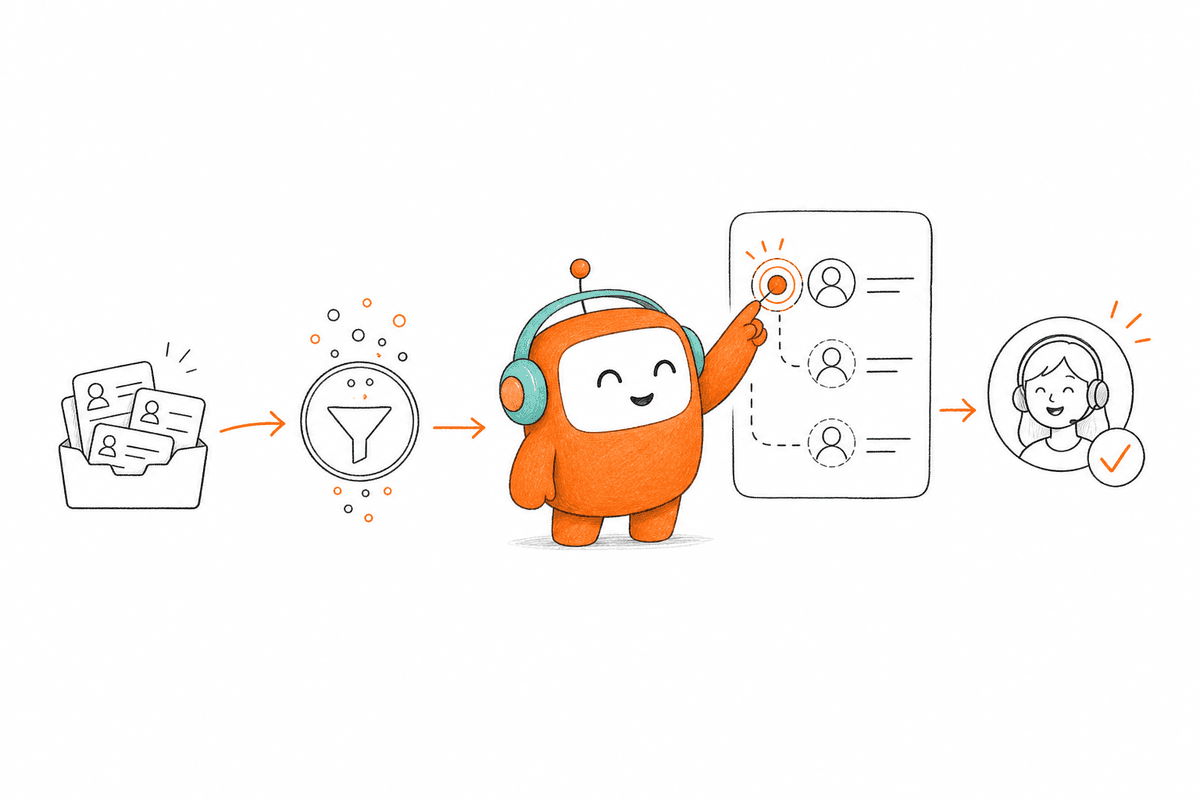
Test one customer through both directions. Start with an inbound question, trigger an approved follow-up, then have the customer reply through another supported channel. If the team can't see one continuous thread, you haven't built a customer operation. You've connected several channel tools and left people to manage the gaps.
Run the test in four stages:
- Inbound contact: Capture the request and customer context.
- Workflow action: Complete or escalate the required task.
- Outbound follow-up: Send the approved reminder or next message.
- Customer return: Keep the reply tied to the original thread.
Some companies keep support and revenue fully separate for valid ownership reasons. They don't need identical teams or targets. They do need a shared view when the same customer crosses those boundaries.
Put Routine Workflow Changes With Operations
Customer workflows change too often to depend on engineering for every edit. Qualification criteria shift, escalation thresholds need correction, and outbound messages require updates. If each routine change enters a development backlog, the operation will always move slower than the customer issue.
Give operations control over scripts, routing rules, timing, and test cases, with approval boundaries for sensitive changes. IT still owns integrations, infrastructure, and technical controls. That's a fair division. Removing IT entirely would create risk, while routing daily operational changes through IT creates delay.
Before publishing a change, require four checks:
- Preview the updated conversation path
- Test normal and edge-case inputs
- Confirm escalation and exit conditions
- Keep a rollback path for failed changes
A practical rule works well here: if a change affects wording or routing but not core integration logic, operations should be able to test and release it through an approved process. Engineering shouldn't become the campaign editor.
Measure Workflow Completion and Handoff Quality
Answer rate can make weak automation look successful. An agent may answer hundreds of questions while failing to update records, complete follow-up, or transfer exceptions with usable context. Completion rate and handoff quality show whether the operation actually improved.
Measure the workflow from first contact to final state. Then inspect where human work remains. I prefer five operational measures: completed outcomes, escalations with full context, manual recovery steps, follow-up completion, and unresolved returns. They reveal more than a single containment number ever will.
Review these signals by workflow:
- Percentage of conversations reaching the defined final state
- Percentage of escalations accepted without repeated discovery
- Number of manual system changes per completed request
- Percentage of required follow-ups completed
- Reasons customers return after the workflow closes
If your current stack can't produce that record, a focused book a demo conversation can map the missing workflow steps before another tool is added. Once those rules are clear, the remaining question is which operating layer can run them without recreating the same splits.
How Revve Unifies Customer Operations Work
Revve puts inbound support, outbound engagement, and human handoff inside one customer operations platform. Human and AI agents work from shared conversations and knowledge rather than separate queues. Operations teams can also manage routine workflow changes without sending every adjustment through engineering.
One Workspace Preserves the Customer Story
Revve's Unified AI and Human Workspace keeps automated and human-handled conversations in the same operating environment. Activity stays attached to the same record, giving human agents the prior thread and relevant context when they take over. The person doesn't need to reconstruct the issue from several screens.
Inside Revve, AI handles repeatable conversation steps while people remain responsible for judgment and exceptions. A customer can begin with automation and move to a human without leaving the operational record behind. That directly addresses the handoff cost described earlier: less rediscovery, fewer broken threads, and clearer ownership of the next action.
A shared workspace isn't a reason to remove every surrounding system. Your CRM can remain the source of truth for accounts and opportunities, while billing or policy systems keep their existing roles. The customer operations layer sits around those records and runs the live conversation work connected to them.
Outbound and No-Code Control Stay Connected
Revve's Outbound Orchestration supports multi-step outreach across configured calls, SMS, WhatsApp, messaging apps, and email. Teams define the sequence, timing, exit conditions, and messaging rules. Prior conversation context can carry into later touches rather than treating each message as an isolated attempt.
Revve's No-Code Configuration, Testing, and Rollbacks gives operations teams control over scripts, workflows, routing, tone, and scenarios through plain-language settings and visual builders. They can preview changes, test edge cases, and roll back an update when needed. IT still handles initial integration and infrastructure work, which keeps the ownership line realistic.
The platform is a poor fit for a very small team that only needs a basic website FAQ bot. A point product will likely cost less and launch faster in that case. Revve makes more sense when customer volume, channel complexity, inbound and outbound work, or handoff requirements justify one operating layer.
Scale Customer Operations Without Adding Another Queue
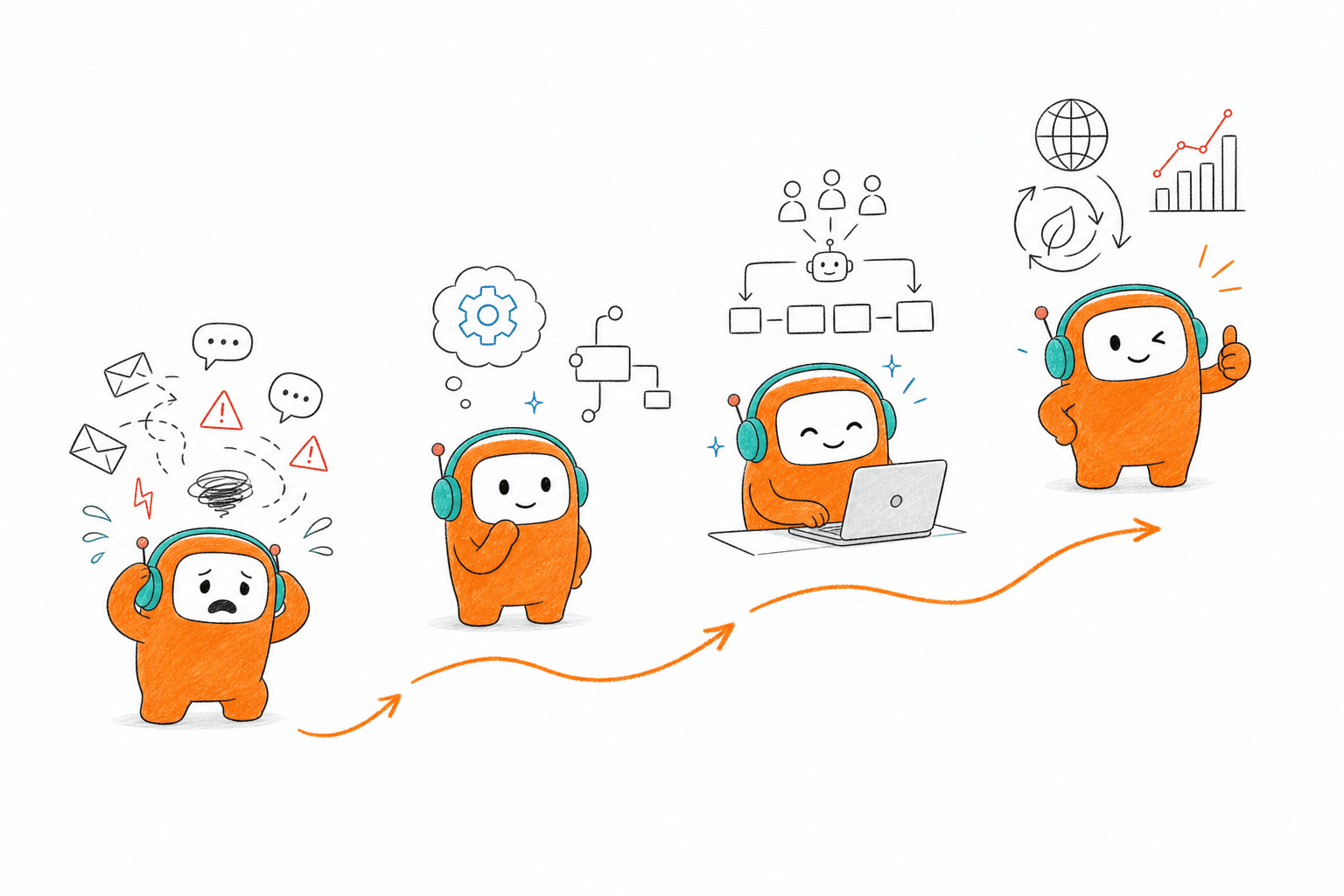
Enterprise teams scale when AI and people share the same work, not when each new agent creates another system to manage. Define completion first, preserve one customer record, connect inbound with outbound, and give operations control over routine workflow changes. Those decisions turn AI from an answer engine into part of the operation.
The goal isn't to remove humans from customer conversations. It's to stop making them carry context between disconnected tools, recover failed workflows, and repeat work the system should already understand.
Scale the work, not the queue.
FAQ
How do I ensure smooth handoffs between AI and human agents?
To ensure smooth handoffs, you can use Revve's Smart Escalation feature. This allows you to set triggers for when an AI should escalate a conversation to a human agent, ensuring that the full context of the conversation is passed along. Make sure to define clear escalation rules based on factors like complexity or customer sentiment. Additionally, train your agents to review the AI's summary and suggested next steps before taking over the conversation. This way, they can continue seamlessly without asking the customer to repeat themselves.
What if my team needs to make quick workflow changes?
If your team needs to make quick workflow changes, Revve's No-Code Configuration feature allows operations teams to adjust scripts and workflows without waiting for engineering. You can use plain-language controls to define new conversation flows or modify existing ones. Before publishing any changes, it's a good idea to preview the updated conversation path and test for edge cases to ensure everything works smoothly. This flexibility helps you respond quickly to changing customer needs.
Can I track customer interactions across multiple channels?
Yes, you can track customer interactions across multiple channels using Revve's Omnichannel Conversation Management feature. This allows both AI and human agents to view all communications—whether from voice, chat, SMS, or messaging apps—within a single customer thread. By maintaining a unified view of customer interactions, your team can provide more consistent service and reduce the need for customers to repeat information when switching channels.
When should I consider using AI for customer support?
You should consider using AI for customer support when you notice high volumes of repetitive inquiries or when your team struggles to respond quickly enough. Revve's Customer Support Automation can help by addressing routine questions and freeing up human agents to handle more complex issues. This is particularly useful during peak times or after hours when customer demand remains high. Implementing AI can enhance your team's efficiency and improve overall customer satisfaction.
Why does my team need a unified workspace for AI and human agents?
A unified workspace is crucial because it allows both AI and human agents to work from the same conversation history and customer context. With Revve's Unified AI and Human Workspace, agents can access prior interactions and relevant information without switching between different tools. This continuity improves response times and reduces operational drag, as agents don’t have to waste time rediscovering information. It also enhances the customer experience by ensuring that conversations flow smoothly, even during handoffs.