Your contact center can answer every lead in seconds and still lose the opportunity before sales sees it. Fast replies don't fix broken qualification, missing context, or a handoff that drops into another queue.
The real question behind how contact centers improve lead handling isn't whether AI can ask questions. It's whether the whole operation can qualify, route, follow up, and hand the lead to a person without losing what already happened. If sales has to reopen the transcript and start discovery again, the contact center hasn't saved time. It has moved the work.
Key Takeaways:
- Measure the time from first customer message to sales ownership, not only first response.
- Define qualification around decisions, not every field your CRM can store.
- Keep voice, chat, SMS, forms, and messaging tied to one lead record.
- Route leads using readiness, intent, territory, and agent availability.
- Preserve the full qualification context when a person takes over.
- Test off-script answers and failed handoffs before putting automation into production.
Why More AI Can Create More Lead Queues

The New Queue Sits Between Qualification and Sales
A qualification agent can ask about budget, timing, or company size within seconds. If its output lands in an unassigned CRM record, the lead still waits for someone to review it and decide what happens next. Automation covered the conversation, not the work around it. That distinction matters.
You can spot the hidden queue by tracing the lead after the final qualification answer. Who owns the next action? What context reaches that person? Does a qualified lead get routed immediately, or does it wait for a scheduled sync, an inbox check, or a manual review? In my view, anything that depends on someone noticing a new record is still a queue.
Five Tools Turn One Lead Into Five Records
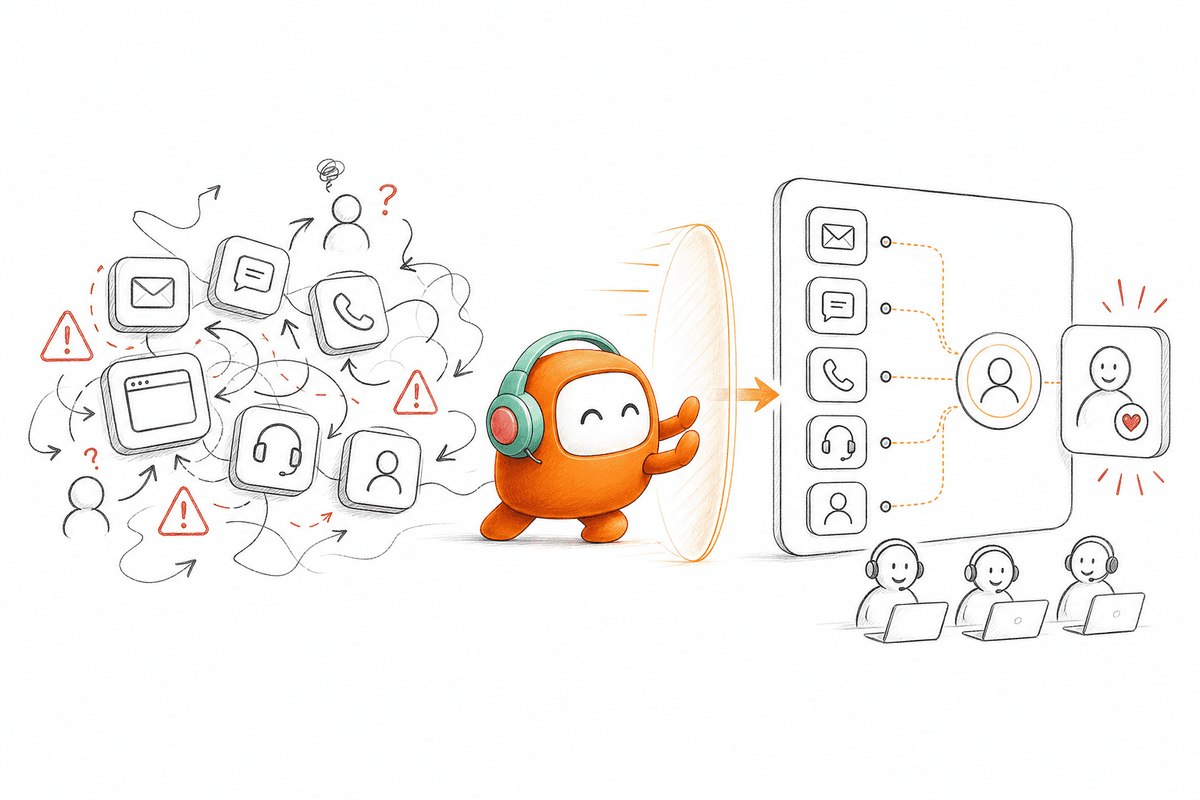
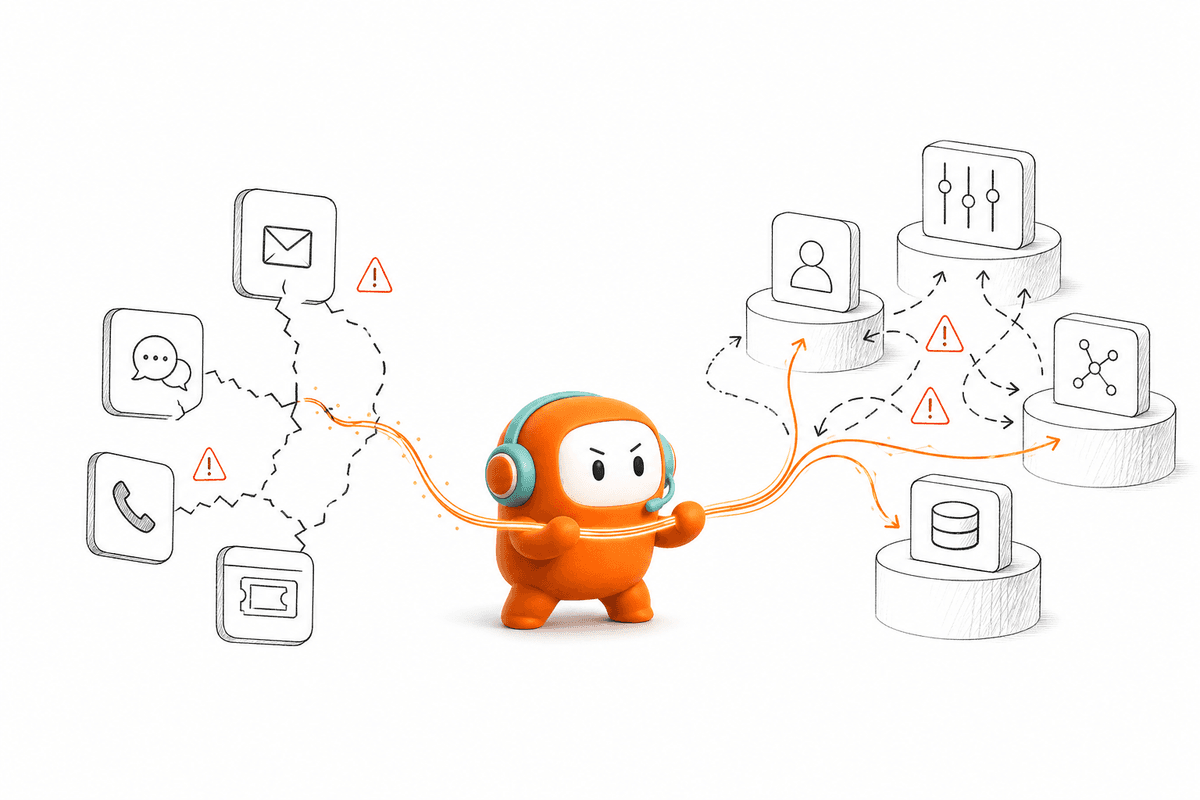
Fragmented contact centers split a single customer into separate channel histories. A web form creates one record, chat creates another, the phone call sits in call software, and the follow-up SMS lives somewhere else. Sales then sees pieces of the journey rather than the journey itself. The customer feels the gap when the rep asks questions they answered ten minutes earlier.
Picture a lead who submits a form at 4:52 p.m., opens chat to ask about implementation, and answers a qualification call on the commute home. Each interaction contains useful buying context. Spread across three systems, though, that context behaves like luggage moved between flights without a shared tag. Every handoff creates another chance for the important piece to go missing.
Point tools have real merits. For a low-volume team with one channel and a basic route to sales, separate software may be cheaper and easier to run. Once contact centers manage several channels, multiple sales groups, and outbound follow-up, the saved subscription cost often comes back as manual coordination. Tool count isn't the only issue. Record count is.
Fast Replies Can Hide Slow Ownership
First-response time tells you when the lead heard from the company. It doesn't tell you when a sales rep accepted the opportunity, read the context, or took action. A contact center may report an immediate response while qualified leads remain untouched behind the scenes. That's why response speed alone can give leaders false confidence.
At 9:05 a.m., a sales manager opens yesterday's inbound queue and finds leads already scored by automation. The transcript is in one tab, the form answers are in another, and the call outcome isn't attached. By the time the manager reconstructs the story and assigns an owner, the speed advantage has gone. It's frustrating because the dashboard says the process is working.
The contact center improves only when faster conversations create faster ownership. Getting there requires a different design: one that starts with the decision sales needs to make, then works backward through qualification, routing, and handoff.
How Contact Centers Improve Lead Qualification
Contact centers improve lead qualification by treating it as one connected workflow rather than a script that ends with a score. The process should diagnose fit, preserve context, assign ownership, and trigger the next action. Each part needs a clear rule and a visible failure path.
Diagnose Where Qualification Actually Stops
A qualification workflow is broken wherever a qualified lead can wait without a named owner or next action. Start by following one recent lead from first contact to sales acceptance. Don't rely on the process diagram. Open the actual records and see where people copy data, switch tabs, or wait for a sync.
The audit should include leads that converted and leads that disappeared. Lost leads often expose the workflow defect faster because nobody repaired the handoff manually. Honestly, the uncomfortable part is seeing how much of the process depends on a good employee remembering what to do. A process that works only when someone watches every queue isn't automated.
Check these five points in the live workflow:
- Can one person see the full conversation across every channel used?
- Does the record show which qualification rules were met?
- Is ownership assigned immediately after the deciding answer?
- Does the new owner receive the transcript, summary, and next action?
- Can operations see where the lead stopped moving?
If any answer is no, fix that handoff before adding another qualification question.
Define Criteria Around Decisions Sales Will Make
Which facts actually change what sales does next? Start there. A field belongs in the qualification flow only if it affects fit, priority, routing, or the next conversation. Asking for everything creates longer interactions and more incomplete records without improving the decision.
Sales and customer operations should review recent accepted and rejected leads together. Look for the facts that caused a different action, such as routing to another region, booking a specialist, or sending the lead to a later follow-up path. The approach I prefer is strict: if nobody can explain what changes after an answer, remove the question. Shorter qualification can produce better context because customers are more likely to finish it.
Build the rules in this order:
- State the sales decision: Define what the workflow must decide after the conversation.
- List the minimum evidence: Identify the answers required to make that decision.
- Set missing-answer behavior: Decide whether to ask again, route for review, or continue with lower confidence.
- Define the next action: Assign the owner, channel, and follow-up timing for each outcome.
- Record the reason: Show why the lead entered that route so sales can trust it.
A single lead score can still be useful. It gives teams a common sorting method and works well when the sales motion is simple. The limitation is that one number hides why the lead qualified, and that reason often matters more than the score during the handoff.
Keep One Lead Record Across Every Channel
A chat transcript in one inbox and a call summary in another create two partial versions of the same lead. Better contact center qualification keeps both interactions attached to one thread. Sales can then see what the prospect asked, what information was collected, and where the conversation should continue.
Channel continuity also changes how automation asks questions. If the prospect already shared company size on a form, the voice or chat flow shouldn't ask again. If a phone conversation ends before the timing question, an SMS follow-up can continue from that point rather than restarting the script. Customers notice repetition immediately, and it makes the company look less organized than it is.
The shared lead record should carry a small set of operational facts:
- Contact identity and channel history
- Qualification answers and unanswered questions
- Fit or priority outcome, with the reason
- Current owner and routing status
- Promised follow-up and next action
- Opt-out or contact restrictions where applicable
A CRM can remain the system of record for accounts and opportunities. The contact center's job is different: maintain the live conversation and workflow context around that record. Mixing those roles creates costly replacement projects when a connected workflow would solve the real problem.
Route by Readiness, Not Score Alone
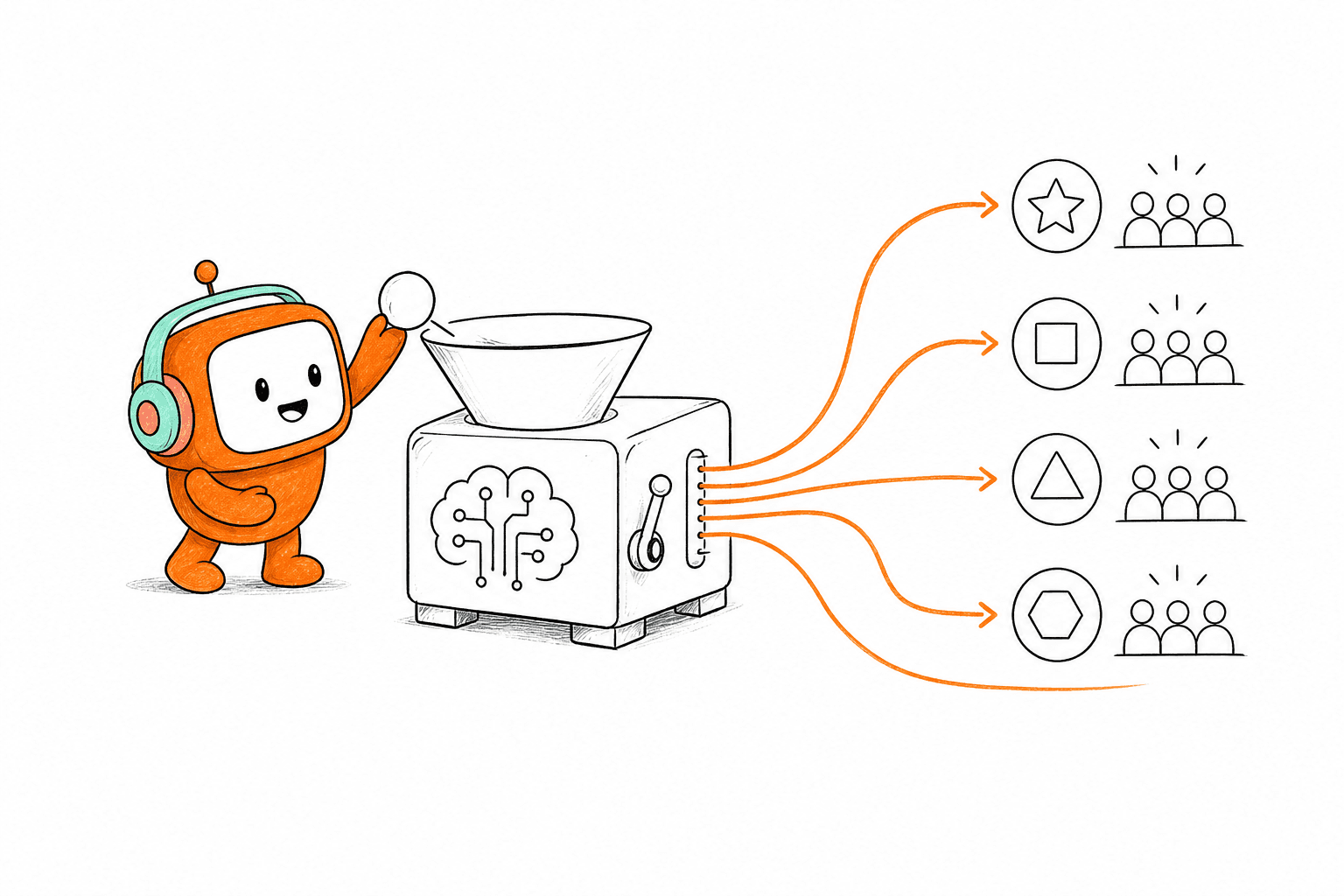
Two leads can receive the same score and need completely different next steps. One may want a sales conversation today, while the other is researching for next quarter. Routing both into the same queue ignores intent, and sales ends up choosing between speed and relevance.
Use qualification outcomes to select the route, then use operational conditions to choose the owner. A high-fit lead requesting immediate contact should move differently from a high-fit lead asking for written material. Territory, product line, language, agent skills, and current capacity may also affect assignment. If the preferred rep is unavailable, the workflow needs a fallback instead of an indefinite wait.
A practical routing sequence looks like this:
- Confirm minimum fit: Check the criteria required for sales involvement.
- Identify requested action: Call, meeting, written follow-up, or later contact.
- Apply ownership rules: Match region, product, language, or account coverage.
- Check availability: Route to an active owner or approved fallback.
- Set an acceptance window: Reassign or escalate when nobody accepts.
- Log the route: Keep the reason visible to operations and sales.
How contact centers improve conversion often has less to do with asking smarter questions and more to do with removing dead time after the answers arrive. Qualification creates value only when it changes the next action.
Make the Human Handoff Continue the Conversation
A good handoff lets the sales rep enter halfway through the conversation instead of returning to the beginning. The rep should know what the lead needs, which questions were answered, what concerns appeared, and what the automation promised. Anything less forces the customer to repeat themselves.
Full context doesn't mean sending a raw transcript and expecting the rep to study it during a live transfer. Give the person a concise summary, the qualification outcome, the supporting answers, and the recommended next action. Keep the transcript available for detail. Frankly, dumping more text into the sales queue isn't context. It's homework.
A US property-data company faced a related outbound problem: lead engagement had to connect to the revenue process rather than remain a separate calling task. Automating the early engagement allowed its revenue team to focus on qualified opportunities and move the revenue motion faster. The lesson applies to inbound qualification too. Automation earns its place when it delivers a sales-ready conversation, not another record to inspect.
Close the Loop After Sales Takes Ownership
What happens after the lead reaches sales? Without feedback, qualification rules stay frozen while the market, product, and sales process change. Contact center improvement requires sales outcomes to flow back into the rules used earlier.
Track whether sales accepted the lead, rejected it, changed the qualification outcome, booked the next conversation, or found missing information. Review disagreements, not just conversion totals. If sales repeatedly rejects leads for a reason the workflow never checks, add or revise a rule. If reps override a route but the lead later converts, the routing logic may be too rigid.
Testing should cover normal conversations and the moments that expose weak automation:
- A prospect gives an unclear answer.
- The same person contacts the company on another channel.
- A required CRM field is missing.
- The assigned rep is unavailable.
- The prospect asks for a person immediately.
- A follow-up message receives an opt-out.
- Sales rejects the lead after reading the context.
Operations should run these cases before launch and after any major rule change. That's how contact centers improve without creating a larger review burden: they test the full workflow, measure where ownership stops, and correct the exact point of failure.
How Revve Connects Qualification to Sales
Revve connects qualification to sales through one customer operations platform for AI agents, human agents, channel history, routing, and follow-up. It handles the conversation and the operational steps around it, so a qualified lead doesn't end one workflow only to enter an unmanaged queue.
One Workspace Preserves the Qualification Record
Revve's Unified AI and Human Workspace keeps automated and human-led conversations in the same operating environment. When an AI agent qualifies a lead, the activity is logged in the shared record. A human agent can inherit the conversation history, summary, and suggested next steps instead of rebuilding the lead's story from separate tabs.
Smart Escalation and Full-Context Handoff adds the control needed when automation should step aside. Teams can define triggers based on unresolved intent, keywords, conversation duration, sentiment, or their own business rules. The handoff carries the existing thread and relevant context into the Agent Workspace. Humans still make judgment calls, and approval rules can remain in place for sensitive messages.
If preserving the qualification record through handoff is the missing part of your process, book a demo to see that workflow using your own routing rules and channels.
Built-In Channels Keep Qualification Moving
Revve supports lead qualification through web forms, phone, live chat, SMS, and WhatsApp. The AI asks questions against criteria set by the business, evaluates the answers, and routes qualified opportunities into the next sales action. Channel history remains tied to the customer thread, which reduces repeated questions when the conversation moves from live chat to phone or from a form submission to SMS.
Outbound Orchestration can continue the workflow when a lead doesn't complete qualification on the first interaction. Teams can configure follow-up sequences, timing, exit conditions, and channel steps rather than sending the lead to a separate dialer or messaging tool. Compliance controls can check configured consent status, contact windows, do-not-call restrictions, and opt-out requirements before outbound activity, while the customer still owns legal review and policy definitions.
Revve isn't designed for every company. A business under 20 seats with low conversation volume and a basic contact form may be better served by a smaller point tool. The platform fits enterprise teams that need built-in channels, inbound and outbound workflows, and one workspace for humans and AI. Revve supports both cloud and on-prem deployment options, so teams can choose the operating model that fits their environment.
Qualified Leads Should Never Wait in Another Queue
Contact centers improve when qualification ends with ownership, context, and a clear next action. Faster answers matter, but they aren't enough. The full workflow must keep one lead record across channels, apply decision-based rules, route around availability, and preserve context when a human takes over.
AI shouldn't become another queue for sales to monitor. It should remove the manual gaps between first contact and a real sales conversation. Build around that standard, and every qualification answer has somewhere useful to go.
FAQ
How do I ensure leads are routed correctly?
To ensure proper lead routing, start by defining clear criteria based on readiness and intent. You can use Revve's Lead Qualification feature to set up rules that match leads with the right sales reps. Make sure to regularly review the routing logic to adapt to changes in your sales strategy or team availability. This way, each lead gets the attention it needs without unnecessary delays.
What if a lead doesn't respond after initial contact?
If a lead doesn't respond, consider using Revve's Outbound Orchestration to set up follow-up sequences. You can configure reminders via SMS or email to re-engage the lead. Additionally, analyze the previous interactions to tailor your follow-up messages based on their interests or concerns, which can help increase the chances of a response.
How do I keep track of lead interactions across channels?
To keep track of lead interactions, utilize Revve's Omnichannel Conversation Management. This feature allows you to maintain a unified view of all communications, whether they occur via chat, voice, or SMS. Ensure that all agents have access to the same customer thread, so they can see the complete history and context, making it easier to provide consistent support.
When should I escalate a conversation to a human agent?
You should escalate a conversation when the AI agent encounters complex queries or when a customer expresses frustration. Revve's Smart Escalation feature can help automate this process by using predefined triggers like sentiment analysis or conversation duration. This ensures that customers receive timely assistance from human agents without losing the context of their previous interactions.
Can I customize the qualification questions for leads?
Yes, you can customize qualification questions in Revve. Use the no-code configuration tools to define the specific criteria that matter for your business. This allows the AI to ask tailored questions during the qualification process, ensuring that you gather relevant information that influences sales decisions effectively.