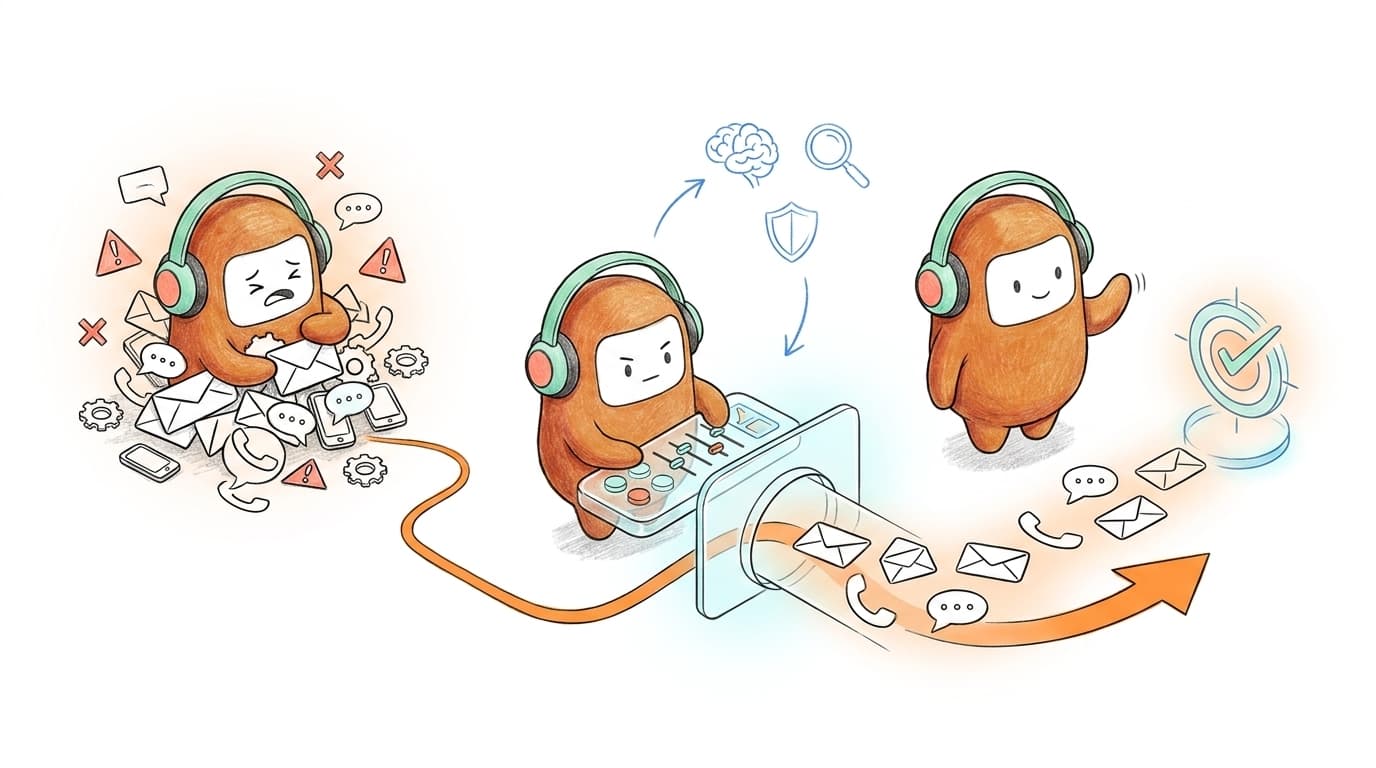
Why does your customer still have to repeat the same issue after your B2B team adds AI? The conversation loses context as it moves from automation to the human queue, then follow-up starts again in a separate system. More volume exposes that broken handoff fast, leaving people to reconstruct work the software was supposed to carry forward.
A platform that only resolves support tickets misses half the customer operations problem. Leads still need qualification, customers still need follow-up, and past-due accounts still need recovery workflows. If those jobs sit in separate systems, growth creates more coordination before it creates more value.
Key Takeaways:
- Audit handoffs between teams and channels before buying another AI tool.
- Give AI repeatable work with clear rules, while people handle judgment and exceptions.
- Keep human agents and AI agents on one customer record with shared knowledge.
- Connect inbound conversations to outbound follow-up instead of treating them as separate programs.
- Let operations teams change scripts and routing without waiting on engineering for routine updates.
- Measure completed workflows, not the number of conversations an AI agent touched.
Why More AI Often Creates More Customer Operations Work

Five Tools Create More Than Five Handoffs
At 10:06 a.m., a support manager opens the helpdesk to review an escalation from web chat. The customer called earlier, but the recording lives in the call center and the chatbot transcript sits in another dashboard. By the time the manager finds both records, the sales team has already sent an outbound message using an older account status. Nobody made an obvious mistake. The operating model made the mistake likely.
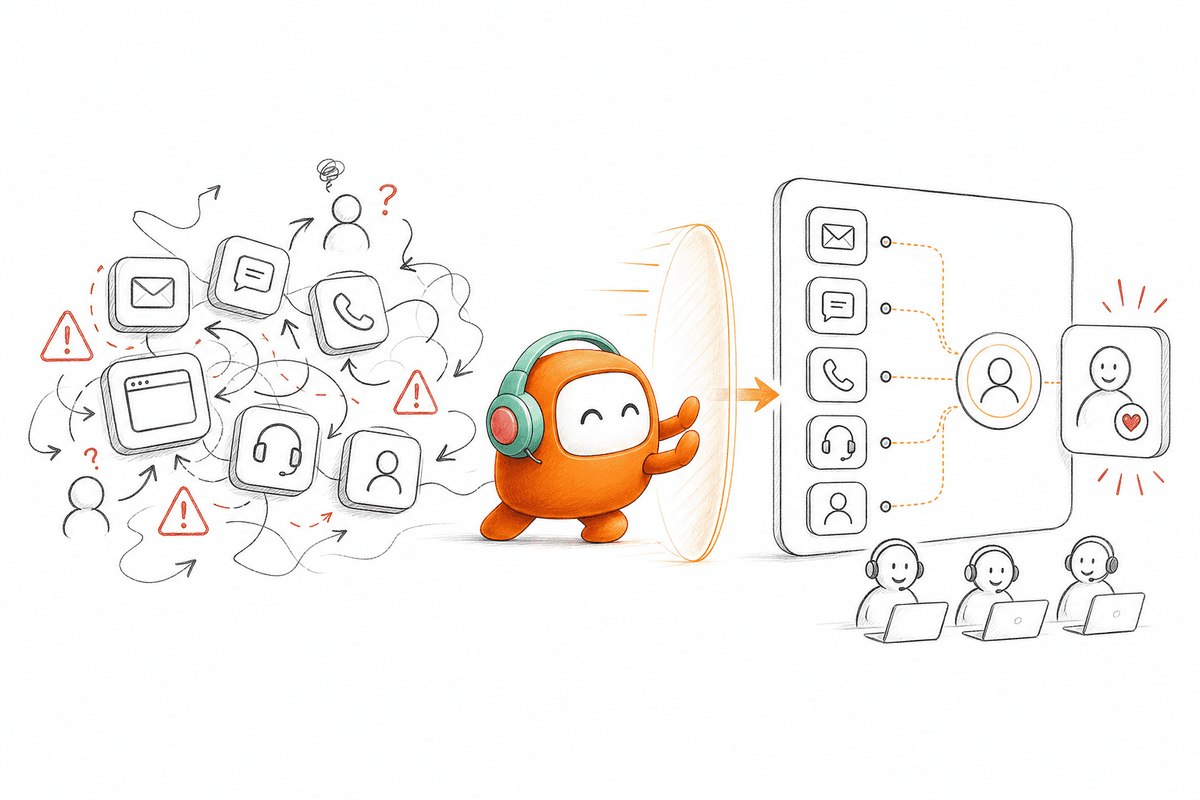
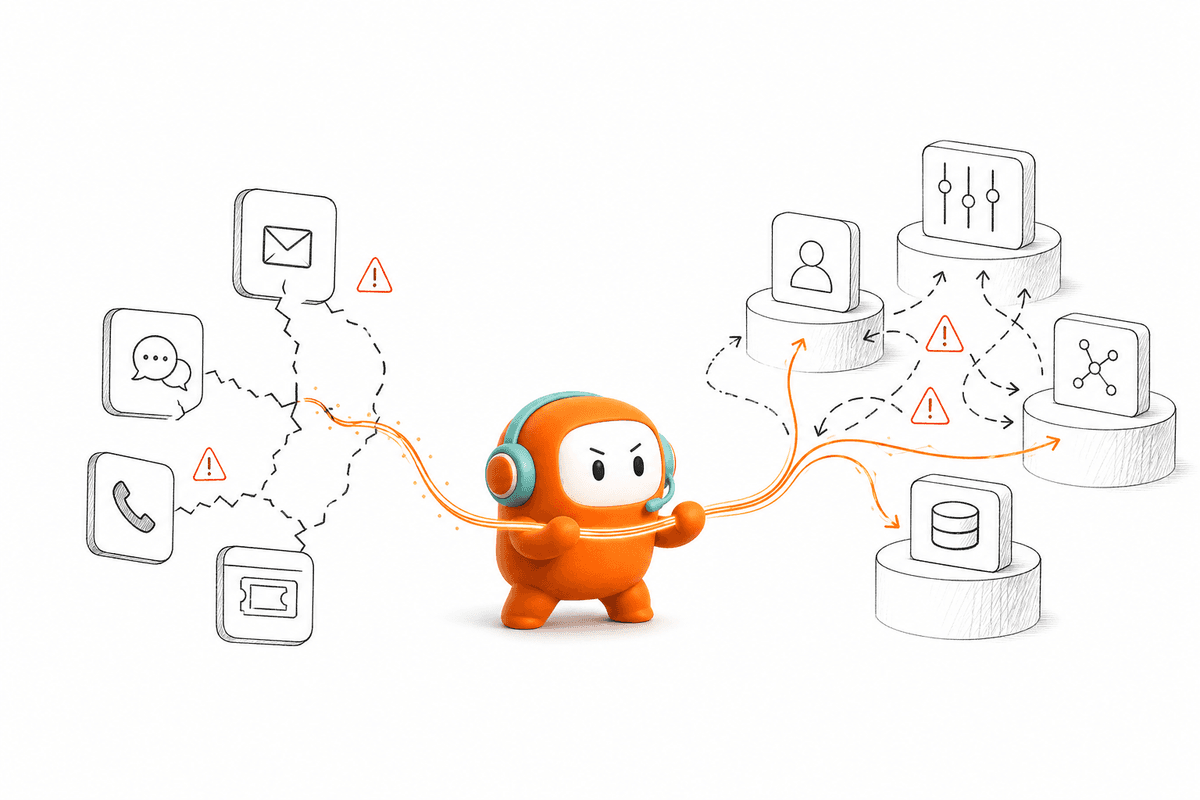
Fragmentation works like a conversation passed through five interpreters. Each system carries part of the meaning, then drops the details it wasn't built to store. The customer sees one company, while the company sees separate tickets, calls, campaign entries, and CRM tasks. Adding AI to one interpreter doesn't fix the translation chain. It adds another place where context can disappear.
Inbound-Only Automation Misses Half the Work
Support automation has real value. If your only problem is repetitive inbound questions inside an existing helpdesk, an inbound point tool may be enough, and replacing the wider stack would create work without a clear return. That's a fair reason to keep the current setup. The problem begins when support events should trigger qualification, reminders, recovery, or proactive follow-up.
A resolved ticket can still require an outbound action. A pricing question may signal sales intent, a failed payment may need a reminder, and an incomplete application may need re-engagement before interest fades. Treating those actions as separate operations splits ownership at the exact moment the customer expects continuity. How B2B teams scale depends on closing that loop, not simply closing more tickets.
Growth Exposes Ownership Gaps Before Capacity Gaps
Customer volume rarely breaks a team all at once. First, response times drift because agents search across tools. Then follow-up becomes inconsistent because no system owns the next action. Managers respond by hiring, adding routing rules, or buying another automation product, yet the same handoff problem remains underneath.
The instinct to add capacity is understandable because extra people can absorb broken work for a while. Still, headcount hides the cost rather than removing it. Once every conversation requires manual reconstruction, each new agent inherits the same fragmented process, and the per-conversation labor never drops. Scaling B2B customer operations starts with deciding where the full customer thread lives and who owns what happens next.
How B2B Teams Scale Customer Operations Without Linear Hiring
B2B teams scale customer operations by redesigning the work around shared records, clear automation boundaries, and connected inbound and outbound workflows. The method starts with handoffs rather than channels. Once context and ownership are clear, AI can take repeatable work without creating another queue for people to supervise.
Audit the Handoffs Before Auditing the Tools
Three unanswered questions usually reveal more than a 40-page software inventory. Where does customer context get copied by hand? Which team owns the next action after an interaction ends? What happens when the automation reaches an exception? If the answers change by channel, the stack is already working against the operation.
Start with one customer journey, not the entire company. A good candidate is a workflow with visible volume and a clear business outcome, such as inbound lead qualification followed by sales booking. Trace the journey from the first message through routing, human review, follow-up, and system update. In my view, the most useful audit is the one you can finish in a week and test against real conversations.
Use these questions to diagnose the workflow:
- Does one customer record contain every interaction? If agents search two or more systems before replying, context is fragmented.
- Can the next action trigger from the current interaction? If someone creates a manual task, the workflow has a break.
- Can a human take over with the full history? If the customer must repeat the issue, the handoff failed.
- Can operations change routine logic directly? If every script or routing update needs engineering, iteration will slow as volume grows.
- Can managers see where conversations stop? If reporting ends at "bot handled," the team can't judge workflow completion.
A "no" doesn't mean the whole stack needs replacement. It identifies where B2B growth is creating extra labor. Fix the highest-volume break first, then compare handling time, completion rate, and escalation quality before expanding.
Divide Work by Repeatability and Risk
Automation decisions should follow the work, not the channel. A voice call can be highly repeatable, while a chat message can require judgment and empathy. Assigning all voice to AI or all chat to people ignores the real variables: how predictable the request is, how clear the approved answer is, and what happens if the system gets it wrong.
I prefer a simple rule. If the request has a known input, an approved response, and a defined next action, it's a strong automation candidate. If the conversation involves negotiation, distress, policy exceptions, or material account risk, keep a person close and define an early escalation path. The middle group needs AI support with human approval, not full automation.
Classify work into three operating modes:
- AI-led: Routine questions, status checks, reminders, qualification questions, and structured follow-up with clear rules.
- Human-approved: Sensitive messages or actions where AI can prepare the response, but a person should review it before sending.
- Human-led: Complaints, exceptions, negotiations, and conversations where judgment matters more than speed.
Some leaders will argue that keeping people in approval loops limits the capacity gain. They're right for high-volume, low-risk work, where approval would become the new bottleneck. The stronger approach is selective review: remove approval where the rules and evidence are stable, then keep it where the cost of a wrong action is higher.
Build One Customer Record Across Channels
A shared customer record is the foundation for human and AI work. It should carry conversation history, current status, prior actions, and the next required step across every supported channel. Without that record, each handoff becomes a fresh discovery process, even when the company already has the answer somewhere else.
Consider a customer who starts in web chat, answers a qualification question by SMS, and later calls to clarify pricing. Before consolidation, three teams may see three partial interactions. After consolidation, the call starts with the earlier context already attached, and the agent can continue from the last confirmed point. The channel changes. The customer thread doesn't.
At minimum, the shared record should preserve:
- The complete conversation thread across supported channels
- The customer's current status and prior outcomes
- Knowledge used by the AI during the interaction
- Escalation reason and conversation summary
- Assigned owner and required next action
- Consent, opt-out, or contact restrictions relevant to outreach
A CRM can remain the system of record for accounts and opportunities. That's a valid architecture, especially when sales reporting already depends on it. The customer operations layer has a different job: manage live conversations and the work around them, then write relevant outcomes back to the CRM or another business system. Confusing those roles creates expensive migration projects that don't improve the actual handoff.
Connect Inbound Signals to Outbound Action
inbound and outbound work should share context because the customer doesn't experience them as separate departments. A lead asking about implementation may need a qualification flow. A support conversation about a failed payment may need a reminder after the issue is clarified. If the next action waits for someone to notice a queue, the original interaction loses value by the hour.
A US property data company faced that problem in outbound lead engagement and website lead capture. The useful change wasn't simply placing more calls. It was connecting automated engagement to qualification and sales follow-up, so the revenue team could spend time on qualified opportunities rather than manual chasing. The lesson is broader than sales: how B2B teams scale depends on carrying context from signal to action.
Design connected workflows in a fixed order:
- Define the trigger: A form submission, unresolved request, missed payment, dropped application, or scheduled reminder.
- Set the next action: Call, message, qualification question, routing event, or human follow-up.
- Add exit conditions: Stop when the customer responds, books, opts out, resolves the issue, or reaches a defined status.
- Define the handoff: Send the conversation history and next step to the right person or queue.
- Write back the outcome: Update the relevant customer or business record so later actions use the latest state.
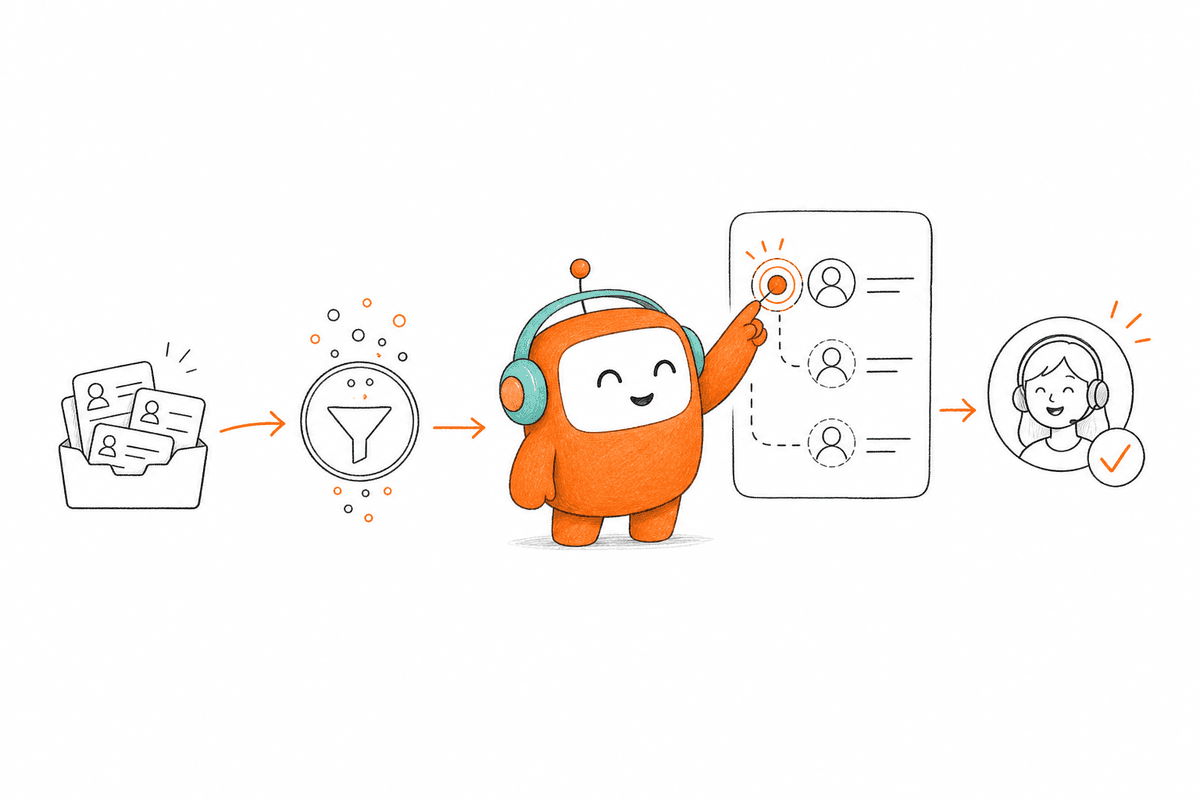
The handoff has to carry the thread, summary, and required next action. If you want to inspect that exact transfer inside a live customer workflow, book a demo and bring one process your team currently manages across separate systems.
Give Operations Control Over Routine Changes
Daily workflow changes shouldn't sit in an engineering backlog. Qualification rules change, contact windows move, scripts need edits, and escalation thresholds require adjustment after managers review real conversations. When every update needs a developer or vendor ticket, the operation learns faster than the system can change.
Engineering still matters. Initial integrations, infrastructure decisions, permissions, and high-risk changes deserve technical review. Pretending otherwise creates another kind of risk. The dividing line should be clear: IT owns the technical foundation, while operations owns approved scripts, routing logic, campaign steps, and routine workflow updates inside defined controls.
Set practical change rules before launch:
- Operations can edit approved language, routing conditions, timing, and escalation criteria.
- Sensitive changes require an approval workflow before publication.
- Every meaningful update gets tested against normal cases and known exceptions.
- Failed tests block release rather than becoming production experiments.
- Rollback remains available when a new rule creates unexpected behavior.
Use a one-business-day threshold as a warning sign. If a routine script, routing, or campaign change waits longer than that because only engineering can publish it, the operating model will struggle during busy periods. Faster change isn't about giving everyone unrestricted access. It's about giving the right people controlled access to the decisions they already own.
Measure Completed Workflows, Not AI Activity
Conversation volume is an activity metric, not an operating outcome. An AI agent can touch thousands of conversations while leaving people to complete every important action. Counting handled messages may make the dashboard look healthy, but it won't tell you whether leads were routed, customers received follow-up, or escalations arrived with usable context.
Completed workflow metrics reveal whether scaling B2B operations is actually reducing work. For support, measure resolution plus reopen rate and handoff quality. For revenue, track qualification completion, booking, and time to first meaningful contact. For outbound recovery, track reached customers, responses, commitments, and completed outcomes rather than attempted contacts alone.
Review performance in this order:
- Workflow completion: Did the intended customer or business outcome happen?
- Human rework: Did someone repeat research, rewrite an answer, or repair the record?
- Escalation quality: Did the person receive enough context to continue immediately?
- Knowledge gaps: Which questions lacked an approved answer?
- Change cycle: How long did operations need to correct the issue?
A SaaS recruiting team applied the same logic outside customer support. Before automation, each phone screen consumed 50 to 75 minutes across the call, follow-up, scoring, and write-up. Connecting email, voice screening, evaluation, and branch-based follow-up returned about 70 recruiter hours in two weeks and reduced time-to-screen to about 17 hours. The value came from finishing the pipeline between human decisions, not automating one isolated task.
How Revve Runs Human and AI Work Together
Revve puts human agents and AI agents in one customer operations workspace, where they share conversation history, knowledge, routing, and workflow context. It connects inbound support with outbound engagement instead of treating each as a separate tool. Operations teams can also update routine workflows without sending every change through engineering.
One Workspace Keeps Context Through Handoff
Revve records AI-led and human-led conversations in the same operating environment. When an escalation trigger is met, the human agent receives the thread, summary, prior history, and suggested next steps rather than an empty ticket. The customer doesn't need to restart, and the agent doesn't need to search several systems before acting.
Knowledge-grounded automation uses approved documents, websites, and FAQs during conversations. Human agents work from the same knowledge source, which reduces the mismatch between what automation says and what people say later. Revve doesn't remove judgment from customer operations. It gives people the context needed to apply judgment faster.
The shared workspace supports several parts of the method taught above:
- Unified AI and human workspace: Both sides work from the same conversation record.
- Smart escalation: Configured triggers move conversations to people with context attached.
- Omnichannel conversation management: Supported calls and messages stay tied to one customer thread.
- Knowledge-grounded automation: AI responses stay within loaded and approved sources.
No-Code Changes Keep Operations in Control
Revve lets operations users adjust scripts, workflows, routing, tone, and scenarios through no-code configuration. Teams can preview changes, run tests against expected cases, and roll back when an update produces the wrong behavior. IT still handles initial integrations and infrastructure, while daily operating changes stay with the people responsible for the workflow.
Outbound orchestration connects multi-step calls and messages with timing, exit conditions, contact rules, and human handoff. Teams can enroll contacts from CRM systems or CSV files, personalize each touch with CRM data and prior conversation history, and sync outcomes back into connected systems automatically.
Revve supports both cloud and on-prem deployment models for teams that need more flexibility around infrastructure and security requirements. It also connects with CRM systems and other enterprise tools through pre-built integrations, APIs, webhooks, CSV imports, and downstream data sync. The goal is to give customer-facing work one operating layer while still fitting into the systems teams already use.
B2B Growth Needs One Customer Operations Layer
How B2B teams scale comes down to a simple operating decision: keep adding tools around fragmented work, or give humans and AI the same context and workflow ownership. The second path takes planning, especially when existing systems and team boundaries are deeply established. That migration cost is real.
The payoff is also clear. Support can trigger follow-up, outbound can use current customer context, and human agents can take over without restarting the conversation. AI becomes useful when it completes work with your team, not when it creates another queue beside them.
FAQ
How do I ensure my team uses Revve effectively?
To ensure your team uses Revve effectively, start by providing training on the unified AI and human workspace. Make sure everyone understands how to access conversation history, use the shared knowledge base, and respond to customer inquiries seamlessly. Regularly review workflows and encourage feedback to identify areas for improvement. Additionally, leverage Revve's no-code configuration tools to make routine updates quickly, allowing your team to adapt to changing needs without waiting for engineering support.
What if my customers prefer different communication channels?
Revve supports multiple communication channels, including voice, chat, SMS, and messaging apps like WhatsApp. To cater to customer preferences, implement an omnichannel strategy that allows customers to engage through their preferred channel while maintaining a single customer thread. Ensure your team is trained to handle inquiries across these channels, so customers don’t have to repeat themselves, and use Revve's omnichannel conversation management to keep all interactions connected.
Can I automate follow-ups after customer interactions?
Yes, you can automate follow-ups using Revve's outbound orchestration feature. Start by defining triggers for follow-ups based on customer interactions, such as unresolved issues or inquiries about products. Set the next action, like sending a reminder or scheduling a call, and establish exit conditions to ensure the follow-up is relevant. This way, Revve helps you maintain engagement without overwhelming your team with manual tasks.
When should I escalate a conversation to a human agent?
You should escalate a conversation to a human agent when the AI encounters complex inquiries, sensitive issues, or when customer sentiment indicates frustration. Revve's smart escalation feature ensures that the full context of the conversation is passed to the human agent, so they can pick up right where the AI left off. Regularly review escalation triggers to refine your process and ensure that customers receive timely and appropriate support.
Why does my team need a shared customer record?
A shared customer record is crucial because it consolidates all interactions across channels, providing a complete view of customer history. This prevents fragmentation and ensures that both AI and human agents have access to the same information, reducing the need for customers to repeat themselves. With Revve's unified inbox, your team can manage conversations more efficiently, leading to faster response times and improved customer satisfaction.