A support team with 50 agents can still feel understaffed if every channel runs on a different system. The real test is whether you can scale support operations without turning every new ticket spike into another hiring plan.
The usual answer is more seats, more queues, more bots, more dashboards. It looks responsible on a planning spreadsheet. In practice, it often creates a larger machine with the same broken handoffs: voice in one tool, chat in another, outbound somewhere else, and managers trying to read yesterday's numbers before today's backlog gets worse.
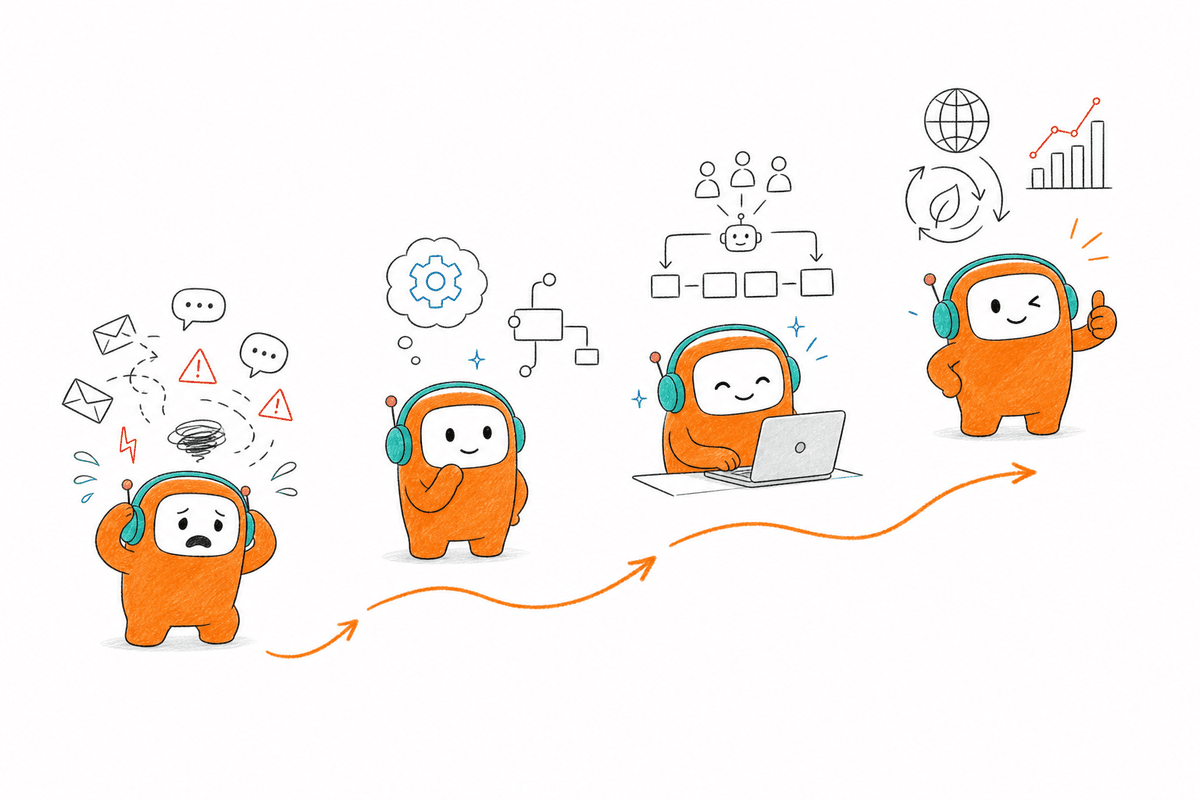
Scaling support without linear hiring is not a staffing trick. It is an operating model decision.
Key Takeaways:
- Support volume becomes expensive when every channel runs on a separate workflow.
- More agents only work if the underlying system gives them full context.
- AI support fails when it acts like a bot layer instead of part of the same operation.
- A good automation target is repetitive, policy-bound, and easy to escalate.
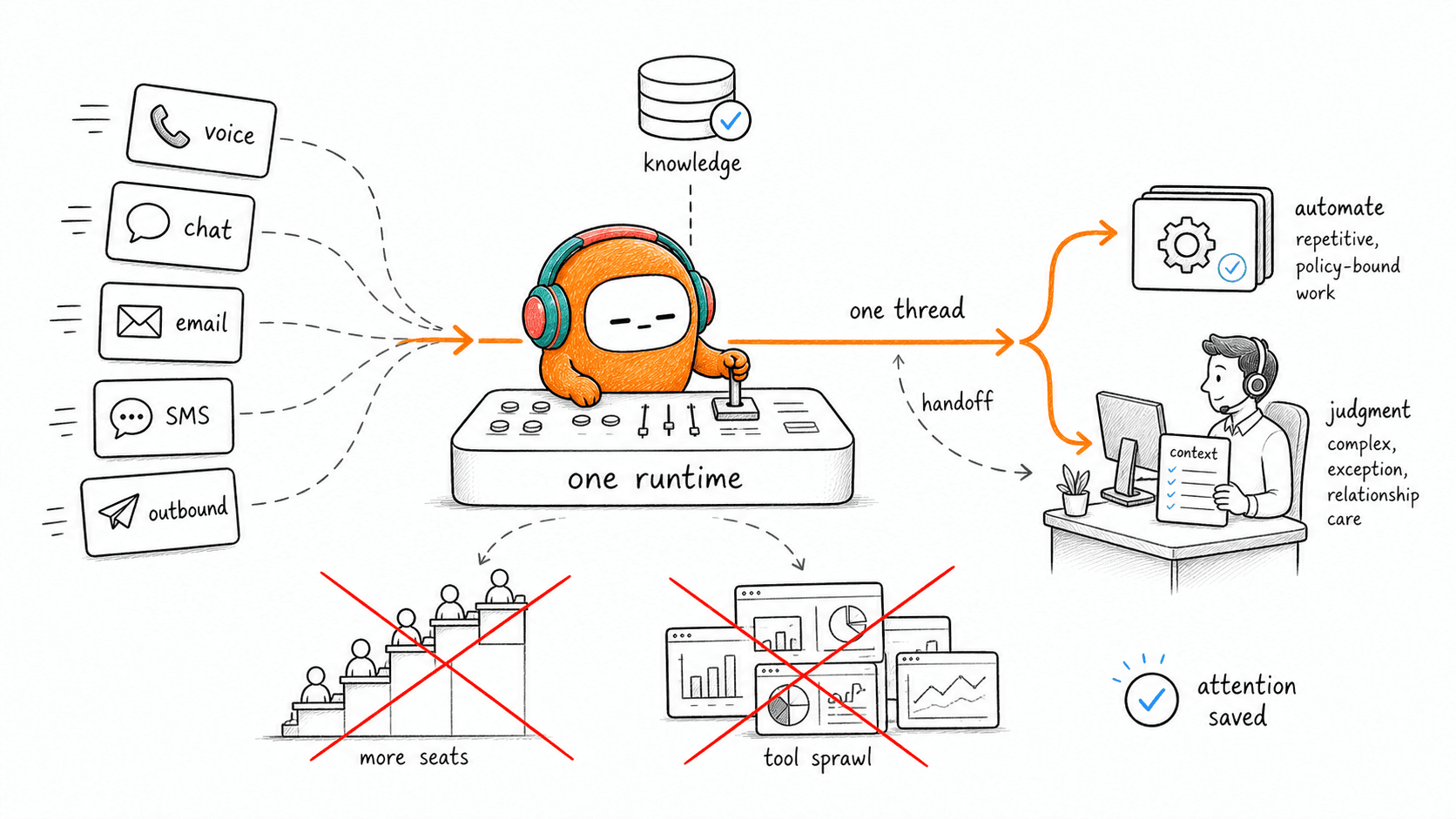
- Support operations scale without more headcount when voice, chat, email, SMS, and handoff logic share one customer thread.
- Deployment speed matters because a two-quarter system change usually arrives after the backlog has already changed shape.
Why Support Operations Break Before Headcount Does

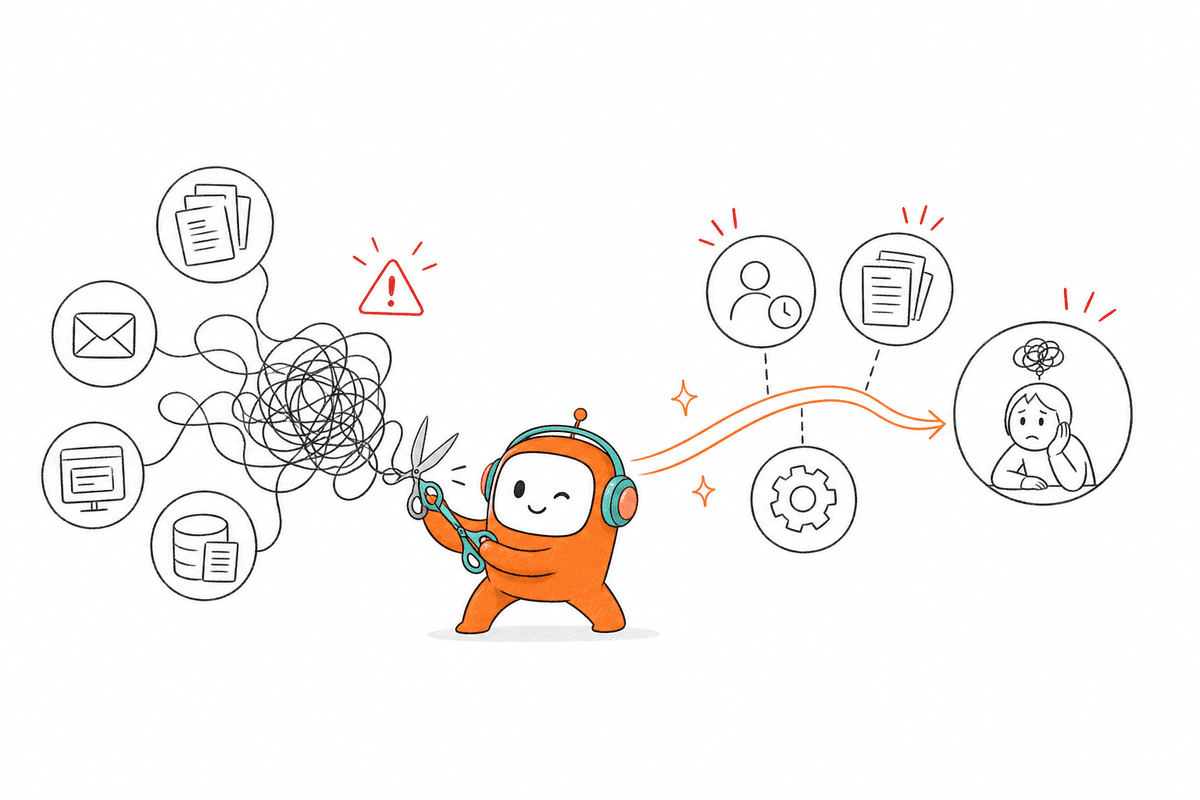
Tool Sprawl Turns Simple Tickets Into Manual Research
A customer writes in through chat at 9:12 AM, calls the support line at 10:03, then replies to an email thread after lunch. Three touches. Three systems. One irritated person who now has to repeat the same problem because the agent on the phone cannot see the chat history.
That is where the cost hides. Not in the first message, but in the reconstruction work around it. According to Zendesk's CX Trends research, customers increasingly expect fast, connected service across channels, yet most support stacks still treat each channel like a separate lane. In my view, that mismatch is the reason so many CX teams feel busy but still look slow from the customer's side.
A useful diagnostic is simple: take 20 recently escalated conversations and count how many required the agent to open more than three tools before answering. If more than 30% cross that line, the problem is not agent effort. The problem is that your support operation is making people search before they can solve.
AI Bolted Onto Fragmented Systems Inherits the Mess
The belief that an AI bot can sit on top of a broken support stack and fix capacity is incomplete. It can answer a narrow FAQ, it can deflect simple messages, and it can even sound impressive in a demo. Then the first real customer changes channels, asks a follow-up, or needs an exception, and the bot has no operational memory.
Frankly, we see this pattern too often. A company adds a chat bot because the queue is long, then keeps voice, email, SMS, and human escalation in separate tools. The bot may reduce a slice of repetitive chat volume, but the human team still handles the complex work with missing context. The customer feels the split immediately.
A better test is to ask one question before buying any AI support tool: when the AI fails, what exactly does the human receive? If the answer is only a transcript, that is not enough. The agent needs the customer thread, intent, prior actions, suggested next step, and the reason the AI stepped aside.
More Hiring Delays the Hard Decision
Adding agents is valid when your support quality is high and volume has permanently risen. Nobody should pretend automation replaces judgment, empathy, or exception handling. If your backlog comes from a one-time product incident, seasonal demand, or a new market launch, temporary staffing may be the right move.
The mistake is treating every spike as proof that the team needs to grow. If average handle time rises because agents are switching tabs, checking policies manually, and rewriting answers from scratch, more people simply multiply the same waste. You get a bigger team, a larger training burden, and another layer of supervision.
Before approving new headcount, compare two numbers: the percentage of tickets that are repetitive and the percentage that require human judgment. If repetitive, policy-bound work is above 40%, fix the system first. If judgment-heavy work is above 70%, hire and train people who can handle nuance.
The hidden question is not whether your team is busy. The question is whether the system makes good agents look slower than they are.
How to Scale Support Operations Without Linear Hiring
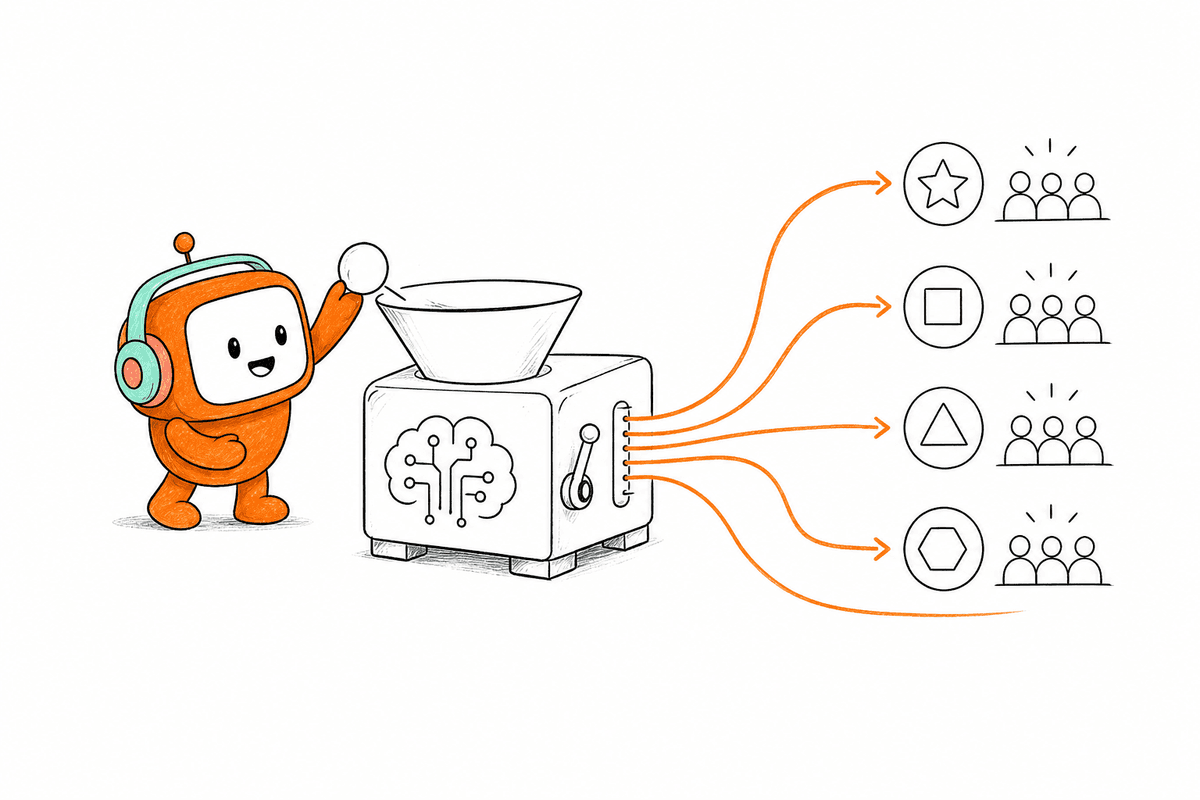
To scale support operations without adding headcount in direct proportion to volume, separate repetitive work from judgment work and run every channel through one operating layer. The method is not “replace agents with AI.” The method is to give AI the structured work, give humans the exceptions, and preserve context between both.
Find the Work That Should Never Reach a Senior Agent
Start with the last 500 support conversations, not with the automation vendor shortlist. Tag each conversation by intent, channel, resolution path, escalation reason, and whether a senior agent truly needed to touch it. The goal is not perfect taxonomy. The goal is to see which work is wasting your strongest people.
A good threshold: if one intent appears in at least 8% of total volume and has a clear policy answer, it belongs in the first automation wave. Password resets, balance checks, delivery status, appointment changes, plan questions, and document requests often fit. Complicated disputes, angry customers, legal exceptions, and high-value account issues should stay closer to humans.
The practical list looks like this:
- Automate first: high-volume, rule-based, low-risk requests.
- Assist humans: medium-risk cases where AI can summarize, suggest, or retrieve knowledge.
- Keep human-owned: emotional, regulated, or exception-heavy conversations.
That split matters because support operations scale without breaking trust only when humans keep the work that needs human judgment. Some teams skip the tagging step because they already “know” their top issues. Fair enough. The catch is that memory often overweights loud tickets and undercounts repetitive work that quietly eats the day.
Build One Customer Thread Before You Build More Bots
A single customer thread is the backbone of support capacity. If chat, voice, SMS, email, and outbound follow-up cannot connect to the same contact history, every automation layer becomes fragile. The customer experiences the company as one conversation. Your systems should, too.
Think of it like an air traffic control room, but for customer contact. Each channel can have its own format, tone, and speed, just as each aircraft has its own route and altitude. The control room still needs one shared screen. Without it, every handoff becomes a radio call asking where the customer came from and what already happened.
Use a simple rule: if a customer changes channels, the next agent or AI agent should know the previous issue within 5 seconds. If that cannot happen, channel expansion will make the operation worse. More WhatsApp, more web chat, more voice, and more email only create more places for context to leak.
Treat Knowledge as Production Infrastructure
Support knowledge is not a folder of articles. It is the operating memory of the business. When the AI answers from one source, agents answer from another, and managers update a third, inconsistency becomes normal. Customers hear it as confusion.
The fix is boring, which is why it works. Give AI and human agents the same approved knowledge base, then make ownership clear. One person or team should own policy changes, one should own product updates, and one should review failed or escalated answers weekly. We were surprised how often the hardest part is not the AI model. It is getting someone to delete old answers.
A useful standard is a 14-day review cycle for high-volume articles and a 30-day review cycle for lower-risk content. If a support answer affects refunds, billing, eligibility, account access, or regulated messaging, review it faster. Support operations scale without quality drift only when the knowledge layer improves as volume grows.
Define Escalation Before Automation Goes Live
Escalation should be designed before the first automated conversation reaches a customer. If the AI only escalates when it “does not know,” the rules are too weak. Customers need a person when sentiment turns negative, identity verification fails, a keyword appears, a time limit is crossed, or the topic moves outside the approved policy path.
Good escalation rules are observable. They do not depend on vague intent alone. For example, route to a human if the same customer repeats the same question twice, if the conversation runs longer than 4 minutes without progress, if the message contains cancellation language, or if the customer is tied to a high-value account. That level of specificity prevents the common bot failure: trapping people in loops.
One concession matters here. Aggressive escalation will reduce automation coverage, and that may look worse in a dashboard during the first month. Still, the goal is not to brag about containment. The goal is to protect customer trust while removing work that should not need a person.
Run Support and Outbound From the Same Operating Model
Support is no longer only inbound. Customers need reminders, follow-ups, payment nudges, renewal outreach, lead responses, missed-call callbacks, and document completion prompts. If those workflows live in a separate dialer or sales tool, your support team loses visibility into what the customer just received.
Outbound belongs inside customer operations when the message affects service, retention, or revenue. A customer who misses a payment reminder may call support. A lead who gets a follow-up SMS may reply with a service question. A customer who abandons an application may need a voice call, then a WhatsApp message, then an email. Splitting those workflows creates avoidable confusion.
If your team is evaluating one shared runtime for those inbound and outbound handoffs, the practical next step is to book a demo and pressure-test the exact workflows that currently force agents to jump between systems.
A simple rule works: if outbound contact can trigger an inbound support conversation, both belong in the same operational view. That does not mean every sales tool disappears. It means customer-facing conversation history should not be scattered across the stack.
Measure Capacity by Human Attention Saved
Ticket deflection is an incomplete metric. A bot can deflect tickets badly. A macro can close cases quickly while creating repeat contacts later. The better measure is human attention saved without increasing repeat contact, complaint rate, or escalation delay.
Use four numbers together:
- Repetitive volume removed: requests resolved without a human.
- Escalation quality: percentage of handoffs with full context and a clear next step.
- Agent research time: minutes spent searching before replying.
- Repeat contact rate: customers returning for the same issue within 7 days.
The threshold I prefer is strict: if automation saves time but raises repeat contact by more than 5%, slow down and fix the knowledge or escalation rules. Speed without trust is just a faster way to create rework. Scaling support without hiring only works when the customer does not feel the system cutting corners.
How Revve Unifies the Customer Runtime
Revve fits the operating model above by putting AI agents and human agents in one customer operations workspace. Voice, chat, SMS, email, and outbound workflows run through the same runtime instead of separate tools. The practical payoff is context continuity and fewer systems for the team to manage.
One Workspace for AI and Human Agents
Revve gives support and revenue teams a shared place where automated conversations and human-owned conversations live in the same operational record. That matters because the handoff is where many AI support tools fail. If the AI gathers intent, checks knowledge, and then passes only a transcript to a human agent, the agent still has to rebuild the case.
In Revve, the Unified AI and Human Workspace, Omnichannel Conversation Management, and Omnichannel Inbox work together around the same customer thread. A call can connect to prior chat history. A follow-up SMS can sit beside the original support request. Human agents can see the context, suggested replies, and the path that brought the customer there.
The product is not only a chatbot, not only a dialer, and not only a helpdesk. Revve is built for teams running high conversation volume across support, sales, and outbound engagement.
Governed Automation Inside the Same Runtime
Revve supports cloud or on-prem deployment depending on the environment, with on-prem especially relevant for regulated production use cases. Banks and other controlled environments often need that flexibility before AI voice or customer data workflows can move forward.
The automation layer is grounded in uploaded documents, crawled websites, and curated FAQs, then controlled by escalation rules, approval workflows, and compliance checks. Revve’s AI Voice Agent and AI Chat Agent can handle routine conversations across supported channels, while Smart Escalation and Full-Context Handoff move the customer to a person when the rules say human judgment is needed. Outbound Orchestration can also run follow-up across calls, SMS, WhatsApp, messaging apps, and email, based on configured steps and business rules.
The old cost from earlier was agent time spent searching, repeating, and stitching context together. Revve attacks that cost by keeping the conversation, knowledge, routing, and handoff in one runtime. Not magic. Just fewer broken seams in the work.
Support Capacity Comes From System Design
Support teams do not scale by adding tools until the stack looks impressive. They scale when every channel, AI workflow, human handoff, and knowledge update belongs to the same operating model. The strongest teams are not trying to automate everything. They are deciding, with discipline, which work should never consume human attention and which work deserves more of it.
If your support operation is already split across a helpdesk, a dialer, a chat widget, a voice vendor, and a dashboard that arrives late, the next hire may not solve the real problem. Fix the runtime first. Then every agent you hire becomes more valuable.