Your fastest B2B lead can go cold before a rep opens the CRM. The mistake most teams make is treating AI as a reply engine, when the real work is qualification, routing, follow-up, and handoff. How B2B teams use AI now depends on whether it can act inside the customer workflow, not just answer from a chat window. If it can't update context, pass the thread to a human, and trigger the next action, you have another queue to manage.
A chatbot is not a customer operations strategy. It is one channel inside a much bigger operating system. If the system can't route, log, follow up, escalate, qualify, and hand off to a human, it is answering questions, not running customer operations.
Key Takeaways:
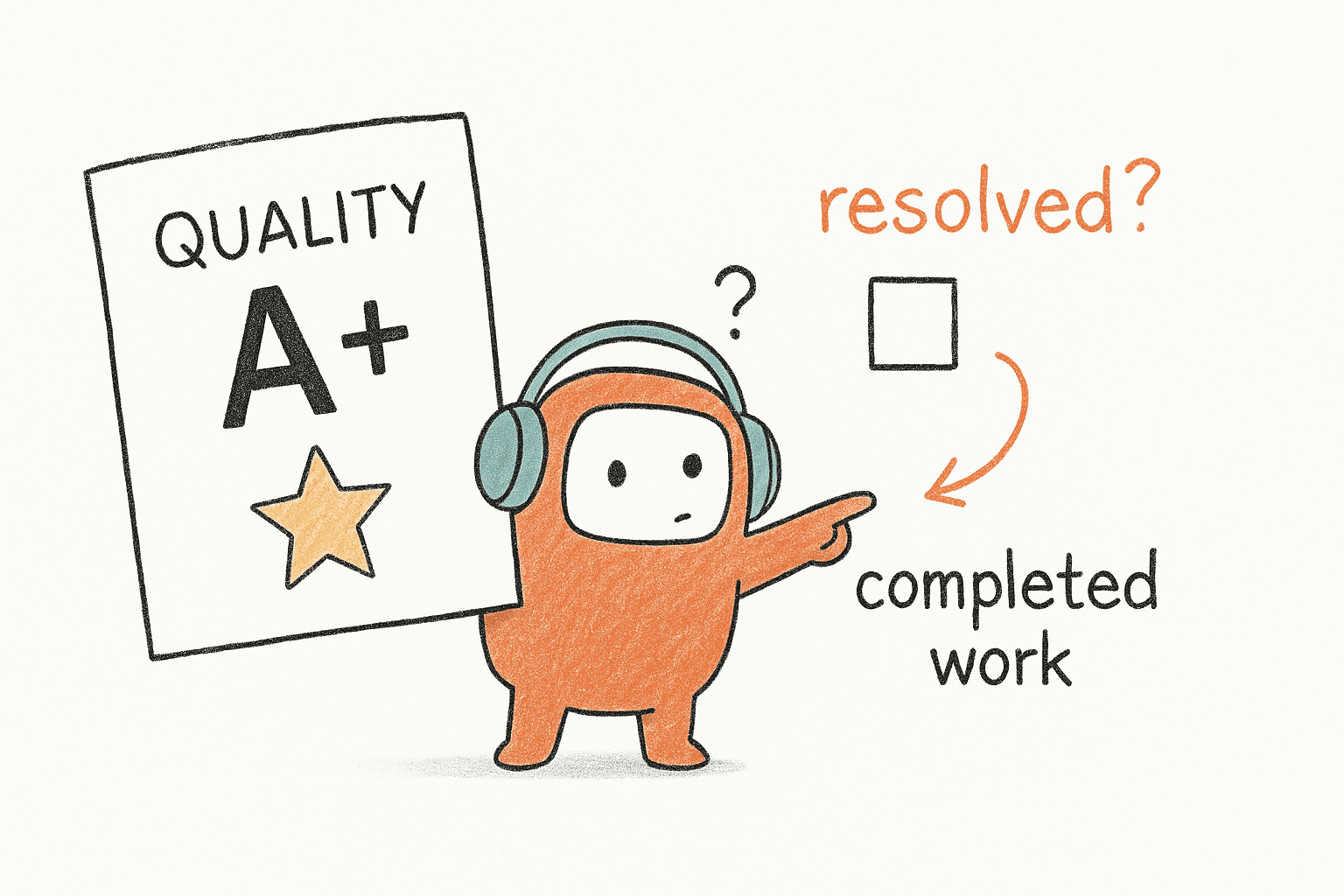
- How B2B teams use AI should be judged by workflow completion, not answer quality alone.
- The real problem is fragmented ownership across support, sales, voice, chat, outbound, and reporting.
- AI works better when human agents and AI agents share the same context, knowledge, and handoff rules.
- Inbound-only automation is too narrow for teams that also need lead follow-up, reminders, collections, and re-engagement.
- Pricing matters because per-attempt or per-minute models can punish teams for failed connections.
- The better operating model is one customer operations layer across conversations, knowledge, routing, and follow-up.
Why B2B Customer Operations Break Before AI Helps

Five Tools Doing the Work of One
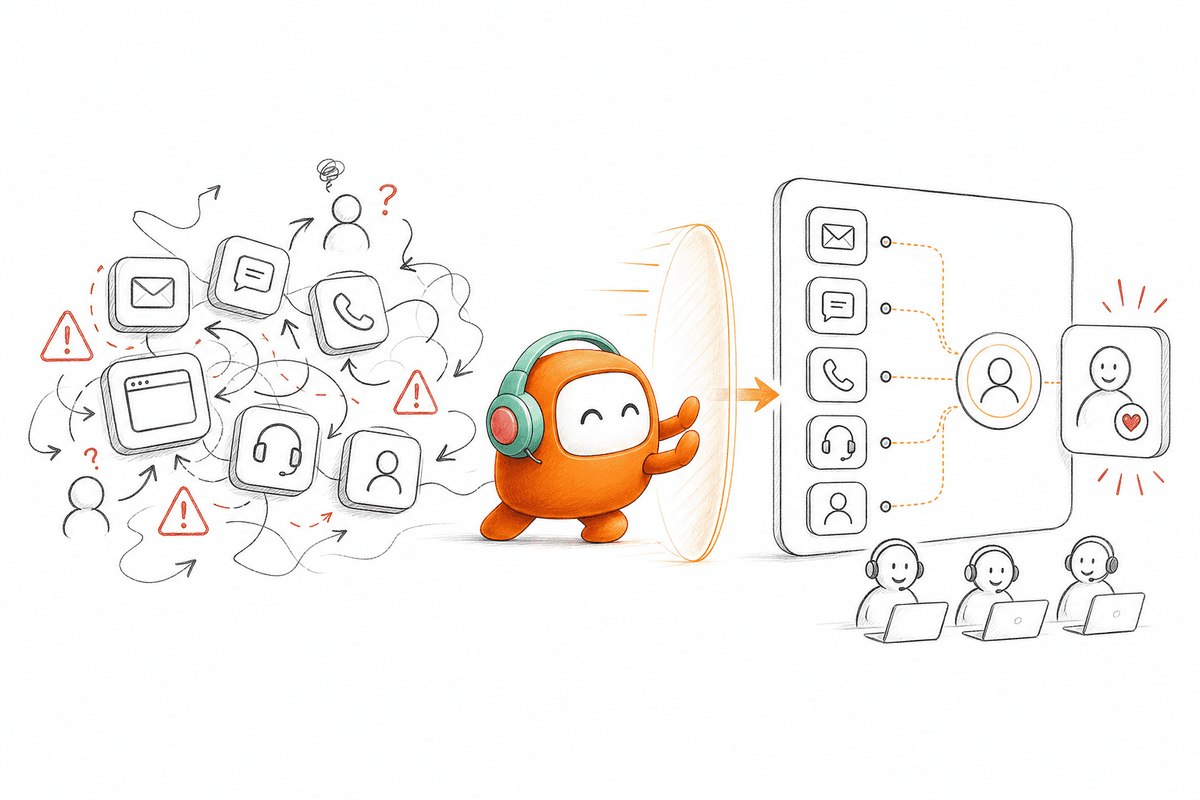
A Head of Support opens Slack at 6:40 PM on a Tuesday and sees three unread threads about the same enterprise account. The customer started in Intercom chat at 2:15 PM, called the contact center at 3:47 PM, then replied to a Braze SMS campaign around 5:20 PM. Three systems have pieces of the story. No one has the full thread. The AI answered the first question correctly, but the operation failed the second the customer moved channels. That's the part many buyers miss when they ask how B2B teams use AI in customer service.
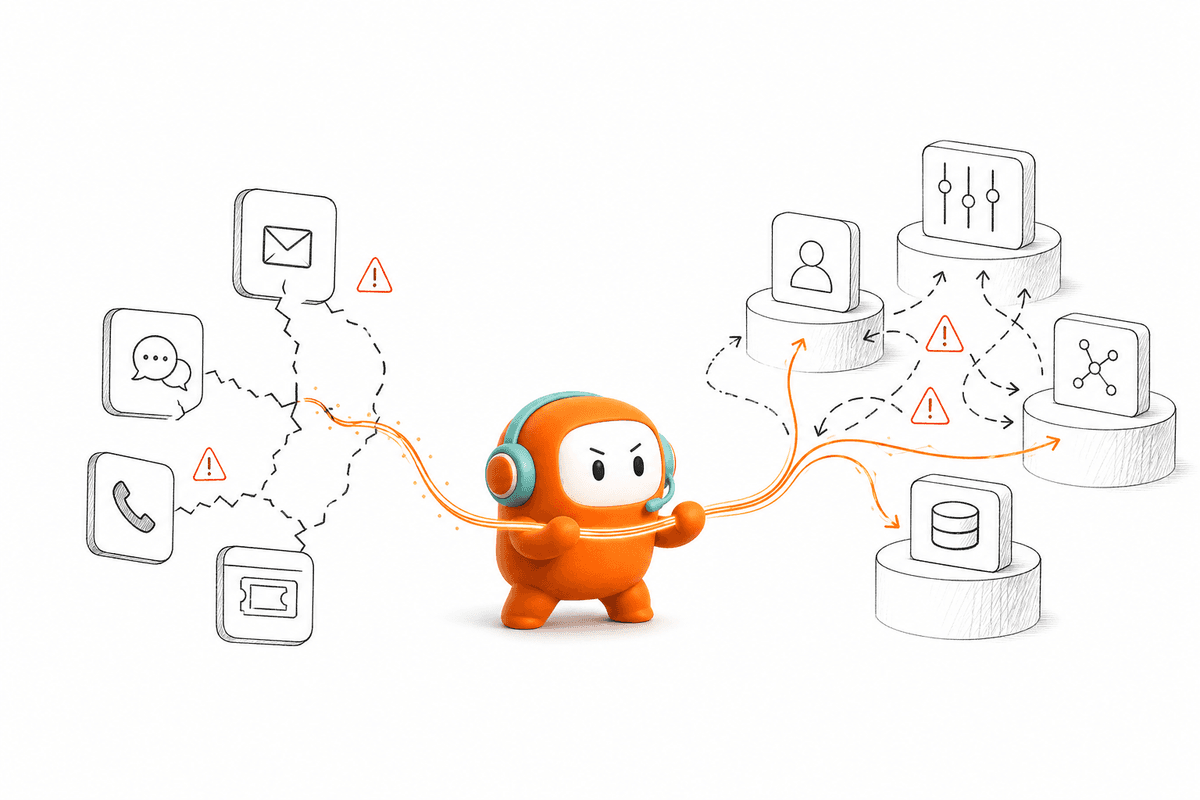
Most CX teams have five tools doing the work of one: a voice bot here, a chat widget there, an outbound dialer that doesn't talk to the inbound queue, a knowledge base nobody updates, and a BI dashboard that arrives a day late. It looks modern from far away. Up close, it is still a handoff machine.
The status quo has merits. Point tools are fast to buy, easy to pilot, and often cheaper for one isolated workflow. If all you need is a homepage FAQ bot, a point tool may be enough. The problem starts when the team expects that same bot to handle revenue follow-up, reminders, escalation, and reporting across high conversation volume.
Answer-Only AI Creates a False Win
Answer-only AI creates a false win because it improves one moment while leaving the process broken. The customer gets an instant reply, but the workflow still needs an owner. If the AI can't create the next task, update the right record, apply the right rule, or move the conversation to a human with context, the team still pays the coordination cost.
I think this is why so many AI pilots feel impressive in demos and disappointing in production. The demo asks, "Can the agent answer?" Production asks, "Can the operation run?" Those are different tests. One is about language. The other is about systems.
A simple diagnostic works well before buying anything. List the last 20 customer conversations that crossed from one channel to another. For each one, check whether the customer had to repeat themselves, whether the agent saw prior history, whether the follow-up happened on time, and whether the outcome reached the CRM. If more than 5 of the 20 fail any of those checks, your problem isn't AI quality. It is operating design.
How B2B Teams Use AI to Run Customer Work
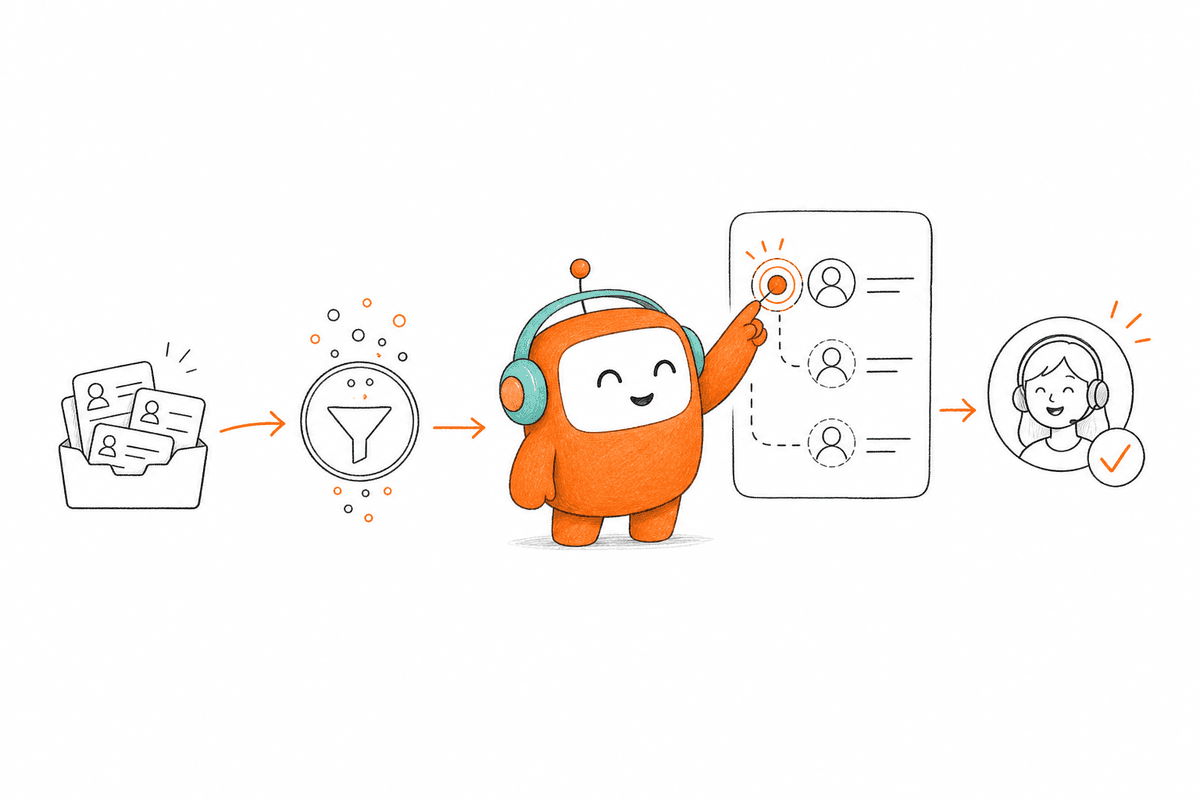
How B2B teams use AI should start with the work that needs to happen after the first answer. The better model connects conversations, knowledge, routing, outbound, and human handoff in one operating flow. Without that, AI becomes another queue to manage.
Start With Workflow Completion, Not Automation Rate
Automation rate is an easy number to chase, and it can be useful. Still, it is the wrong first question. A team can automate 40% of first replies and still miss the business outcome if qualified leads aren't routed, past-due customers aren't followed up, or support escalations arrive without context.
The better test is blunt: did the workflow finish? For support, that may mean the customer got the right answer and the ticket record is complete. For sales, it may mean the lead was qualified, scored, and routed before interest cooled. For collections, it may mean the contact attempt respected configured rules, logged the outcome, and gave the customer a path to resolve or request a person.
Use a simple before-and-after map. Before AI, write down every human step from customer message to closed outcome. After AI, mark which steps the system now owns and which steps still require human judgment. If the AI only covers the first reply, don't call it customer operations automation. Call it answer automation, because that's all it is.
Put Inbound and Outbound in the Same Operating Model
Inbound and outbound are often managed like separate departments, but customers don't experience them that way. A customer who opens a support chat in the morning may receive a payment reminder in the afternoon. A lead who fills out a form may also reply to an email, miss a call, then answer an SMS. The operation needs one thread.
How B2B teams use AI gets much more valuable when outbound is treated as part of customer operations, not a side campaign. Lead follow-up, appointment reminders, re-engagement, collections, renewal nudges, and service updates all need the same customer context and governance logic as inbound support. If outbound lives in a separate dialer, your AI may reach the customer while knowing less than your support agent knew five minutes earlier.
There is a real tradeoff here. Combining inbound and outbound requires stronger rules, cleaner ownership, and more careful rollout than a simple support bot. That work is worth doing when customer volume is high enough. Below that threshold, manual coordination may still be cheaper and easier. Above it, disconnected outreach becomes expensive fast.
Give AI and Humans the Same Knowledge Source
A customer operations system needs one shared knowledge source for both AI and human agents. If the bot uses FAQs, support agents use internal docs, and sales relies on tribal knowledge, answer quality drifts. The customer hears the inconsistency before your dashboard shows it.
The rule I like is simple: if humans wouldn't trust the source, the AI shouldn't use it either. Approved policies, product docs, call scripts, pricing rules, escalation criteria, and workflow notes should live where both sides can see them. When a human corrects an answer, that correction should improve the next similar conversation instead of dying in a private Slack thread.
What does good knowledge hygiene look like in practice? Start with the 50 highest-volume intents across support, sales, and outbound. For each one, assign an owner, an approved answer, an escalation rule, and a last-reviewed date. If an intent doesn't have all four, it is not ready for automation. Not yet.
Design Handoffs Before the Bot Fails
The handoff is where most AI systems reveal what they really are. A weak system says, "Let me connect you to an agent," then drops the customer into a blank queue. A strong operating model passes the full thread, customer profile, summary, reason for escalation, and suggested next step to the person taking over.
What triggers a handoff? Don't leave that to vibes. Define rules around unresolved intent, negative sentiment, regulated language, account tier, conversation duration, repeated confusion, or explicit customer request. If any one of those appears, the AI should know whether to continue, pause for approval, or bring in a human.
One useful threshold: if a customer asks the same question twice in different words, treat it as a warning signal. If they ask a third time, escalate. Humans are better at judgment, empathy, negotiation, and exception handling. The goal isn't fewer humans. It is a better division of labor.
Price the Work Against Reached Customers
Pricing shapes behavior more than teams admit. If a platform charges by attempted call or by minute, your cost can rise even when customers don't answer. For outbound-heavy teams, that matters because failed connections are a normal part of the workflow, not a sign of value delivered.
How B2B teams use AI for outreach should be measured around reached customers and completed steps, not raw attempts. A failed call doesn't qualify a lead. A missed payment reminder doesn't create a promise to pay. A voicemail attempt doesn't resolve a support issue. Charging models that ignore that distinction can make automation look cheaper in planning and more expensive in production.
Before approving a rollout, finance and operations should model three numbers: expected reachable customers per month, expected failed connection attempts, and the workflow value of each successful reach. If the pricing model punishes failed attempts, pressure-test the budget against bad contact data and low answer rates. It is boring work. It also prevents surprises.
Keep Operations in Control After Launch
Launch day gets too much attention. The real test is week three, when the qualification rule changes, the support policy updates, and the collections script needs a new approval path. If every change requires engineering or a vendor ticket, the operation slows down again.
Operations teams need control over scripts, routing, escalation rules, testing, and rollbacks. That doesn't mean IT disappears. It means IT shouldn't be the bottleneck for every daily workflow change. The clean split is usually this: technical teams handle integrations, access, data paths, and infrastructure; operations owns the conversation logic and business rules.
If you're assessing how B2B teams use AI in production, ask one practical question: who can change the workflow by Friday? If the answer is "only the vendor" or "only engineering after a sprint," you don't have an operating layer yet. You have a project.
For teams already seeing this gap across inbound and outbound work, the next useful step is to inspect the workflow itself, not another bot demo. If you want to see how that operating model can map to your channels, rules, and handoff paths, you can book a demo with that workflow in front of you.
How Revve Runs the Customer Work Layer
Revve runs customer operations as one shared workspace for AI agents and human agents. It connects inbound support, outbound engagement, knowledge, routing, and handoff so teams aren't managing separate tools for every channel. The point is execution, not a prettier chat window.
One Workspace for AI and Human Agents
Revve is one platform that handles voice, chat, SMS, messaging, and outbound across support and revenue workflows. AI agents and human agents work from the same conversation record, so a handoff doesn't become a restart. When the AI handles a customer, the activity is logged in the same environment a human agent uses later.
That matters because the cost described earlier is context loss. Revve's Unified AI and Human Workspace, Omnichannel Inbox, and Smart Escalation with full-context handoff are designed around that exact problem. A customer can start in web chat, move to voice, receive an SMS follow-up, and still remain tied to one thread where the team can see what happened.
Revve doesn't replace your team. It takes repetitive conversations and workflow steps so your people can own the conversations that actually need judgment. Cloud where it fits, on-prem where production environments require more control.
Built for Inbound, Outbound, and Governance
Revve is not just a chatbot, not just a dialer, and not just an AI layer sitting on top of a helpdesk. Its outbound orchestration lets teams build multi-step outreach across calls, SMS, WhatsApp, messaging apps, and email, with contact enrollment through CRM sync or CSV import. Its knowledge-grounded AI automation keeps answers tied to approved sources instead of a free-form model.
Compliance controls and approval workflows are part of the operating model too. Teams can configure consent checks, local time windows, do-not-call restrictions, opt-out requirements, and approval paths for sensitive messages. Customers still own legal review and policy decisions. Revve gives the workflow a place to enforce what the business has already approved.
Build the Operating Layer Before Adding More AI
The next wave of customer operations won't be judged by how human the AI sounds in a demo. It will be judged by whether the work gets done: answer, route, follow up, qualify, collect, remind, escalate, log, and hand off when needed. That's the real test.
How B2B teams use AI is shifting from point automation to operating design. More widgets won't fix fragmented customer operations. One shared layer for conversations, knowledge, workflows, and humans plus AI gives the team a better way to run the work.