> ## Documentation Index
> Fetch the complete documentation index at: https://www.revve.ai/docs/llms.txt
> Use this file to discover all available pages before exploring further.
# Scorecards
> Reusable weighted-metrics policies for batch-grading uploaded recordings of real calls — for the QA lead auditing compliance, sampling agent quality, or scoring calls made outside Revve.
A **Scorecard** (**Evaluations → Scorecards** in the left dashboard nav, visible with the **Manage Agents** permission) is a reusable scoring policy for **real call recordings you upload** — a named bundle of metrics from the shared [Metrics library](/docs/evaluations/evaluation-metrics), each with a weight, plus a minimum passing score per side of the conversation. Upload a batch of recordings, and every call in the batch gets graded against the scorecard the same way, so "did this call pass?" means the same thing across a hundred recordings and across months of audits.
This is the one part of Evaluations that faces backward instead of forward. [Evaluators and Runs](/docs/evaluations/creating-an-evaluator) grade *simulated* conversations before you ship a change; a Scorecard grades calls that *already happened* — a QA sample of last month's collections calls, recordings exported from a legacy dialer before you migrate, or any call made outside Revve entirely. If what you want is automatic grading of every live call one agent completes, that's the per-agent [Voice Agent Evaluation](/docs/voice-agents/voice-agent-evaluation) tab, not a scorecard.
## Where Scorecards fits
Four things in Revve grade conversations, and they all draw metrics from the same library:
| System | Grades | When |
| ------------------------------------------------------------------ | ------------------------------------------------------------------------------------ | ------------------------------------------------------------------------------------------- |
| [Metrics library](/docs/evaluations/evaluation-metrics) | Nothing itself — it's the shared library of judging criteria the other three attach. | — |
| Voice Agent [Evaluation tab](/docs/voice-agents/voice-agent-evaluation) | Every live production call, for one agent. | Automatically, after each call completes. |
| [Evaluators / Runs](/docs/evaluations/creating-an-evaluator) | Simulated or scripted test conversations. | Before you publish a change — pre-ship regression testing. |
| **Scorecards** | Uploaded recordings of real calls, in batches. | Whenever you upload a batch — QA sampling, compliance audits, historical or external calls. |
Because a scorecard is just a policy over shared metrics, editing a metric's definition in the library changes how every scorecard that uses it grades — the scorecard only owns the metric's weight within its policy.
## The Scorecards page
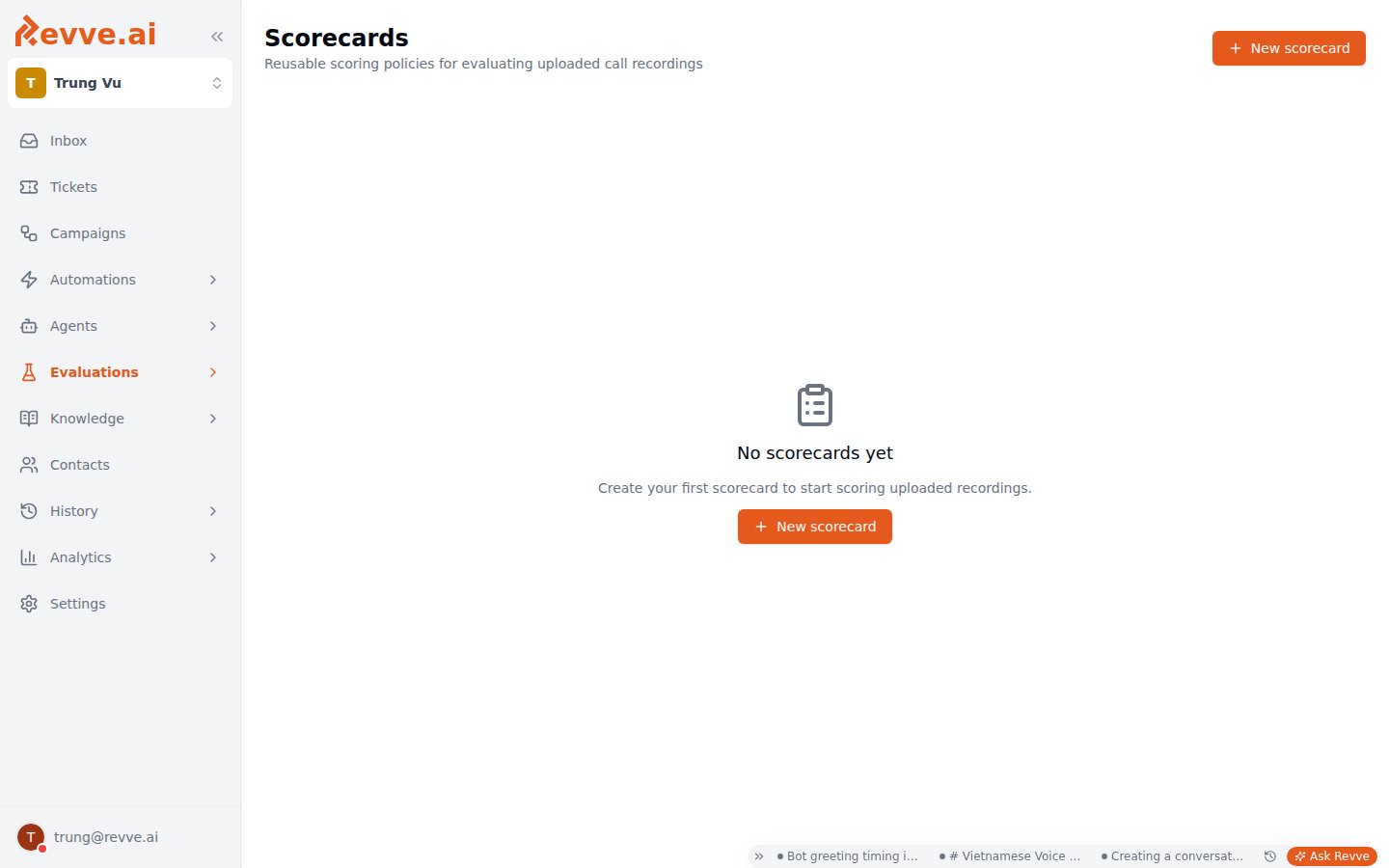
The page ("Reusable scoring policies for evaluating uploaded call recordings") lists your team's scorecards in a table:
| Column | Meaning |
| ----------- | ----------------------------------------------------------- |
| **Name** | The scorecard's name. Click the row to open it for editing. |
| **Metrics** | How many metrics the policy includes. |
| **Updated** | When the policy was last changed. |
Before you've created any, the empty state reads "No scorecards yet — Create your first scorecard to start scoring uploaded recordings."
 ## Creating and editing a scorecard
Click **New scorecard** (top right) to open a sheet from the right — "Pick metrics and weights to score completed call recordings." Clicking an existing row opens the same sheet as **Edit scorecard**.
| Field | Notes |
| ---------------- | ----------------------------------------------------------------------------------------------------------------------------------------------------------------------------------------------------------------------------------------------------------- |
| **Name** | Required. Placeholder: "e.g. Compliance scorecard". Name it after the *question the audit answers* (Compliance, Greeting quality, Collections script adherence), not after the batch you're about to upload — the whole point is reusing it across batches. |
| **Description** | Placeholder: "What does this scorecard measure?". Worth filling in — it's what tells a teammate whether to reuse your scorecard or create another. |
| Weighted metrics | The policy itself — see below. |
The policy editor is the **same weighted-metrics editor as the Voice Agent Evaluation tab**: pick metrics from the shared [Metrics library](/docs/evaluations/evaluation-metrics), give each a weight, and set a minimum passing score (1–5) per tab. It has separate **Caller** and **Agent** tabs, each with its own minimum pass score — so a scorecard can hold the agent side to a strict compliance bar while scoring the caller side leniently (or not at all). If you already know that editor from an agent's Evaluation tab, there's nothing new to learn here; the scoring mechanics are documented in [Voice Agent Evaluation](/docs/voice-agents/voice-agent-evaluation).
Submit with **Create scorecard** (new) or **Save changes** (editing).
Weight by what a failure costs you, not by how easy the metric is to check. In a compliance scorecard, "read the required disclosure" should be able to sink the score on its own — give it a dominant weight — while style metrics like tone share the remainder. A flat equal-weights policy lets three polite pleasantries outvote one missed disclosure.
## Upload Batches
Once you've uploaded at least one batch of recordings, an **Upload Batches** section appears below the scorecards table — "Batches of uploaded call recordings queued for scoring" Scoring is asynchronous: a batch queues, processes each file, and reports progress here.
| Column | Meaning |
| ------------ | ---------------------------------------------------------------------------------------- |
| **Batch** | The batch's name. Click it to open **Call History** filtered to just that batch's calls. |
| **Status** | `completed`, `processing`, `failed`, or `partial` (some files scored, some didn't). |
| **Progress** | Processed count out of total files. |
| **Failed** | How many files couldn't be processed. |
| **Created** | When the batch was uploaded. |
The Scorecards page defines the policy and tracks batch progress — that's all. Uploading the recordings themselves, and reviewing each scored call afterward, both happen on the **Call History** side. Clicking a batch name here is the shortcut across: it lands you in Call History pre-filtered to that batch.
A `partial` or `failed` status means some files never got scored — check the **Failed** count before treating the batch's results as a complete sample, especially for a compliance audit where the unscored calls are exactly the ones you can't vouch for.
## When to reach for a scorecard
| Situation | Why a scorecard |
| ----------------------------------------------------------------- | --------------------------------------------------------------------------------------------------------------------------------------------------------------------------------- |
| Compliance audit of a sample of last month's collections calls | One weighted policy applied identically to every sampled recording — auditable, repeatable month over month. |
| Scoring recordings from a legacy dialer before migrating to Revve | The calls never touched a Revve agent, so no Evaluation tab ever graded them; upload and grade them against the same metrics your Revve agents use, for a like-for-like baseline. |
| Spot-checking agent quality with a weighted rubric | Cheaper than grading every live call — sample, upload, score, repeat with the same scorecard so trends are comparable. |
## What's Next
* [Evaluation Metrics](/docs/evaluations/evaluation-metrics) — build the deterministic and LLM-judged metrics your scorecards attach.
* [Voice Agent Evaluation](/docs/voice-agents/voice-agent-evaluation) — the same weighted-metrics editor, applied automatically to every live call one agent completes.
## Creating and editing a scorecard
Click **New scorecard** (top right) to open a sheet from the right — "Pick metrics and weights to score completed call recordings." Clicking an existing row opens the same sheet as **Edit scorecard**.
| Field | Notes |
| ---------------- | ----------------------------------------------------------------------------------------------------------------------------------------------------------------------------------------------------------------------------------------------------------- |
| **Name** | Required. Placeholder: "e.g. Compliance scorecard". Name it after the *question the audit answers* (Compliance, Greeting quality, Collections script adherence), not after the batch you're about to upload — the whole point is reusing it across batches. |
| **Description** | Placeholder: "What does this scorecard measure?". Worth filling in — it's what tells a teammate whether to reuse your scorecard or create another. |
| Weighted metrics | The policy itself — see below. |
The policy editor is the **same weighted-metrics editor as the Voice Agent Evaluation tab**: pick metrics from the shared [Metrics library](/docs/evaluations/evaluation-metrics), give each a weight, and set a minimum passing score (1–5) per tab. It has separate **Caller** and **Agent** tabs, each with its own minimum pass score — so a scorecard can hold the agent side to a strict compliance bar while scoring the caller side leniently (or not at all). If you already know that editor from an agent's Evaluation tab, there's nothing new to learn here; the scoring mechanics are documented in [Voice Agent Evaluation](/docs/voice-agents/voice-agent-evaluation).
Submit with **Create scorecard** (new) or **Save changes** (editing).
Weight by what a failure costs you, not by how easy the metric is to check. In a compliance scorecard, "read the required disclosure" should be able to sink the score on its own — give it a dominant weight — while style metrics like tone share the remainder. A flat equal-weights policy lets three polite pleasantries outvote one missed disclosure.
## Upload Batches
Once you've uploaded at least one batch of recordings, an **Upload Batches** section appears below the scorecards table — "Batches of uploaded call recordings queued for scoring" Scoring is asynchronous: a batch queues, processes each file, and reports progress here.
| Column | Meaning |
| ------------ | ---------------------------------------------------------------------------------------- |
| **Batch** | The batch's name. Click it to open **Call History** filtered to just that batch's calls. |
| **Status** | `completed`, `processing`, `failed`, or `partial` (some files scored, some didn't). |
| **Progress** | Processed count out of total files. |
| **Failed** | How many files couldn't be processed. |
| **Created** | When the batch was uploaded. |
The Scorecards page defines the policy and tracks batch progress — that's all. Uploading the recordings themselves, and reviewing each scored call afterward, both happen on the **Call History** side. Clicking a batch name here is the shortcut across: it lands you in Call History pre-filtered to that batch.
A `partial` or `failed` status means some files never got scored — check the **Failed** count before treating the batch's results as a complete sample, especially for a compliance audit where the unscored calls are exactly the ones you can't vouch for.
## When to reach for a scorecard
| Situation | Why a scorecard |
| ----------------------------------------------------------------- | --------------------------------------------------------------------------------------------------------------------------------------------------------------------------------- |
| Compliance audit of a sample of last month's collections calls | One weighted policy applied identically to every sampled recording — auditable, repeatable month over month. |
| Scoring recordings from a legacy dialer before migrating to Revve | The calls never touched a Revve agent, so no Evaluation tab ever graded them; upload and grade them against the same metrics your Revve agents use, for a like-for-like baseline. |
| Spot-checking agent quality with a weighted rubric | Cheaper than grading every live call — sample, upload, score, repeat with the same scorecard so trends are comparable. |
## What's Next
* [Evaluation Metrics](/docs/evaluations/evaluation-metrics) — build the deterministic and LLM-judged metrics your scorecards attach.
* [Voice Agent Evaluation](/docs/voice-agents/voice-agent-evaluation) — the same weighted-metrics editor, applied automatically to every live call one agent completes.